






How Payment Processing Works in Restaurants
Explore restaurant payment processing and learn how payments are authorized, settled, secured, reconciled, refunded, disputed, and deposited into business accounts.

Payment Processing Basics
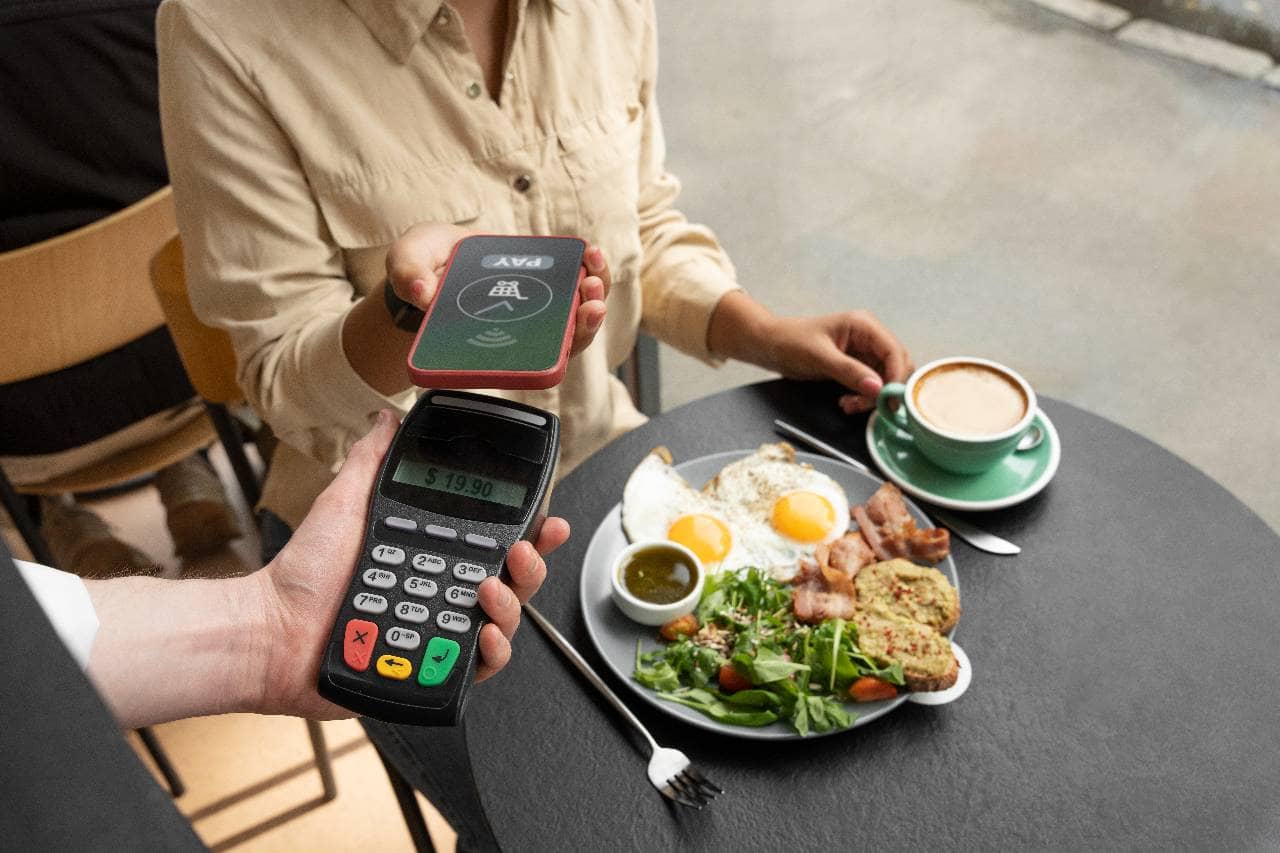
Restaurant payment processing is the system that allows a restaurant to accept money from customers and transfer the funds into its business bank account. The process begins when a customer pays with a credit card, debit card, mobile wallet, gift card, or online payment method. Although the transaction may appear to take only a few seconds, several financial institutions and technologies work together behind the scenes. When a customer presents a card or digital payment, the restaurant's point-of-sale system or payment terminal securely sends the transaction information to a payment processor. The processor communicates with the customer's card network and issuing bank to confirm that the payment method is valid and that sufficient funds or credit are available. The transaction is then approved or declined. An approval does not mean the restaurant receives the money immediately. Approved transactions are usually grouped into a batch and submitted for settlement. After processing fees are deducted, the remaining funds are deposited into the restaurant's bank account according to the provider's funding schedule. Restaurants may process payments through several channels, including - - Countertop payment terminals - Tableside handheld devices - Self-service kiosks - Online ordering websites - Mobile applications - Drive-thru systems - Third-party delivery platforms Payment processing is often connected directly to the restaurant's POS system. An integrated system can automatically record sales, calculate taxes, manage tips, process refunds, update order totals, and support financial reporting. Without an integration, employees may need to enter transaction amounts manually, increasing the risk of errors and making reconciliation more difficult.
Main Parts of a Payment Processing System
Restaurant payment processing depends on several connected technologies and financial institutions. Each component performs a specific role in moving payment information from the customer to the restaurant's bank account. Understanding these parts can help restaurant owners compare providers, troubleshoot transaction problems, and identify where processing fees originate. 1. Point-of-sale system - The POS system records the customer's order, calculates the total, applies taxes and discounts, and sends the final amount to the payment device. When payments are integrated with the POS, transaction details can automatically appear in sales reports, tip records, and reconciliation data. 2. Payment terminal - The terminal is the physical device customers use to insert, swipe, or tap a payment card. Restaurants may use countertop terminals, handheld devices, self-service kiosks, or mobile card readers. Modern terminals often support EMV chip cards, contactless cards, and mobile wallets. 3. Payment gateway - A payment gateway securely transfers payment information from the restaurant's system to the payment processor. Gateways are especially important for online ordering, mobile applications, QR code payments, and other card-not-present transactions. 4. Payment processor - The processor manages communication between the restaurant, card network, and financial institutions involved in the transaction. It sends authorization requests, returns approval or decline messages, and helps manage settlement and funding. 5. Acquiring bank - Also called the merchant bank, the acquiring bank receives card payments on behalf of the restaurant. It works with the processor to settle transactions and deposit funds into the restaurant's merchant account or business bank account. 6. Issuing bank - The issuing bank is the financial institution that provided the customer's credit or debit card. It reviews the transaction request, verifies available funds or credit, checks for possible fraud, and approves or declines the payment. 7. Card network - Card networks provide the infrastructure and operating rules that allow transactions to move between issuing and acquiring banks. They also establish assessment fees and requirements that processors and merchants must follow. 8. Merchant account - A merchant account temporarily holds approved payment funds before they are transferred to the restaurant's business bank account. Some payment providers combine merchant account services with processing, while others require separate arrangements. These components usually communicate within seconds during a customer transaction. However, their roles continue after approval through batching, settlement, fee deduction, reporting, and deposit. Restaurant owners should understand which company manages each part because support responsibilities, pricing, contract terms, and system reliability may vary between providers.
Payment Processing Transaction Flow
A restaurant payment transaction moves through several stages before the money reaches the restaurant's bank account. Although the customer may see an approval message within seconds, authorization, batching, settlement, and funding are separate steps. 1. The restaurant sends the payment request. The process begins when the customer inserts, taps, or swipes a card, enters payment details online, or uses a mobile wallet. The POS system or payment terminal sends the transaction amount and encrypted payment information to the payment gateway or processor. 2. The processor routes the transaction. The payment processor forwards the request through the appropriate card network. The card network then sends the transaction information to the customer's issuing bank for review. 3. The issuing bank reviews the payment. The issuing bank checks whether the account is active, whether enough funds or credit are available, and whether the transaction appears suspicious. The bank then approves or declines the request. 4. The restaurant receives the response. The authorization response travels back through the card network and processor to the restaurant's terminal or POS system. If approved, the restaurant can complete the sale. If declined, the customer may need to use another payment method. Authorization temporarily reserves the transaction amount, but the restaurant has not yet received the funds. The approved payment must still move through settlement. 5. The restaurant closes the payment batch. Throughout the day, approved transactions are collected into a batch. Restaurants may close batches manually at the end of the night or allow the system to close them automatically at a scheduled time. Missing the cutoff can delay deposits. 6. Transactions are submitted for settlement. The processor sends the completed batch to the card networks and issuing banks. The financial institutions finalize the transactions, calculate the applicable fees, and transfer the funds to the acquiring bank. 7. Funds are deposited into the restaurant's account. After processing fees and other deductions are applied, the remaining amount is deposited into the restaurant's business bank account. Funding may take one or more business days depending on the processor, transaction type, batch time, weekends, holidays, and account risk controls. Restaurant owners should compare POS sales, processor reports, fees, and bank deposits regularly. Following the full transaction flow makes it easier to identify delayed deposits, missing transactions, duplicate charges, incorrect tips, and reconciliation differences.

Restaurant Payment Methods
Restaurants can accept payments through several channels, and each method affects transaction speed, processing costs, security, and customer convenience. The right combination depends on the restaurant's service model, ordering channels, average check size, and customer preferences. 1. Credit cards - Credit cards are widely accepted across full-service, quick-service, delivery, and online ordering environments. They offer convenience but generally involve interchange fees, card network assessments, and processor markups. Rewards and premium cards may cost more to process than standard cards. 2. Debit cards - Debit transactions draw funds directly from the customer's bank account. Some debit payments require a PIN, while others are processed through credit card networks. Processing costs can vary depending on how the transaction is routed and whether the card is present. 3. Contactless payments - Customers can tap a contactless card, smartphone, or wearable device on a compatible terminal. Contactless transactions can help speed up checkout, reduce physical contact, and support faster table turnover or shorter counter lines. 4. Mobile wallets - Digital wallets store encrypted payment credentials on mobile devices. Customers can pay using a smartphone or smartwatch without presenting a physical card. Restaurants must have compatible terminals or online checkout systems to accept these payments. 5. QR code payments - QR codes can allow customers to open a digital check, place an order, split the bill, leave a tip, and pay from their own device. This method may reduce the time servers spend delivering checks and handling payment terminals, but the restaurant must ensure the payment page is secure and easy to use. 6. Online payments - Restaurants process online payments through websites, mobile applications, catering platforms, and digital ordering systems. These are card-not-present transactions, which may carry higher processing fees and fraud risk because the card is not physically verified. 7. Gift cards - Gift cards can be physical or digital and are usually connected to the restaurant's POS system. Owners need to track card balances, redemptions, expiration rules, and unused funds accurately. Multi-location restaurants should also determine whether gift cards can be used across all locations. 8. Cash - Cash does not generate card processing fees, but it creates other costs and risks. Restaurants must manage cash drawers, deposits, counting procedures, employee access, theft prevention, and reconciliation. Cash transactions may also take longer during busy periods when employees must make change. Many restaurants use a combination of these payment methods rather than relying on one option. Owners should evaluate transaction fees, hardware requirements, settlement speed, fraud exposure, and reporting capabilities for each channel. Payment methods should also integrate with the POS system whenever possible so that sales, taxes, tips, refunds, and deposits can be recorded consistently.
Restaurant Payment Processing Fees
Restaurant payment processing fees are the charges a business pays each time a customer uses a credit card, debit card, mobile wallet, or online payment method. These costs can vary based on the card type, transaction channel, processor, pricing model, and restaurant sales volume. 1. Interchange fees - Interchange fees are paid to the customer's issuing bank. The amount is influenced by factors such as the card network, card type, transaction size, and whether the payment is made in person or online. Rewards and premium credit cards may carry higher interchange rates than basic debit cards. 2. Card network assessment fees - Card networks charge assessment fees for using their payment infrastructure. These fees are generally smaller than interchange fees but still contribute to the restaurant's total processing cost. 3. Processor markup - The payment processor adds its own fee for managing authorization, settlement, reporting, and customer support. The markup may be charged as a percentage, a fixed amount per transaction, or a combination of both. Restaurants typically encounter one of three common pricing models - 1. Flat-rate pricing - The restaurant pays the same percentage and transaction fee for most card payments. This model is simple to understand but may cost more for restaurants with high sales volume or a large share of lower-cost debit transactions. 2. Interchange-plus pricing - The restaurant pays the actual interchange and card network fees plus a separate processor markup. This model provides greater transparency and can make it easier to identify how much the processor is charging. 3. Tiered pricing - Transactions are grouped into categories such as qualified, mid-qualified, and non-qualified. Each category has a different rate. This structure can be difficult to evaluate because restaurants may not know how transactions will be classified in advance. In addition to transaction fees, restaurants may pay - - Monthly account fees - Payment gateway fees - PCI compliance fees - Statement and reporting fees - Chargeback fees - Batch settlement fees - Early termination fees - Equipment rental or lease charges - Online ordering transaction fees - Cross-border or currency conversion fees Restaurant owners should calculate their effective processing rate by dividing total processing costs by total card sales. For example, if a restaurant pays $3,000 in fees on $100,000 in card transactions, its effective rate is 3%. Owners should review several months of processing statements rather than comparing only advertised rates. The lowest quoted percentage may not represent the lowest total cost once monthly fees, hardware expenses, contract terms, and additional charges are included.
Protect Payments and Customer Information
Restaurants handle sensitive payment information across POS terminals, online ordering systems, mobile devices, self-service kiosks, and delivery platforms. Protecting this data is essential because a security failure can lead to fraudulent transactions, chargebacks, operational disruption, regulatory penalties, and loss of customer trust. 1. Follow PCI security requirements - Restaurants that accept card payments must follow the Payment Card Industry Data Security Standard. PCI requirements are designed to protect cardholder information and reduce payment fraud. The restaurant's responsibilities may vary depending on its payment system, transaction volume, and whether card data is stored, processed, or transmitted through its network. 2. Use encryption and tokenization - Encryption converts payment information into an unreadable format while it moves between the terminal, processor, and financial institutions. Tokenization replaces card details with a unique digital token that can be used for future transactions without exposing the original card number. These protections are particularly important for online orders, stored payment methods, loyalty accounts, and recurring catering payments. 3. Keep payment systems updated - POS software, payment terminals, routers, operating systems, and security tools should receive regular updates. Outdated systems may contain vulnerabilities that criminals can exploit. Restaurants should also replace unsupported hardware that no longer receives security patches. 4. Control employee access - Employees should only have access to the payment functions required for their roles. For example, servers may need to process payments, while refunds, voids, discounts, and reporting functions may require manager approval. Each employee should use an individual login rather than sharing passwords or access codes. 5. Secure the restaurant network - Payment devices should operate on a protected network with strong passwords, firewall controls, and restricted access. Restaurants should avoid placing payment systems on the same public Wi-Fi network used by customers. Network settings should also be reviewed whenever new devices are installed. 6. Monitor suspicious activity - Managers should review unusual refunds, repeated voids, duplicate transactions, excessive manual card entries, and changes to tip amounts. Automated alerts and transaction reports can help identify irregular activity before losses increase. 7. Train employees on payment security - Staff members should know how to inspect terminals for possible tampering, protect customer cards, recognize phishing attempts, verify unusual refund requests, and report suspicious behavior. Employees should never write down card numbers or send payment information through unsecured email or messaging platforms. Restaurant owners should also understand which security responsibilities belong to the processor, POS provider, online ordering platform, and restaurant. Selecting compliant technology is important, but security also depends on daily procedures, access controls, employee training, and consistent system maintenance.

Deposits, Refunds, Tips, and Chargebacks
Restaurant payment processing continues after a transaction is approved. Owners must also manage deposits, tip adjustments, refunds, disputed payments, and reconciliation to ensure that sales records match the money entering the business bank account. 1. Understand deposit timing - Payment processors usually deposit settled funds within one or more business days. The exact timing may depend on the provider, batch closing time, transaction type, weekends, holidays, and the restaurant's risk profile. Some processors offer faster funding for an additional fee. Owners should know the daily cutoff time because closing a batch late may delay the deposit. 2. Review batch settlements - Approved transactions are grouped into batches before settlement. Restaurants should confirm that each batch closes successfully and includes the correct sales, tips, refunds, and voids. An unclosed batch can delay funding and create differences between POS reports and processor statements. 3. Manage tip adjustments carefully - Full-service restaurants often authorize the original bill amount before employees add the customer's tip. The final transaction is then adjusted before settlement. Managers should verify that tips are entered accurately and submitted before the batch closes. Incorrect tip entries can lead to customer complaints, chargebacks, and payroll discrepancies. 4. Process refunds consistently - Refunds should follow a documented approval process. Managers may need to confirm the original transaction, refund amount, payment method, reason, and employee responsible. Funds should generally be returned to the original payment method rather than issued as cash. Refunds may take several business days to appear in the customer's account. 5. Prepare for chargebacks - A chargeback occurs when a customer disputes a transaction with the card issuer. Common reasons include duplicate charges, incorrect amounts, unrecognized restaurant names, canceled orders, poor service claims, or suspected fraud. When a chargeback is opened, the processor may remove the disputed amount and charge an additional fee. Restaurants can respond by providing evidence such as - - Itemized receipts - Signed checks - Order confirmations - Refund records - Delivery details - Customer communications - Terminal or transaction data 6. Reconcile payments regularly - Managers should compare POS sales, processor reports, deposit amounts, refunds, chargebacks, tips, and processing fees. Daily reconciliation can identify missing deposits, duplicate transactions, incorrect adjustments, and unexplained differences before they affect financial reporting. Clear procedures for settlements, refunds, tips, and disputes help restaurants protect cash flow, maintain accurate records, and resolve payment problems more efficiently.
Choose the Right Payment Processing System
Choosing a payment processing system requires more than comparing advertised transaction rates. Restaurant owners should evaluate the total cost, reliability, integrations, security, contract terms, and operational features of each provider. The best system should support the restaurant's current payment channels while remaining flexible enough to handle future growth. 1. Compare the total processing cost - Review interchange fees, processor markups, per-transaction charges, monthly fees, gateway costs, hardware expenses, PCI fees, and chargeback charges. Ask each provider for a complete pricing breakdown and calculate the estimated effective rate based on the restaurant's actual card sales and transaction mix. 2. Check POS and ordering integrations - The payment system should connect smoothly with the restaurant's POS, online ordering platform, mobile app, kiosks, accounting software, loyalty program, and reporting tools. Strong integrations reduce manual entry and make it easier to reconcile sales, tips, refunds, fees, and deposits. 3. Evaluate hardware options - Restaurants may need countertop terminals, tableside handheld devices, mobile readers, drive-thru equipment, or self-service kiosks. Confirm that the hardware supports chip cards, contactless payments, mobile wallets, and the restaurant's internet environment. Owners should also understand whether equipment is purchased, rented, or leased. 4. Review funding schedules - Ask how long deposits normally take and whether weekends, holidays, or late batch closures affect funding. Restaurants with limited cash reserves may benefit from faster deposits, but owners should determine whether expedited funding includes additional fees. 5. Prioritize reliability and support - Payment interruptions can delay service and reduce sales. Providers should offer reliable systems, backup payment options, clear outage procedures, and responsive customer support. Restaurants operating evenings and weekends should confirm that assistance is available during their busiest hours. 6. Examine security features - Look for PCI-compliant systems that support encryption, tokenization, fraud monitoring, secure user permissions, and regular software updates. The provider should clearly explain which security responsibilities belong to the restaurant. 7. Read the contract carefully - Review the contract length, automatic renewal terms, cancellation penalties, rate-change provisions, equipment requirements, and minimum monthly charges. Long-term agreements and equipment leases may make it expensive to change providers later. 8. Consider scalability and reporting - Multi-location restaurants may need centralized reporting, location-level permissions, consolidated deposits, and consistent payment settings. Even a single-location restaurant should choose a system that can support additional terminals, ordering channels, or locations as the business expands. Before making a final decision, restaurant owners should request written quotes, review sample statements, test the hardware, and confirm all promised features. A well-chosen payment processing system can improve checkout speed, reporting accuracy, security, cash-flow visibility, and the overall customer experience.