Pei Wei Wins Best Fast-Casual Chain Award
Pei Wei Asian Kitchen named Best Fast-Casual Chain in Reviewed 2026 Awards, reflecting shift from price competition to quality and transparency.
News
Sep 11, 2026
Pei Wei Asian Kitchen named Best Fast-Casual Chain in Reviewed 2026 Awards, reflecting shift from price competition to quality and transparency.
Sep 11, 2026

O'Charley's shuttered all corporate restaurants nationwide on September 9, 2026, ending its 55-year legacy as a casual-dining regional powerhouse.
Sep 11, 2026
Authentic Restaurant Brands lands $325M investment from Trimontium to fuel disciplined regional expansion across five established restaurant concepts.
Sep 11, 2026

Walmart expands restaurant delivery beyond Subway and Dunkin', taking on DoorDash, Uber Eats, and Grubhub with Papa Johns nationwide rollout.
Sep 11, 2026

Complete NFL season restaurant checklist covering licensing, AV setup, menu prep, inventory, staffing, and marketing before kickoff arrives.
Sep 11, 2026

California shifts to public enforcement strategy against Dickey's for deceptive franchise disclosures, signaling stricter state-level franchise oversight.
Sep 10, 2026
Paul Brown temporarily steps away from Inspire Brands as Scott Murphy assumes interim CEO role during confidential IPO filing process targeting late 2026.
Sep 10, 2026
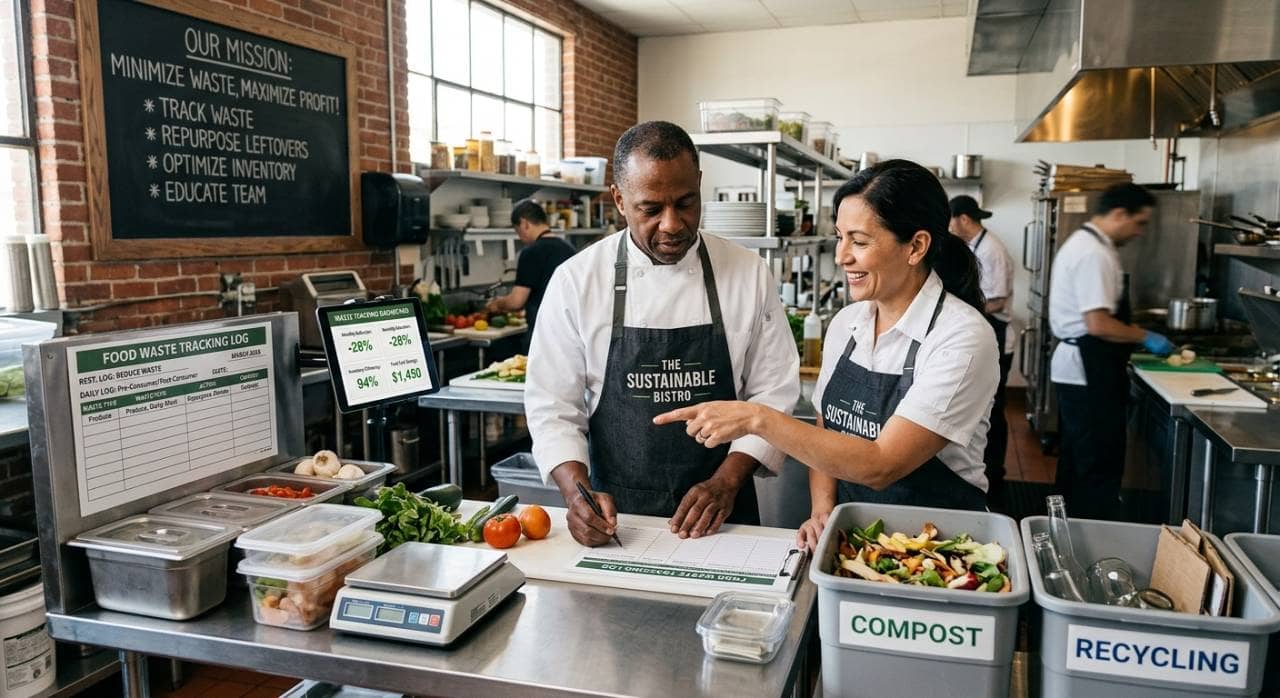
Learn how to reduce food waste in restaurants through smarter purchasing, storage, preparation, and service strategies that cut costs.
Sep 9, 2026
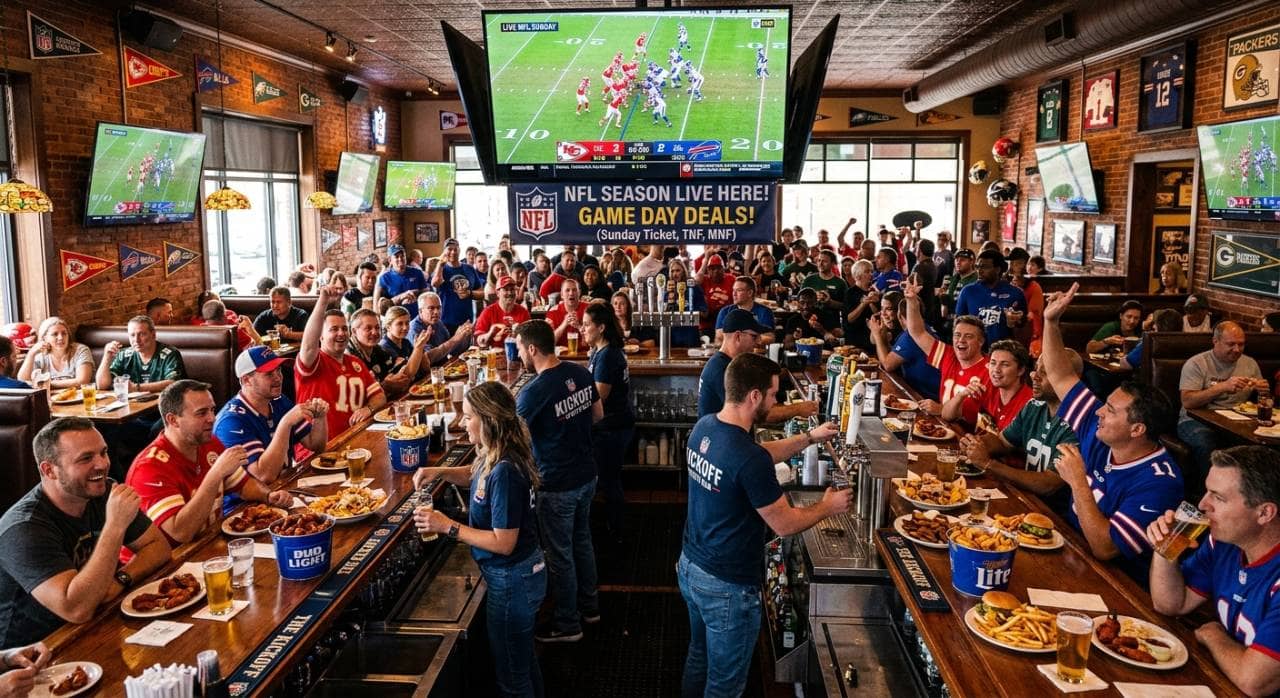
Prepare your restaurant for NFL season with smart menu planning, staffing, marketing, technology, and atmosphere strategies that boost season-long revenue.
Sep 9, 2026
Swig signs franchise agreement for 11 South Denver locations, marking Colorado entry and validating its national expansion strategy.
Sep 8, 2026

Unlock Exclusive Access To Webinars, Events, And The Latest News For Free!
Learn the crucial steps and best practices to set up a chart of accounts for your restaurant, ensuring financial clarity, tighter control of costs, and better profit margins from day one.
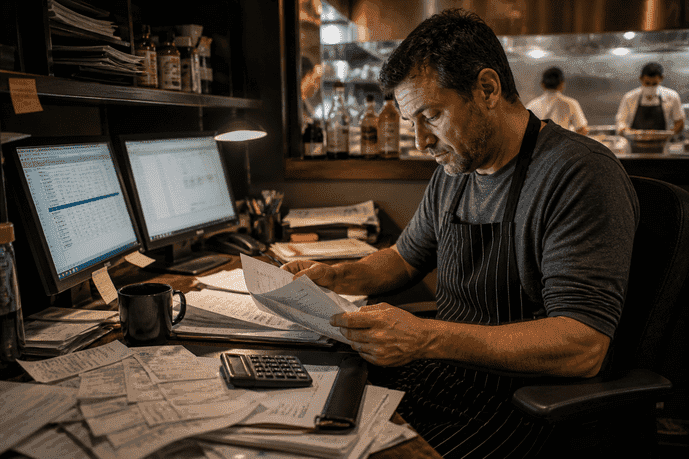
Imagine this - You just survived a brutal Valentine’s Day weekend. The dining room was packed, the ticket printer never stopped, and your staff did a perfect job. You feel like you’re sitting on top of the world until your bookkeeper hands you last month's financial report. You look at the spreadsheet, see a massive chunk of money lumped under a category called “General Expenses,” and realize you have absolutely no idea if that busy weekend actually made you any money. If this sounds familiar, you are not alone. Countless independent operators fly blind every single month because their accounting software uses a generic, out-of-the-box template designed for a graphic design agency or a retail clothing store. If you want to stop guessing and start protecting your profit margins, you must understand how to set up a chart of accounts specifically for the restaurant business. In the food industry, our margins are tight, our inventory spoils, and our labor costs jump up and down based on the weather. A generic accounting setup will hide the exact money leaks that put restaurants out of business. This guide will walk you through exactly how to build a financial setup that speaks the language of your kitchen, your bar, and your dining room.
Think of a Chart of Accounts (COA) - as the organizational prep list for your restaurant’s money. Just like you would never throw raw chicken, fresh strawberries, and bleach into the same walk-in cooler bin, you shouldn’t throw your food costs, paper goods, and utility bills into the same accounting bucket. Your COA is simply a sorted list of every account your business uses to track money coming in (sales), money going out (expenses), what you own (assets), and what you owe (debts). These categories directly build your Profit & Loss (P&L) statement. A restaurant is essentially a tiny manufacturing plant. You buy raw materials (ingredients), apply skilled labor (your cooks), and sell a finished product (a plated meal) directly to the customer, all within a 24-hour window. This requires a highly specialized way of tracking money. When you set up a chart of accounts specifically for restaurants, you can easily pinpoint exactly where your cash is bleeding -

Operators who regularly track food cost percentages, labor efficiency, and weekly sales trends are often able to respond faster to margin pressure than operators relying solely on monthly accounting reports.
Building your COA might seem overwhelming, but it follows a very logical flow. We are going to focus heavily on the Sales and Expense accounts, as these dictate your day-to-day survival. Here is your blueprint.
Even when operators try to customize their accounting software, they often fall into a few traps. Avoid these common pitfalls - The "Too Many Line Items" Syndrome While detail is good, microscopic detail is paralyzing. You do not need an account for "Cost of Onions" and another for "Cost of Carrots." Lumping them into "Cost of Food" is fine. If your Chart of Accounts creates a 15-page report, you will never read it. Keep it detailed enough to be useful, but broad enough to be readable. Mixing Comps and Expenses When a manager comps a $30 steak because it was overcooked, that $30 should not be recorded as an "Expense." It should be recorded as a discount that subtracts from your Total Sales. If you record comps as an expense, you artificially inflate your sales numbers and mess up your food cost percentages. Putting Small Tools in Capital Assets If you buy a $15,000 walk-in cooler, that is a major asset that depreciates over time. If you buy a $40 immersion blender or a stack of new pans, that should hit your P&L immediately as an operating expense under "Smallwares." Don't clutter your balance sheet with whisks and spatulas. Operating Without POS Integration Your Chart of Accounts is only as good as the data flowing into it. The biggest mistake operators make is manually typing daily sales into their accounting software. Your Point of Sale (POS) system should be connected directly to your accounting software. When you close the register at night, your POS should automatically push Food Sales, Liquor Sales, and Sales Tax into the exact correct buckets.
You don't need an accounting degree to take control of your numbers. Follow this checklist this week to start shifting to a restaurant-specific financial setup -
Cooking incredible food and providing genuine hospitality will get guests in the door, but mastering your numbers is what ensures your doors stay open for years to come. The math of the restaurant business is unforgiving, but it is not a mystery. Now that you understand how to set up a chart of accounts specifically for your restaurant, you have the blueprint to build a highly profitable operation. Stop accepting generic accounting standards that hide your true costs. By taking the time to structure your finances to reflect the reality of your kitchen, you transform your monthly statement from a source of stress into your most powerful management tool. Ready to dive deeper into protecting your restaurant's margins? Explore more templates, operational guides, and expert financial advice tailored for independent operators at RestaurantAssociation.com.