Pei Wei Wins Best Fast-Casual Chain Award
Pei Wei Asian Kitchen named Best Fast-Casual Chain in Reviewed 2026 Awards, reflecting shift from price competition to quality and transparency.
News
Sep 11, 2026
Pei Wei Asian Kitchen named Best Fast-Casual Chain in Reviewed 2026 Awards, reflecting shift from price competition to quality and transparency.
Sep 11, 2026

O'Charley's shuttered all corporate restaurants nationwide on September 9, 2026, ending its 55-year legacy as a casual-dining regional powerhouse.
Sep 11, 2026
Authentic Restaurant Brands lands $325M investment from Trimontium to fuel disciplined regional expansion across five established restaurant concepts.
Sep 11, 2026

Walmart expands restaurant delivery beyond Subway and Dunkin', taking on DoorDash, Uber Eats, and Grubhub with Papa Johns nationwide rollout.
Sep 11, 2026

Complete NFL season restaurant checklist covering licensing, AV setup, menu prep, inventory, staffing, and marketing before kickoff arrives.
Sep 11, 2026

California shifts to public enforcement strategy against Dickey's for deceptive franchise disclosures, signaling stricter state-level franchise oversight.
Sep 10, 2026
Paul Brown temporarily steps away from Inspire Brands as Scott Murphy assumes interim CEO role during confidential IPO filing process targeting late 2026.
Sep 10, 2026
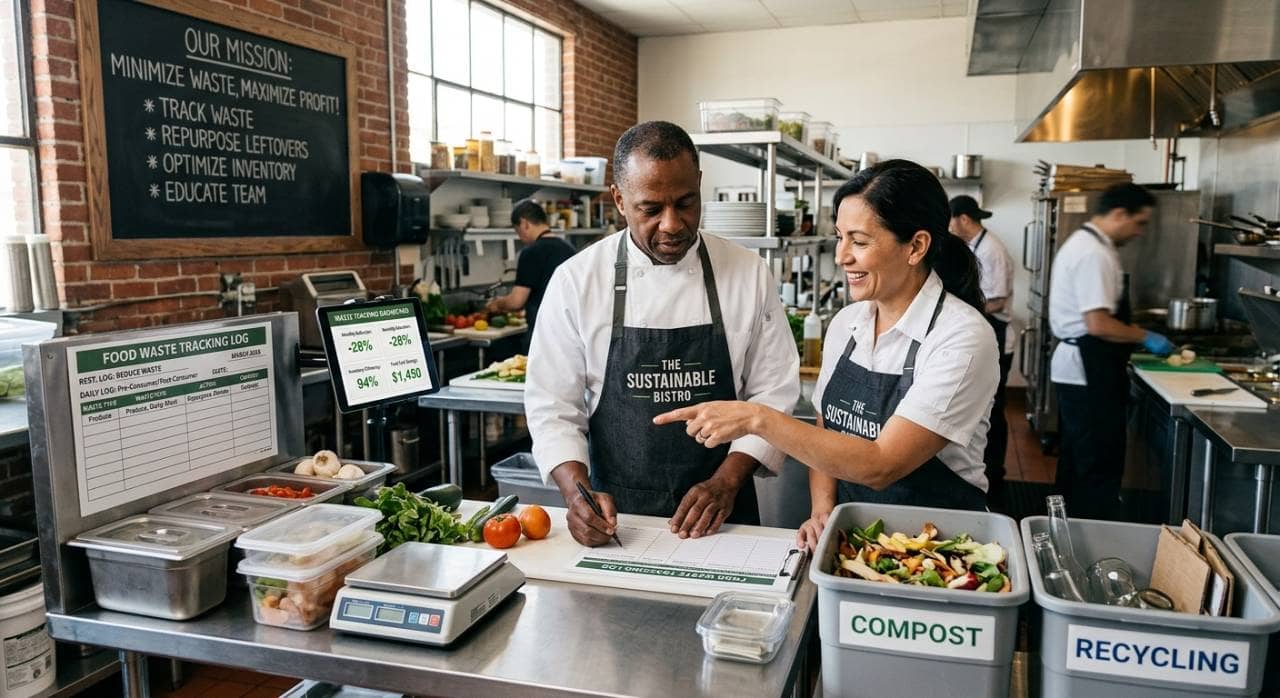
Learn how to reduce food waste in restaurants through smarter purchasing, storage, preparation, and service strategies that cut costs.
Sep 9, 2026
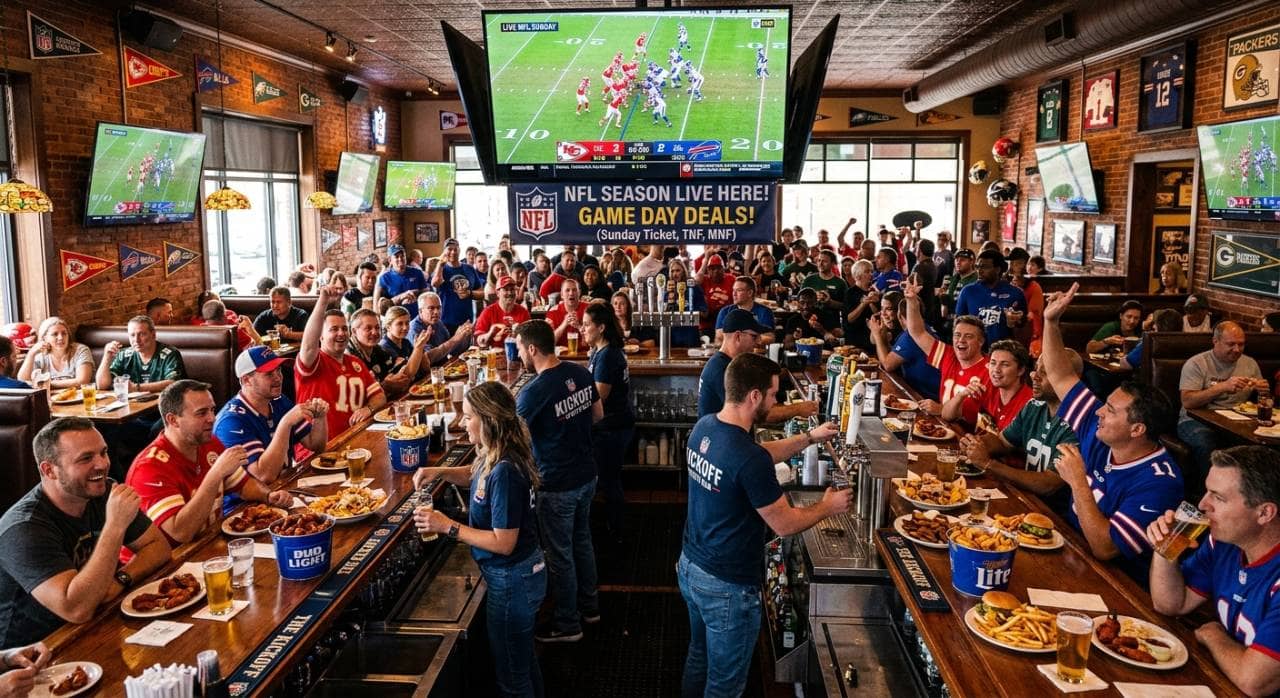
Prepare your restaurant for NFL season with smart menu planning, staffing, marketing, technology, and atmosphere strategies that boost season-long revenue.
Sep 9, 2026
Swig signs franchise agreement for 11 South Denver locations, marking Colorado entry and validating its national expansion strategy.
Sep 8, 2026

Unlock Exclusive Access To Webinars, Events, And The Latest News For Free!
AI drive-thru ordering helps restaurants improve speed, accuracy, upselling, labor efficiency, and customer flow by using daily measurable operational data.
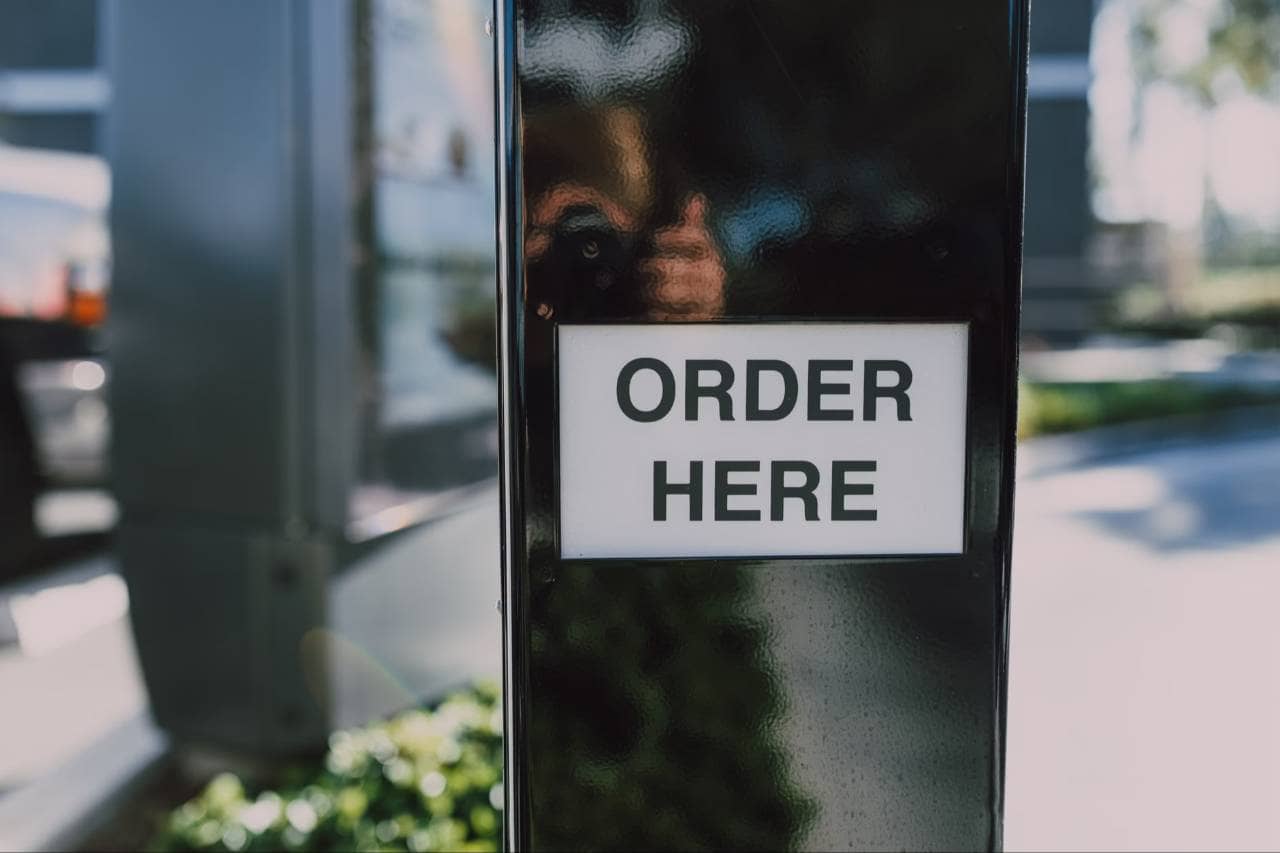
AI drive-thru ordering works by turning a customer's spoken order into structured order data that the restaurant can use. When a customer pulls up to the speaker, the AI system greets them and begins listening. The customer may order in a normal conversational way, such as asking for a combo meal, changing a drink size, removing an ingredient, adding a side, or asking a menu question. The system uses voice recognition to capture what the customer says. It then uses natural language processing to understand the meaning behind the order. This matters because customers do not always order in the exact format a restaurant expects. One person may say, "Can I get the chicken sandwich meal with no pickles?" while another may say, "I want the number four, but make it spicy and change the drink to lemonade." The AI must understand both requests and connect them to the correct menu items. Once the order is understood, the system checks the menu rules. It can identify available sizes, required modifiers, combo options, drink choices, sauces, and add-ons. If something is missing, the AI can ask a follow-up question. For example, if a customer orders a combo but does not choose a drink, the system can ask which drink they would like. After the order is complete, the AI repeats it back for confirmation. This step is important because it gives the customer a chance to correct mistakes before the order reaches the kitchen. Once confirmed, the order can be sent to the POS, kitchen display system, or order queue. Employees still play an important role. They may monitor the conversation, step in for complicated requests, handle payment, prepare the order, and manage customer service. In a well-run setup, AI handles the repetitive order-taking steps while the team focuses on speed, accuracy, and fulfillment.
Restaurants are looking at AI drive-thru ordering because the drive-thru is one of the highest-pressure areas of quick-service operations. A few seconds of delay may not seem like much on one order, but across hundreds of cars per day, small slowdowns can reduce throughput, increase wait times, and put more pressure on employees. For example, if a restaurant serves 150 drive-thru cars during a lunch rush and each order takes 20 seconds longer than expected, that creates 3,000 extra seconds of delay. That equals 50 minutes of added service time during one peak period. When this happens repeatedly, the line moves slower, employees feel rushed, customers wait longer, and the restaurant may lose sales from guests who leave before ordering. AI drive-thru ordering helps by making the order-taking process more consistent. Instead of relying only on employees who may be handling several tasks at once, the AI system can greet customers, listen to orders, ask clarifying questions, repeat the order, and send it to the POS. This gives the team more room to focus on payment, drinks, food preparation, bagging, and guest handoff. AI can support drive-thru operations across several areas - 1. Order speed shows how quickly customers move from greeting to completed order. 2. Order accuracy shows how often items, modifiers, sizes, and combos are entered correctly. 3. Cars per hour shows how much volume the restaurant can handle during peak periods. 4. Labor usage shows how many employees are needed to manage the drive-thru lane. 5. Upsell consistency shows whether add-ons, combos, drinks, desserts, or upgrades are offered regularly. 6. Customer experience shows whether guests are waiting too long, repeating themselves, or leaving the line. This matters because drive-thru problems often show up as small operational gaps. An employee may forget to suggest an upgrade during a rush. A customer may ask for no onions, but the modifier may not be entered correctly. A headset employee may be taking an order while also preparing drinks. A new hire may need more time to learn menu combinations, substitutions, and promotions. AI gives restaurant owners a more measurable way to manage these issues. Instead of only asking, "Why is the drive-thru slow?" owners can ask better questions - Which part of the order process is taking too long? Are modifiers causing errors? Are employees overloaded during peak hours? Are upsells being missed? Are cars moving through the lane fast enough to protect sales? When these patterns are easier to see, restaurant owners can make better decisions about staffing, menu setup, employee training, and drive-thru workflow.
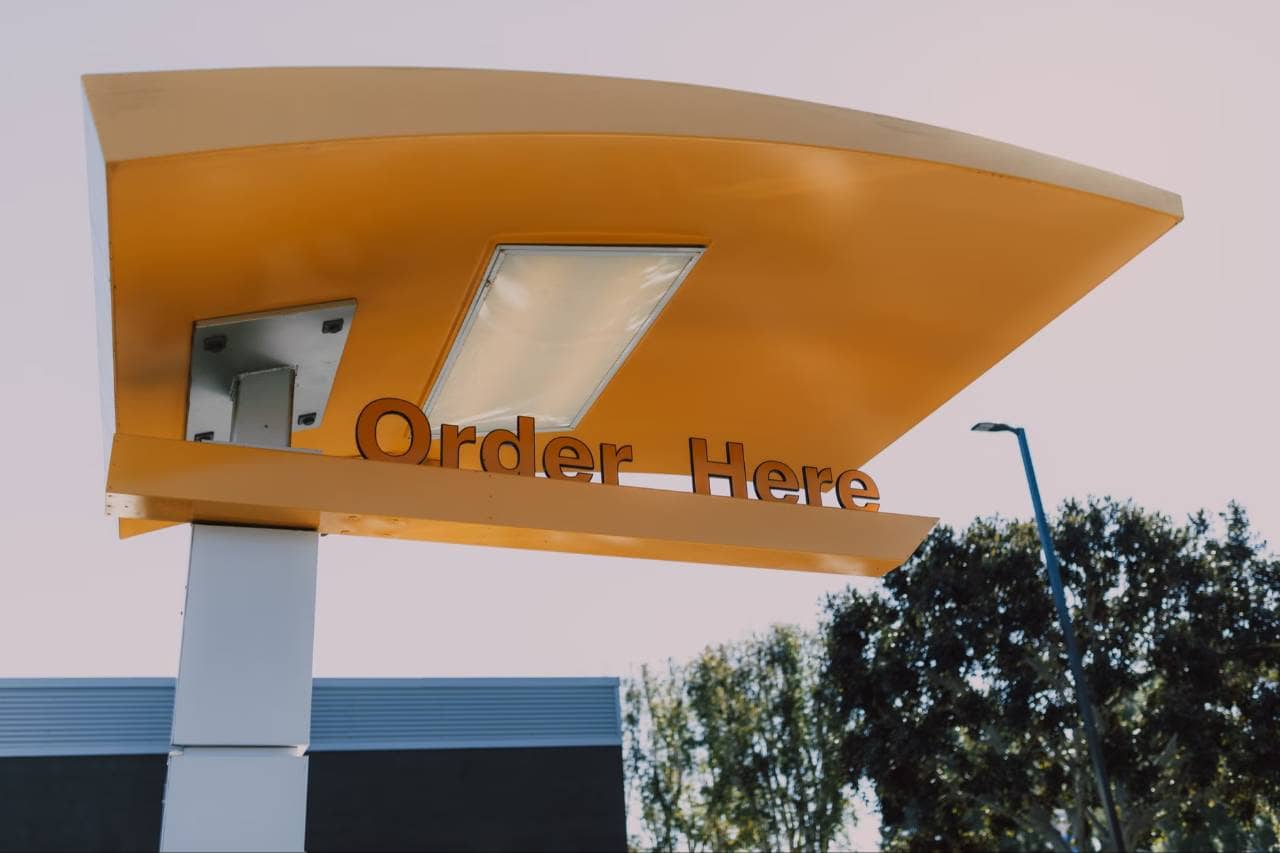
The value of AI drive-thru ordering becomes easier to understand when owners look at the drive-thru as a revenue lane, not just a service lane. Every car that enters the line represents a potential sale, but that sale depends on speed, accuracy, staffing, kitchen flow, and the customer's willingness to wait. When one part of the process slows down, the entire lane can lose momentum. For example, a restaurant that handles 250 drive-thru orders per day may only need a small improvement to see a major operational difference. If AI helps reduce order-taking time by 12 seconds per order, that saves 3,000 seconds per day, or 50 minutes of order time. Over a full month, that equals about 25 hours of recovered drive-thru capacity. That does not automatically mean the restaurant will serve 25 more hours of customers, but it gives the team more room to move cars faster, reduce bottlenecks, and handle rush periods with less stress. The main benefits usually show up in a few measurable areas - 1. Shorter ordering time - AI can keep the greeting, order capture, and confirmation process moving without waiting for an employee to become available. 2. Fewer order-entry mistakes - When the system confirms sizes, modifiers, combo choices, sauces, and substitutions, the restaurant has a better chance of catching errors before they reach the kitchen. 3. More reliable upselling - Employees may forget to suggest add-ons when they are busy. AI can consistently offer drinks, sides, desserts, upgrades, or limited-time items based on the order. 4. Less pressure on the team - Instead of splitting attention between headsets, payment, drinks, bagging, and customer issues, employees can focus more on fulfillment and service. 5. Better shift-to-shift consistency - A strong drive-thru should not depend only on who is wearing the headset. AI helps create a more repeatable process across new hires, experienced employees, and high-volume shifts. 6. Clearer performance data - Owners can review order times, common modifiers, missed opportunities, customer questions, and points where employees need to step in. This is important because many drive-thru problems are not obvious until they start costing money. A skipped upsell may lower average check size. A wrong modifier may lead to a remake. A slow order may cause cars to leave the line. A rushed employee may miss details because they are handling too many tasks at once. AI drive-thru ordering gives restaurant owners another layer of control. It helps turn the ordering process into something that can be measured, adjusted, and improved. The benefit is not only automation. The bigger benefit is a smoother drive-thru operation that supports faster service, stronger consistency, and better use of labor.
AI drive-thru ordering works best when it is treated as one part of the restaurant's operating system, not as a separate tool sitting outside the workflow. The drive-thru has several moving parts- the guest places the order, the order is entered, payment is processed, food is prepared, items are checked, and the order is handed off. If AI only improves one step but the rest of the process is disorganized, the restaurant may not see the full benefit. The strongest use of AI is usually at the beginning of the drive-thru journey. This is where the system can greet the customer, take the order, confirm modifiers, suggest add-ons, and send the order into the POS. From there, the kitchen display system or production screen can show the order to the team just like a manually entered order. For example, if a customer orders a chicken sandwich combo with no pickles, a large iced tea, and an extra sauce, the AI system should capture each detail as structured order information. The POS should receive the main item, combo selection, modifier, drink size, and sauce request correctly. If the data does not transfer cleanly, employees may still need to re-enter or correct the order, which can reduce the value of the system. A practical AI drive-thru workflow may look like this - 1. Customer greeting - The AI welcomes the guest and starts the order without waiting for an employee to pick up the headset. 2. Order capture - The system listens to the customer's menu request, including combos, sizes, substitutions, and special instructions. 3. Clarifying questions - If the order is missing key information, the AI asks for the needed detail, such as drink choice, sauce preference, or side selection. 4. Order confirmation - The system repeats the order back so the customer can correct mistakes before the order reaches the kitchen. 5. POS connection - The completed order is sent into the restaurant's POS or kitchen display system. 6. Employee oversight - Team members monitor the order flow and step in when the AI needs help with a complex request, customer complaint, payment issue, or unclear response. 7. Fulfillment and handoff - Employees focus on preparing, checking, bagging, and handing out the order accurately. This is important because AI does not replace the need for a strong drive-thru process. It supports the process by removing friction from the order-taking step. Restaurant owners still need clear menu rules, trained employees, accurate POS setup, and a strong handoff system. When those pieces work together, AI drive-thru ordering can help the restaurant move from a reactive workflow to a more controlled and repeatable operation.
AI drive-thru ordering should be measured by business results, not by the fact that the restaurant is using new technology. For owners, the real question is simple - does the system help the drive-thru serve customers faster, more accurately, and with less strain on the team? Before adding AI, restaurants should know their current performance numbers. Without a baseline, it is hard to tell whether the system is improving the operation or simply changing how orders are taken. A restaurant may feel faster after adding AI, but the numbers should confirm whether cars are actually moving through the lane more efficiently. For example, if the average drive-thru order takes 4 minutes from speaker to pickup window, and AI helps reduce that time to 3 minutes and 30 seconds, the restaurant saves 30 seconds per car. At 200 drive-thru orders per day, that equals 6,000 seconds saved daily, or 100 minutes of recovered service capacity. Over a 30-day period, that adds up to 50 hours of drive-thru time. Restaurant owners should track several key metrics - 1. Average service time - This shows how long it takes a customer to move through the drive-thru from order start to final handoff. 2. Order-taking time - This measures the time between the customer greeting and completed order confirmation. 3. Cars per hour - This shows how many vehicles the restaurant can serve during peak and non-peak periods. 4. Order accuracy rate - This tracks how often orders are completed correctly without missing items, wrong modifiers, incorrect sizes, or remakes. 5. Average check size - This helps owners see whether AI-driven upsells, combos, upgrades, or add-ons are increasing revenue per order. 6. Upsell acceptance rate - This measures how often customers accept suggested sides, drinks, desserts, sauces, or larger sizes. 7. Employee intervention rate - This shows how often staff need to step in because the AI cannot complete the order on its own. 8. Customer complaints and refunds - This helps owners identify whether AI is improving the guest experience or creating frustration. These numbers matter because AI drive-thru ordering should make the operation more predictable. If service time improves but complaints increase, the system may be moving too fast without enough clarity. If upsells increase but order accuracy drops, the menu prompts may need to be adjusted. If employees still step in on too many orders, the system may need better menu training or cleaner POS setup. The best way to evaluate AI is to compare performance before and after implementation. Owners should review the data by day-part, shift, location, and order type. A system may work well during slow periods but need adjustments during lunch rush. It may handle simple combo meals easily but struggle with heavy customization.

AI drive-thru ordering can improve the ordering process, but it works best when restaurant owners understand the limits before bringing it into daily operations. The technology may handle many routine orders, but the drive-thru is not always predictable. Customers speak differently, background noise changes by location, menus can be complex, and employees still need to manage the order after it enters the system. One of the biggest challenges is order complexity. A simple order like "one cheeseburger combo with a medium Coke" is easier for AI to process than an order with multiple substitutions, split payments, coupons, allergies, unavailable items, and last-minute changes. If 80 out of 100 orders are simple, AI may handle most of the order flow smoothly. But if 20 orders require employee help, the restaurant still needs a clear process for when the team should step in. Restaurant owners should review several areas before adopting AI drive-thru ordering - 1. Menu complexity - Menus with many modifiers, limited-time offers, combo rules, substitutions, and custom builds may require more setup. The AI needs accurate menu data to understand what customers can order and what follow-up questions to ask. 2. POS compatibility - The AI system should connect cleanly with the restaurant's POS. If orders do not transfer correctly, employees may need to re-enter items, which can create delays and mistakes. 3. Background noise - Traffic, rain, wind, nearby construction, loud engines, and multiple passengers speaking at once can affect order capture. Restaurants with noisy drive-thru lanes may need stronger microphones, better speaker placement, or extra testing. 4. Customer acceptance - Some guests may be comfortable ordering from AI, while others may prefer a person. Owners should plan how employees will step in when a customer becomes confused, frustrated, or asks for human assistance. 5. Employee training - AI does not remove the need for training. Staff should know how to monitor orders, override mistakes, handle exceptions, and support customers when the system cannot finish the transaction. 6. Data privacy and security - Restaurants should understand how voice data, customer information, payment details, and order history are handled. Owners need clear policies around data storage, system access, and vendor responsibilities. 7. System reliability - The restaurant needs a backup process if the AI system is slow, offline, or unable to process orders. The drive-thru should not stop operating because one technology layer has a problem. These challenges do not mean AI drive-thru ordering is a bad fit. They simply show that implementation matters. A restaurant with a clean POS setup, clear menu rules, trained employees, and a strong escalation process is more likely to see value from AI than a restaurant that adds the system without preparing the operation. For owners, the best approach is to treat AI drive-thru ordering as an operational project, not just a technology purchase. Before launch, review the menu, test common order scenarios, train employees on handoffs, and decide which metrics will define success. When the foundation is strong, AI has a better chance of improving speed, accuracy, and consistency without creating new problems for the team.
AI drive-thru ordering is not automatically the right fit for every restaurant. The decision should depend on order volume, staffing pressure, menu structure, customer behavior, and how much of the drive-thru process can be improved with better order-taking. For owners, the question is not only, "Can AI take orders?" The better question is, "Where is the drive-thru losing time, accuracy, labor efficiency, or sales?" Start by looking at drive-thru volume. A restaurant that serves 40 drive-thru cars per day may not see the same return as a location serving 300 cars per day. The more orders moving through the lane, the more small improvements can add up. For example, saving 20 seconds per order across 300 daily drive-thru orders equals 6,000 seconds saved per day, or 100 minutes of recovered service time. Over a month, that can represent 50 hours of improved drive-thru flow. Restaurant owners should review several decision points before investing - 1. Drive-thru traffic - If the restaurant has heavy lunch, dinner, late-night, or weekend drive-thru demand, AI may help reduce pressure during the busiest periods. 2. Current wait times - If cars are waiting too long at the speaker or the line backs up before customers can order, AI may help improve the first step of the process. 3. Labor challenges - If employees are stretched between taking orders, handling payments, preparing drinks, bagging food, and helping guests, AI may reduce some of the workload. 4. Order accuracy issues - If wrong modifiers, missed items, incorrect combo choices, or repeated remakes are common, AI may help create a more consistent confirmation process. 5. Menu structure - AI usually works better when menu items, modifiers, combos, and upsell options are clearly organized in the POS. 6. Technology readiness - The restaurant should have a POS setup that can support accurate order transfer, menu updates, reporting, and employee oversight. 7. Customer experience goals - Owners should decide whether AI will make the drive-thru feel faster and easier for guests, not just more automated. This decision should be based on numbers, not hype. Before choosing AI drive-thru ordering, owners should measure current service time, order-taking time, cars per hour, average check size, remake rates, refunds, complaints, and labor hours. These numbers create a baseline. After implementation, the same metrics can show whether the system is actually improving performance. AI drive-thru ordering is most useful when a restaurant has enough volume to benefit from faster order flow and enough operational discipline to support the technology. If the menu is disorganized, the POS is outdated, or employees do not have a clear handoff process, AI may expose those problems instead of solving them. For the right restaurant, AI drive-thru ordering can become a practical tool for improving speed, accuracy, consistency, and labor efficiency. The best results usually come when owners treat it as part of a larger drive-thru strategy, not a standalone fix. When the technology, team, and workflow are aligned, the drive-thru becomes easier to manage and easier to measure.