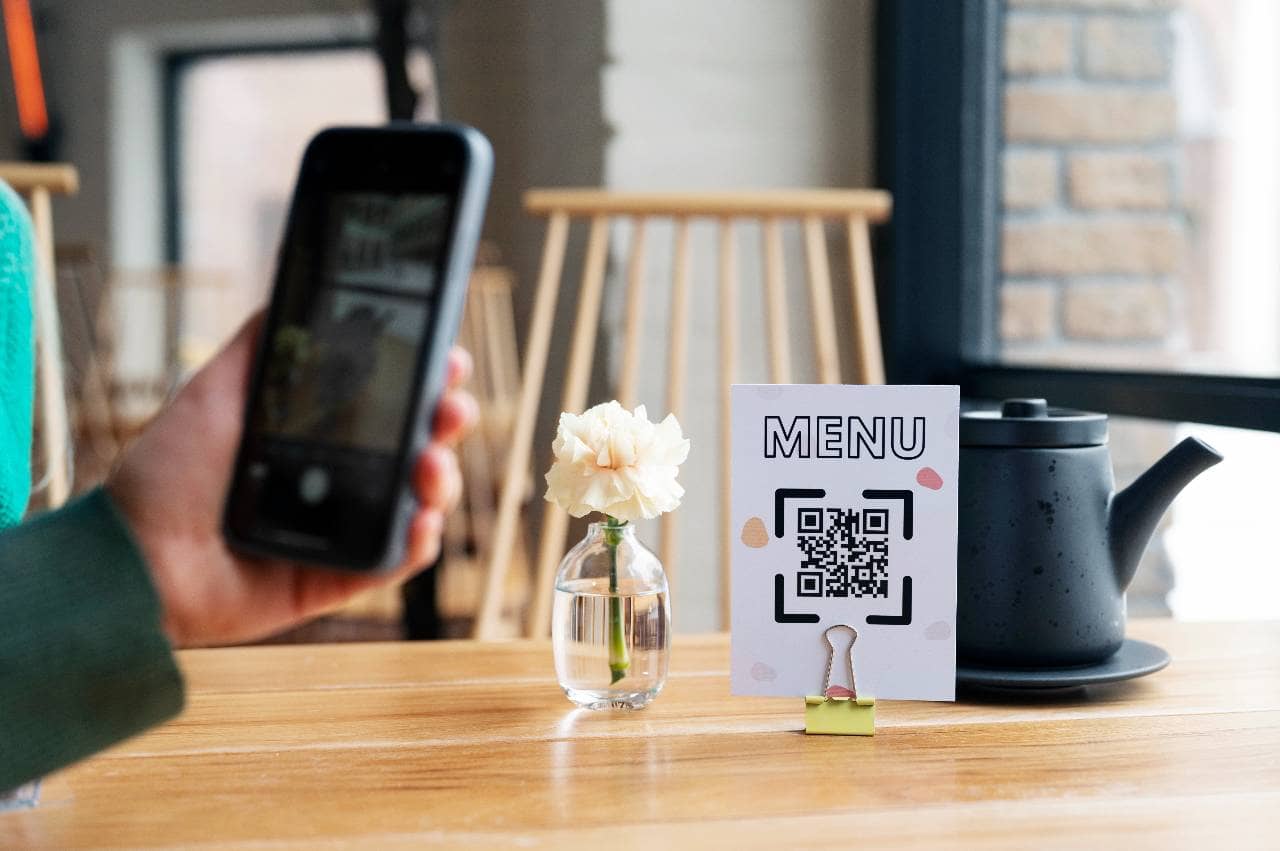
How Does a QR Code Menu Work in a Restaurant?
QR code menus let restaurants replace paper menus digitally, enabling instant updates, contactless browsing, ordering, and payment through simple smartphone scanning.
Point Of Sale
Sep 7, 2026
QR code menus let restaurants replace paper menus digitally, enabling instant updates, contactless browsing, ordering, and payment through simple smartphone scanning.
Sep 7, 2026
Complete guide helping restaurant owners choose essential kitchen equipment - covering cooking, refrigeration, prep, sanitation, ventilation, safety, and long-term maintenance planning.
Sep 7, 2026

Avoiding common restaurant payroll mistakes - misclassification, tip credit errors, overtime miscalculations - protects businesses from costly penalties, back pay, and compliance risks.
Sep 4, 2026
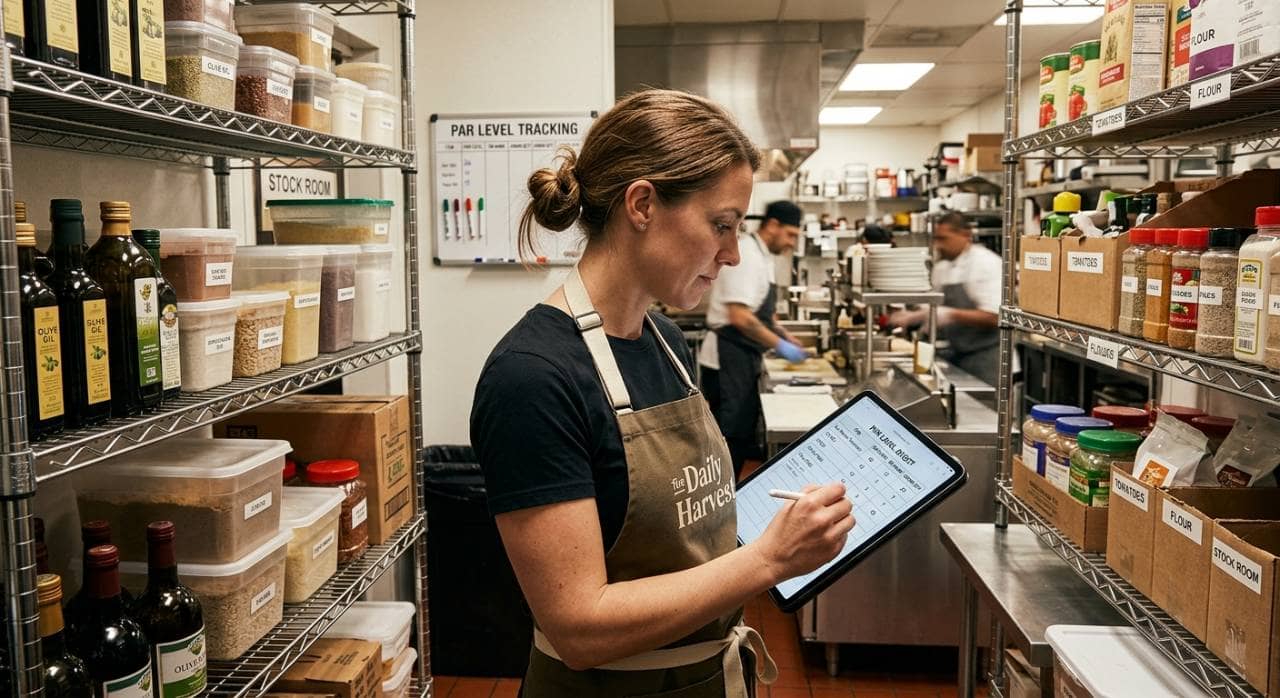
Learn to calculate par levels for restaurant food, beverages, and packaging inventory, preventing stockouts and waste through proper formulas.
Sep 4, 2026
Caribou Coffee appoints Zane Thomas-Rogers as Chief Operations Officer to strengthen execution across its expanding coffeehouse network.
Sep 4, 2026
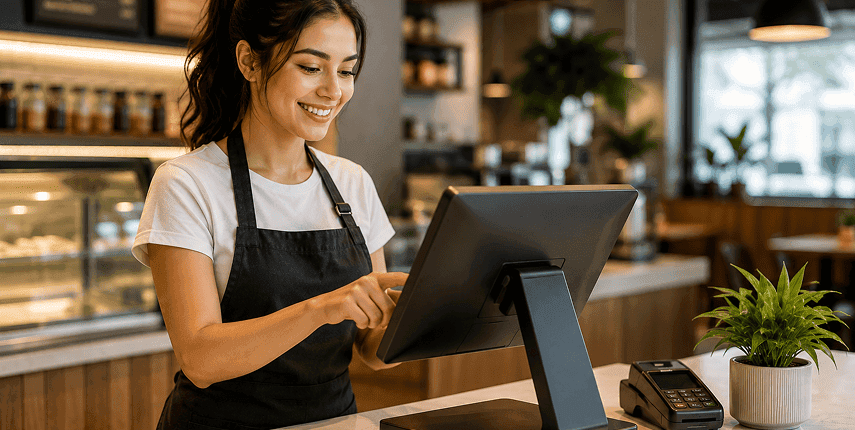
Compare the top 10 restaurant POS systems in the USA for 2026. Explore features, pricing, pros, cons, and the best POS options for every restaurant type.
Jul 1, 2026

Learn how to handle restaurant payroll yourself, from calculating hours and wages to managing tips, taxes, and final paychecks.
Sep 2, 2026
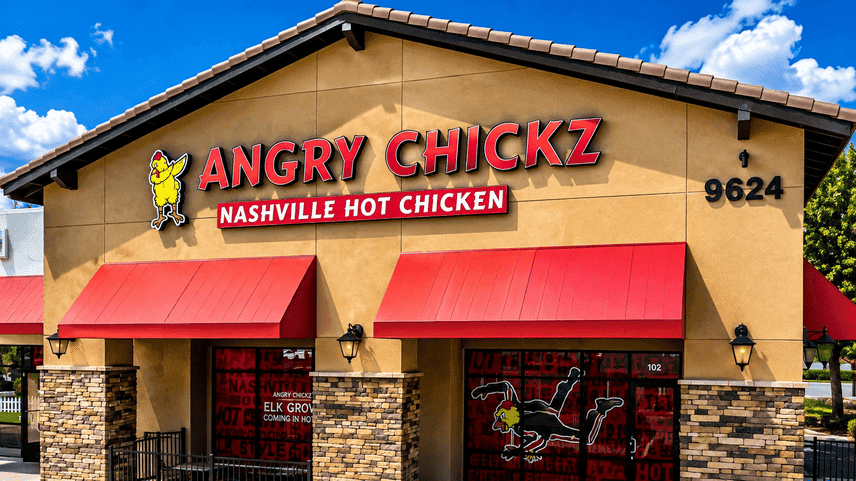
Angry Chickz enters Illinois with its signature hot chicken concept and ambitious plans for Midwest expansion, setting the stage for new franchise opportunities and community engagement.
Sep 2, 2026
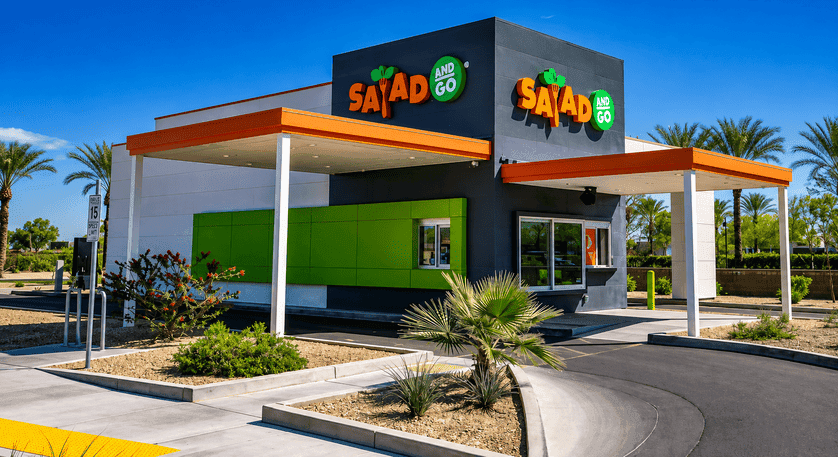
7 Brew has acquired 73 former Salad and Go locations, surpassing Dutch Bros with a $143M bid, signaling a major shift in the competitive landscape for drive-thru brands.
Sep 2, 2026
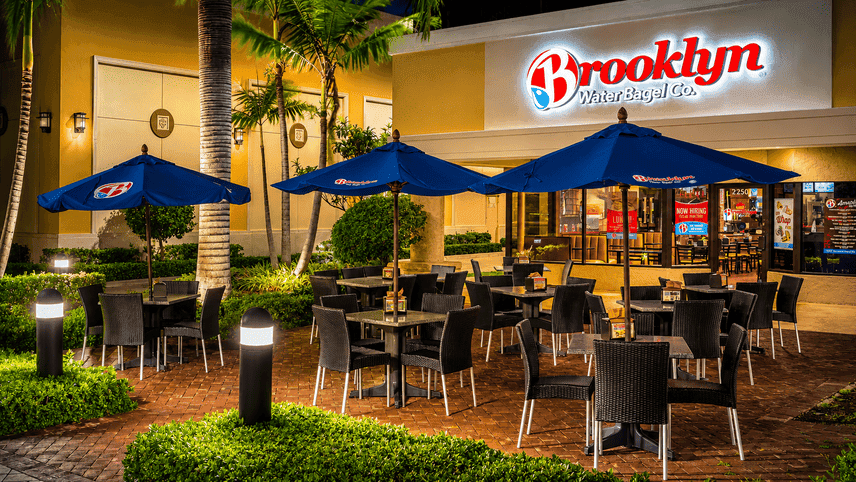
Brooklyn Water Bagel launches its first campus eatery at Nova Southeastern, signaling strategic growth and fresh potential for multi-unit operators seeking new market wins.
Sep 2, 2026

Unlock Exclusive Access To Webinars, Events, And The Latest News For Free!
QR code menus let restaurants replace paper menus digitally, enabling instant updates, contactless browsing, ordering, and payment through simple smartphone scanning.
A QR code menu is a digital version of a restaurant's menu that customers access by scanning a QR (Quick Response) code with their smartphone. Instead of handing guests a physical menu, the restaurant places a small printed code on the table, and scanning it opens the menu directly on the customer's phone browser no app download required. The core idea is simple - the QR code acts as a shortcut. Rather than typing a web address or searching for the restaurant online, the customer's camera reads the code and instantly pulls up a link to the hosted digital menu. From there, they can scroll through categories, view dish descriptions and photos, and in many cases, place an order or pay - all from their own device. How it differs from a traditional printed menu - 1. Format - A printed menu is a static, physical document, while a QR code menu is a dynamic webpage or interface that lives online. 2. Updates - Changing a printed menu means reprinting it, which costs time and money. A digital menu can be updated instantly - swap out a sold-out item, adjust prices, or add a seasonal special in minutes. 3. Interactivity - Printed menus are limited to text and static images. QR code menus can include features like searchable categories, allergen filters, multiple languages, and sometimes even video or animated content. 4. Customer device - Instead of a shared physical object passed between guests, each customer views the menu on their own phone, which also opens the door to individual customization, like saving dietary preferences or language settings. In short, a QR code menu takes the same core function of a traditional menu - showing customers what's available - and delivers it through a more flexible, easily updatable digital format.
To understand how a QR code menu functions, it helps to break down what's actually happening in the few seconds between a customer scanning the code and the menu appearing on their screen. What a QR code is A QR code is a type of barcode made up of a grid of black squares on a white background. Unlike a traditional barcode, which only stores data in one direction, a QR code stores information in two dimensions - both horizontally and vertically - allowing it to hold significantly more data, such as a full web address (URL). How scanning works When a customer points their smartphone camera at the code, the phone's camera software detects the pattern and decodes it almost instantly. Most modern smartphones can do this directly through the native camera app, without needing a separate QR scanner app. Once decoded, the phone recognizes that the code contains a URL and prompts the user to open it, typically with a simple on-screen notification or link. Where the menu actually lives The QR code itself doesn't contain the menu - it simply contains a link. That link points to a webpage hosted on a server, which is where the actual menu content, images, and design are stored. This is an important distinction - the code is just a pointer, and the menu itself is created and managed through a separate platform or website builder designed for digital menus. When the customer's phone follows the link, it loads that webpage the same way it would load any other website. This means the menu can be built and updated using standard web technology, and any changes made on the back end (a new dish, an updated price) appear immediately, since every scan pulls the current version of the page. The role of internet connectivity Because the QR code menu is a webpage rather than a downloaded file, the customer's phone needs an active internet connection - either Wi-Fi or mobile data - to load it. If a restaurant's Wi-Fi is spotty or a customer has no signal, the menu won't load, which is one of the practical considerations restaurants need to plan around.
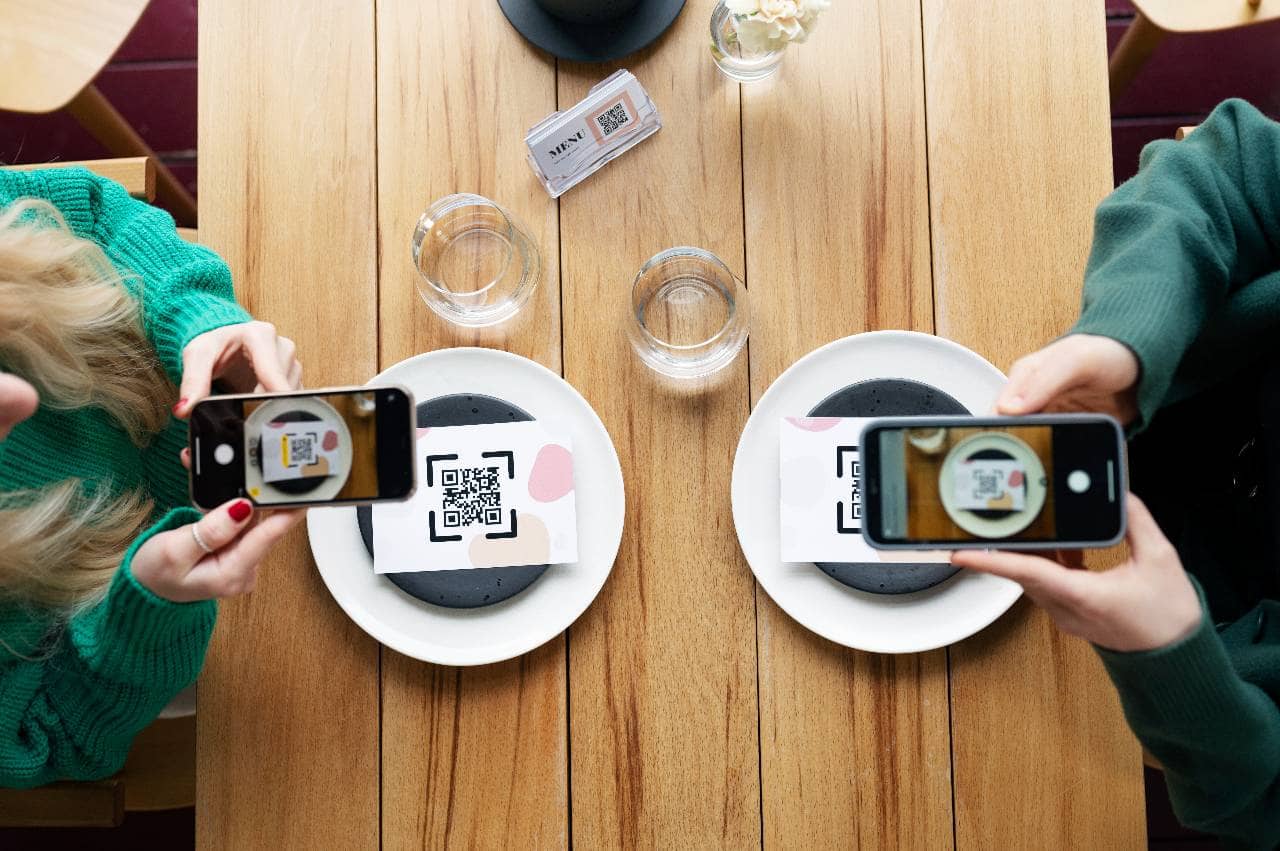
Understanding the technology is useful, but it's just as important to see how it all comes together from the customer's perspective. Here's what a typical interaction looks like from the moment a guest sits down. Step 1. Spotting the QR code The customer arrives at their table and finds the QR code somewhere visible - usually printed on a table tent, a sticker on the table surface, a card handed over by the host, or even printed at the bottom of a receipt for repeat visits. Clear placement matters here, since a code that's hard to find or poorly lit can create friction before the experience even starts. Step 2. Scanning with a phone camera The customer opens their phone's camera app (or a QR scanner if their phone requires one) and points it at the code. Within a second or two, a notification pops up with a link to tap. There's no app to download and no account to create - just a tap to proceed. Step 3. Landing on the digital menu Tapping the link opens the restaurant's menu in the phone's default web browser. From here, the customer can typically - - Browse categories (appetizers, mains, drinks, desserts) - View photos and descriptions of dishes - Filter by dietary preferences or allergens, if the platform supports it - Switch languages, if multiple options are available Because it's a webpage, customers interact with it the same way they'd browse any mobile site - scrolling, tapping, and zooming as needed. Step 4. Placing an order (if applicable) Depending on the restaurant's setup, the digital menu may be purely informational (a browse-only replacement for a paper menu) or fully interactive, allowing the customer to add items to a cart and submit their order directly from their phone. In the latter case, the order typically gets sent straight to the kitchen or a staff device, reducing the need for a server to manually input it. Step 5. Payment (if applicable) Some QR code systems go a step further and allow customers to pay directly through the same interface - splitting the bill, adding a tip, and checking out without waiting to flag down a server. Other restaurants use the QR code strictly for viewing the menu and ordering, while payment still happens the traditional way, through a server or a card reader at the table. Step 6. Wrapping up Whether payment happens digitally or in person, the customer's overall experience ends with less physical handling - no shared paper menu, no need to wait for a server to take down items verbally - and, ideally, a smoother, faster path from being seated to being served.
For restaurant owners considering the switch, the setup process is more approachable than it might seem. Here's what's typically involved in getting a QR code menu up and running. Choosing a QR code menu platform or generator The first step is selecting a platform to build and host the digital menu. These range from simple QR code generators that link to a PDF version of an existing menu, to full-featured menu platforms that offer templates, design tools, and ordering integrations. The right choice depends on the restaurant's needs - a small cafe might only need a basic, browsable menu, while a full-service restaurant may want ordering and payment capabilities built in. Designing the digital menu Once a platform is chosen, the next step is building out the menu itself. This usually involves - - Organizing items into clear categories (starters, mains, drinks, desserts) - Writing concise, appetizing descriptions - Adding high-quality photos of dishes, which can influence what customers choose to order - Including relevant details like pricing, portion sizes, and allergen or dietary information Since customers are viewing this on a small screen, layout and readability matter. A cluttered or hard-to-navigate digital menu can be more frustrating than a simple paper one, so clarity and ease of use should guide the design choices. Generating and printing the QR code After the digital menu is built and hosted, the platform generates a QR code linked to that page. This code then needs to be printed and placed somewhere visible and accessible to customers - common options include - - Table tents or stand-up cards - Stickers or decals affixed directly to tables - Printed inserts in physical menu holders - Codes printed on receipts or takeout bags for repeat use Placement should account for lighting and visibility, since a code that's too small, glossy, or poorly lit can be difficult for a phone camera to scan. Testing before going live Before rolling the menu out to customers, it's worth testing the entire process end-to-end - scanning the code with different phone models, checking that the menu loads correctly on both Wi-Fi and mobile data, and confirming that any ordering or payment features work as expected. This helps catch broken links, formatting issues, or slow load times before they affect a real customer's experience. Keeping the menu updated One of the ongoing tasks after setup is maintaining the menu itself - updating prices, removing sold-out items, and adding seasonal dishes as needed. Because the menu lives on a webpage rather than a printed page, most platforms allow these changes to be made quickly through a back-end dashboard, without needing to reprint or replace the physical QR code at all (particularly if a dynamic QR code is used, which we'll cover in the next section).
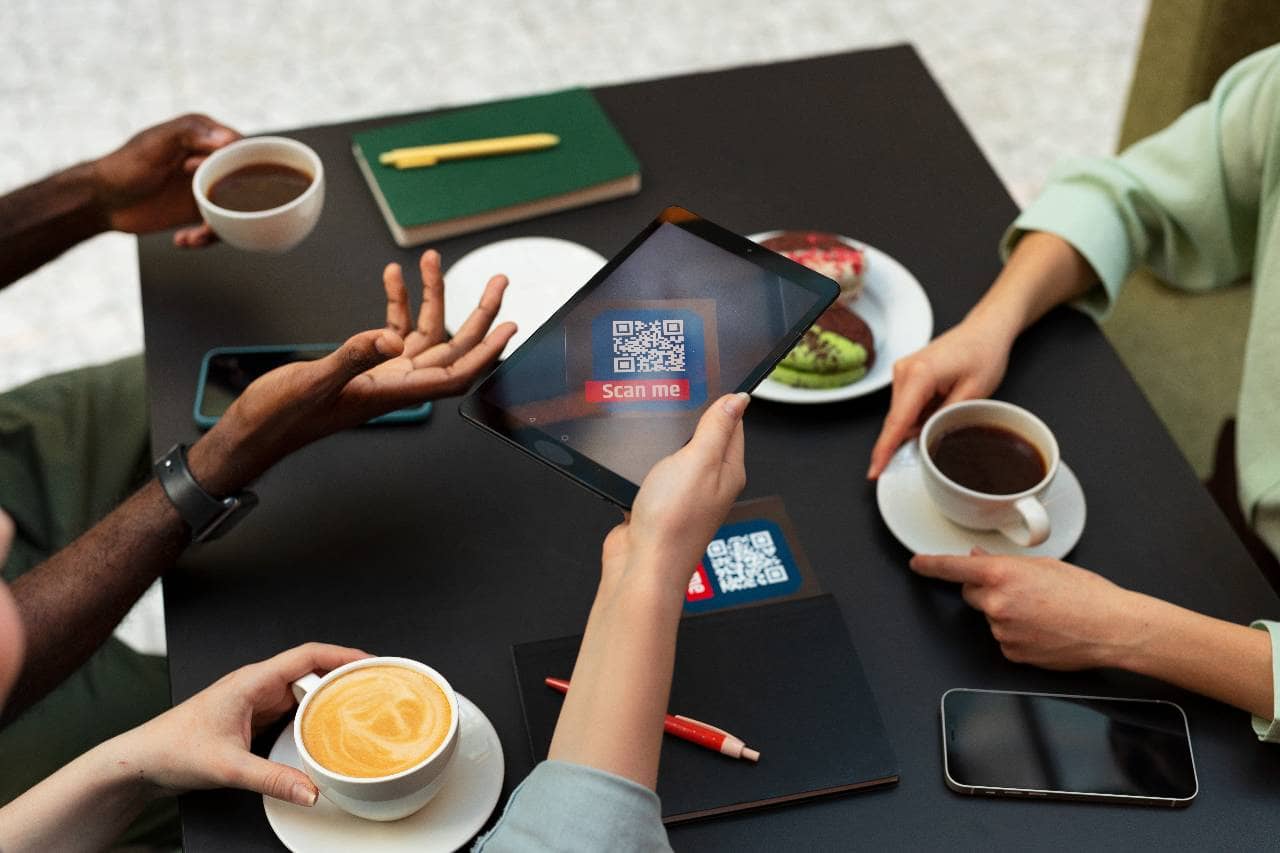
Not all QR code menus are built the same way. Depending on the platform and the restaurant's needs, there's a range of features and configurations worth understanding before choosing a setup. Static vs. dynamic QR codes 1. Static QR codes have a fixed link embedded permanently in the code itself. Once printed, that link can't be changed - if the menu needs to move to a new URL, the entire QR code has to be regenerated and reprinted. 2. Dynamic QR codes work differently - the printed code points to a redirect link, and the destination behind that redirect can be updated at any time through the platform's dashboard. This means the same printed code can keep working even if the underlying menu page changes, making dynamic codes generally more practical for restaurants that expect to make frequent updates. Order-ahead and pay-at-table functionality Some QR code menu platforms are purely for browsing, while others integrate directly with ordering and payment systems. This can include - 1. Order-ahead - Customers add items to a digital cart and submit the order directly, which routes to the kitchen or a staff tablet without a server needing to manually enter it. 2. Pay-at-table - Customers can settle the bill, split costs among a group, and add a tip directly from their phone, without waiting for a server to bring a card reader. These features aren't required for a QR code menu to function, but they're common add-ons that extend it from a simple digital menu into a more complete self-service tool. Multi-language support Because the menu is a webpage rather than a fixed printed document, many platforms allow customers to toggle between languages with a single tap. This is particularly useful for restaurants in tourist-heavy areas or diverse communities, where offering multiple language options on a printed menu would otherwise mean stocking several versions. Integration with POS systems More advanced QR code menu platforms connect directly with a restaurant's point-of-sale (POS) system. This kind of integration can - - Automatically sync menu items, prices, and availability between the POS and the digital menu - Send orders placed through the QR menu straight into the POS for kitchen display and billing - Provide sales data and reporting that combines both in-person and QR-based orders into one system This level of integration isn't necessary for every restaurant, but it becomes increasingly valuable as ordering volume through the QR menu grows.
Once a QR code menu is up and running, restaurants tend to see advantages that extend beyond simply replacing a paper menu. Here's a closer look at the key benefits. Cost savings on printing and reprinting Traditional menus need to be reprinted every time a price changes, a dish is discontinued, or a new item is added - costs that add up over time, especially for restaurants that update their offerings seasonally or frequently. A QR code menu removes most of that expense, since updates happen digitally rather than through a print shop. Easy, real-time menu updates Beyond cost, the speed of updating matters too. If an ingredient runs out mid-shift or a price needs to change, staff can update the digital menu in minutes through a back-end dashboard. Customers scanning the code always see the current version, with no risk of ordering something that's no longer available. Contactless and hygienic convenience Since each customer views the menu on their own phone rather than a shared physical copy, QR code menus reduce the amount of surface contact between guests. This appeals to customers who are simply more comfortable avoiding shared items, regardless of the original pandemic-driven motivations behind the trend. Upselling opportunities through images and suggested items Digital menus make it easy to include high-quality photos, which can influence what customers choose to order more effectively than text descriptions alone. Many platforms also support features like "customers also ordered" suggestions or highlighted specials, giving restaurants a built-in way to promote higher-margin items or move inventory that needs to sell quickly. Faster table turnover and reduced wait staff workload When ordering and payment are built into the QR code menu, customers can move through their visit - browsing, ordering, and even paying - without waiting on a server at each step. This can shorten the overall time a table is occupied and free up staff to focus on food preparation, service quality, and other tasks rather than repetitive order-taking. Valuable customer data and ordering insights Because digital menus run on a platform rather than paper, restaurants often gain access to data that wasn't available before - which items are viewed most often, what times of day certain dishes sell best, or which menu categories customers browse but don't order from. This kind of insight can inform menu design, pricing, and promotional decisions going forward.
