How to Build Your Restaurant Back Office Software Stack
Learn how to build a restaurant back office software stack that improves efficiency, integrations, reporting, cost control, and scalability overall.
Back Office
Aug 21, 2026
Learn how to build a restaurant back office software stack that improves efficiency, integrations, reporting, cost control, and scalability overall.
Aug 21, 2026
Clear operating procedures help restaurants manage opening, closing, food preparation, sanitation, guest service, inventory, staffing, and routine operational reviews effectively.
Aug 21, 2026
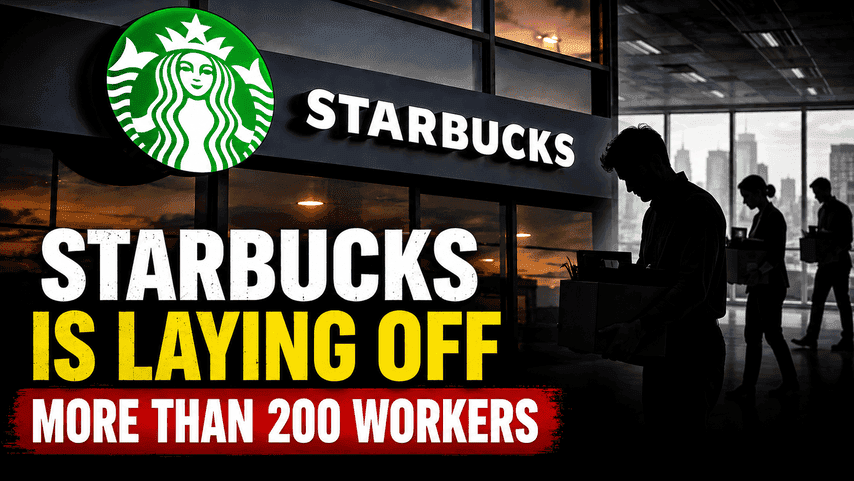
Starbucks is making strategic staffing changes, laying off 200+ workers as it restructures operations and prepares for future growth in southern and eastern regions.
Aug 21, 2026
Dog Haus appoints James Field as chief marketing officer and promotes CJ Ramirez to chief experience officer, setting the stage for innovative brand growth and franchisee success in the national restaurant scene.
Aug 21, 2026
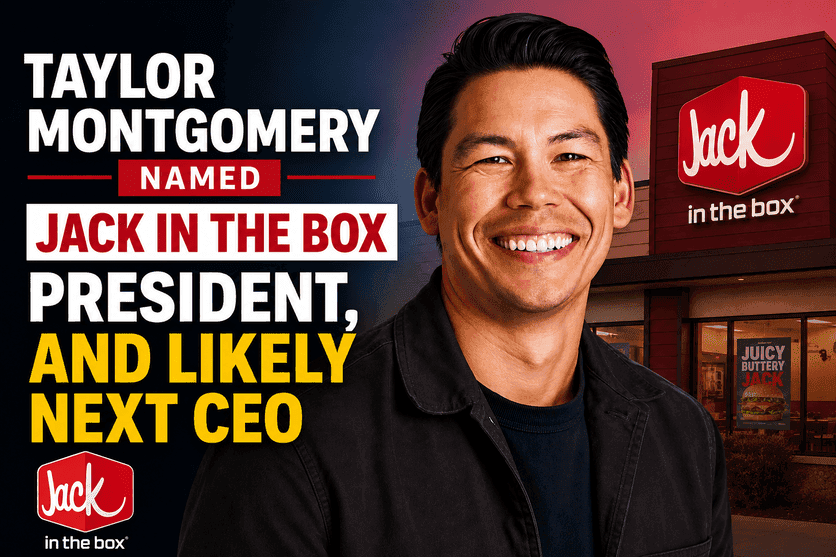
Taco Bell’s Taylor Montgomery has been appointed as President of Jack in the Box, positioning him to take over as CEO within a year - signaling major shifts for the QSR brand's future.
Aug 20, 2026

Learn how to open a restaurant with no experience by planning your concept, budget, location, team, operations, and successful launch.
Aug 19, 2026

Payroll advances help restaurant owners give hourly employees earlier access to earned wages while maintaining accurate records, policies, and compliance.
Aug 19, 2026

Panera Bread welcomes Andrew Rebhun as Chief Marketing Officer, succeeding Mark Shambura. Learn about his background at CAVA, El Pollo Loco, and McDonald's.
Aug 20, 2026

Learn the eight essential steps of the restaurant payroll process, from tracking hours and calculating wages to payments and recordkeeping.
Aug 17, 2026
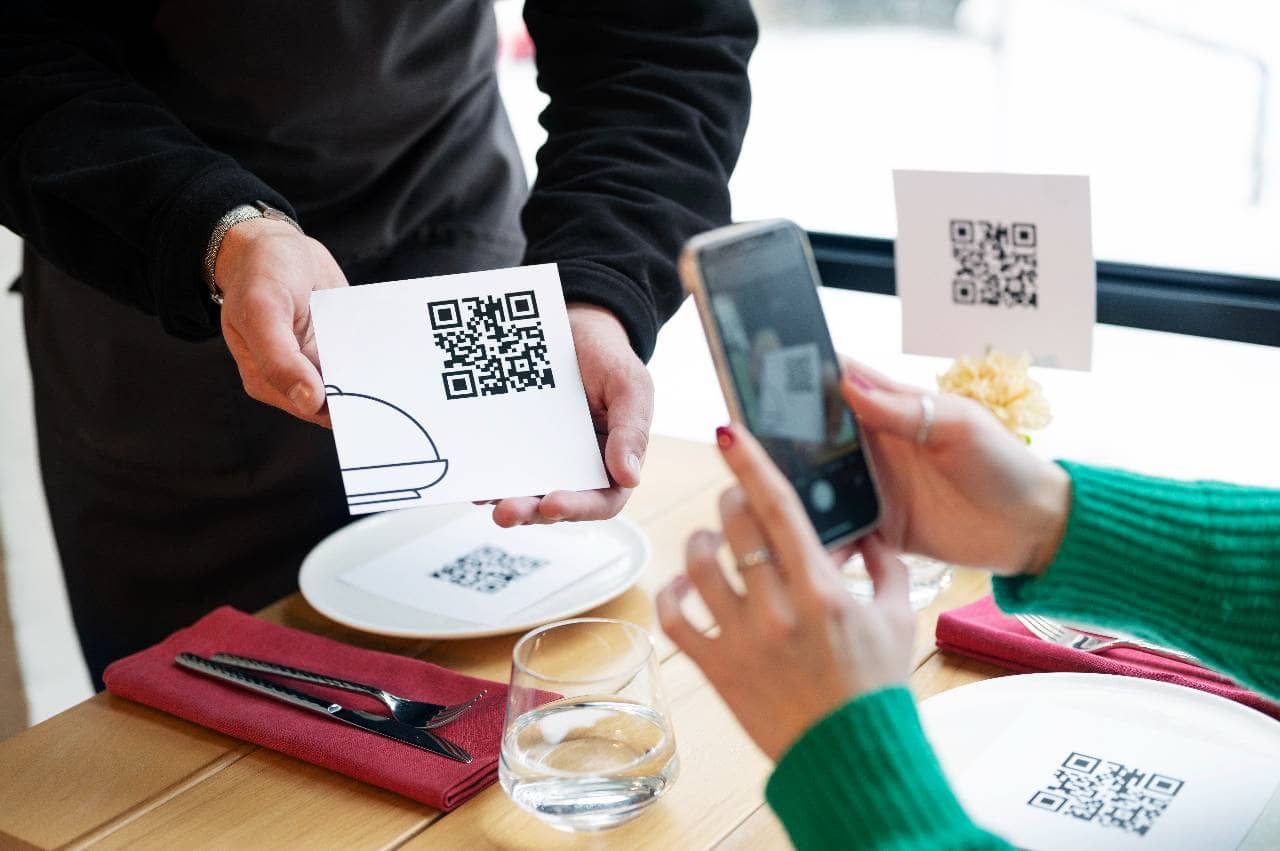
Explore the main types of ordering technology restaurants use to improve accuracy, speed, payments, customer convenience, and operational efficiency daily.
Aug 17, 2026

Unlock Exclusive Access To Webinars, Events, And The Latest News For Free!
Learn how to build a restaurant back office software stack that improves efficiency, integrations, reporting, cost control, and scalability overall.
Before choosing software, determine exactly what your restaurant needs its back-office technology to accomplish. Adding tools without first identifying operational problems can create unnecessary costs, duplicate systems, and more complexity for managers. Start by reviewing the administrative work that happens behind the scenes every day. Look at employee scheduling, time and attendance, payroll preparation, inventory management, food costing, accounting, purchasing, task management, and performance reporting. For each area, identify where managers spend the most time, where errors frequently occur, and where important information is difficult to access. For example, managers may be manually transferring employee hours into payroll, entering invoices into spreadsheets, comparing inventory counts across multiple systems, or building weekly reports by combining data from several sources. These processes can reveal where automation or better integration would provide the greatest value. Restaurant owners should also separate essential needs from optional features. A small independent restaurant may initially need scheduling, payroll, inventory, accounting, and reporting tools, while a multi-location operator may also require centralized dashboards, location-level permissions, forecasting, and standardized workflows. Create a list of your biggest back-office problems and rank them by their impact on time, labor costs, food costs, accuracy, and management visibility. This priority list becomes the foundation of your back-office software stack and helps ensure every tool you select solves a specific operational need rather than simply adding another application.
Once you understand your restaurant's operational needs, document the systems and processes you already use. This step helps you see where your current back-office software stack is working well and where gaps, overlaps, or inefficiencies exist. Start by listing every tool involved in back-office operations, including POS software, scheduling platforms, time clocks, payroll systems, accounting software, inventory tools, spreadsheets, task management apps, and reporting dashboards. Do not overlook manual processes such as paper logs, emailed spreadsheets, or information that managers enter into multiple systems. Next, map how data moves between these tools. For example, determine whether sales data automatically flows from your POS into accounting software, whether employee hours transfer directly into payroll, and whether inventory systems use sales information to update ingredient usage. If managers repeatedly copy the same information from one platform to another, that is a sign your stack may be too disconnected. Look for three common problems - 1. Duplicate functionality - Multiple tools perform similar tasks, creating unnecessary subscription costs. 2. Data silos - Important information is stored in separate systems that do not communicate. 3. Manual work - Managers spend significant time entering, exporting, or reconciling data. Create a simple inventory of each system, its purpose, monthly cost, integrations, and primary users. This gives you a clear picture of your current technology environment and makes it easier to decide which tools to keep, replace, consolidate, or connect as you build a more efficient back-office software stack.
After mapping your existing systems, decide which software categories your restaurant actually needs. The goal is not to add as many tools as possible. Instead, build a back-office software stack that covers essential operations without creating unnecessary overlap. Most restaurants should evaluate several core categories - 1. Employee scheduling - Helps managers build schedules, manage availability, fill open shifts, and control labor costs. 2. Time and attendance - Tracks employee hours, breaks, overtime, and clock-in activity for payroll preparation. 3. Payroll - Calculates wages, taxes, deductions, and employee payments. 4. Inventory management - Tracks ingredient quantities, food usage, purchasing, waste, and inventory variance. 5. Accounting - Organizes revenue, expenses, invoices, accounts payable, and financial reporting. 6. Task management - Assigns recurring operational duties, tracks completion, and helps managers maintain consistent procedures. 7. Food and recipe management - Supports recipe costing, menu profitability, forecasting, and food-cost control. 8. Reporting and analytics - Brings together sales, labor, inventory, and financial information so owners can monitor restaurant performance. Your priorities should reflect your restaurant's size and complexity. An independent restaurant may only need a few essential systems, while a multi-location operation may require more advanced forecasting, centralized reporting, and location-level controls. Before adding a category to your back-office software stack, ask one question - What operational problem will this software solve? Every platform should have a clear purpose and contribute to better efficiency, accuracy, cost control, or management visibility.
A strong back-office software stack should not operate as a collection of isolated tools. Your systems should be able to share data wherever possible, especially with your point-of-sale system. The POS is often the central source of sales and transaction data, so integrations can help connect that information to inventory, labor, accounting, payroll, forecasting, and reporting systems. When data moves automatically between platforms, managers can spend less time exporting spreadsheets, re-entering numbers, and checking for inconsistencies. For example, POS sales data can help inventory software estimate ingredient usage, support labor forecasting based on expected demand, and feed revenue information into accounting reports. Time-and-attendance data can also flow into payroll systems, reducing the need for managers to manually transfer employee hours. When evaluating integrations, look beyond whether two systems simply "connect." Consider - - What data is shared between the platforms - How frequently the data updates - Whether the integration works in both directions - How errors or failed data transfers are handled - Whether additional integration fees apply The fewer manual handoffs your team has to manage, the easier your back-office software stack becomes to maintain. Before adding any new platform, review how it will connect with the systems you already rely on. Prioritizing strong integrations can improve data accuracy, reduce administrative work, and give restaurant owners a more complete view of sales, labor, inventory, and financial performance.
Once you know which software categories you need, compare individual platforms based on how well they fit your restaurant's actual operations. A long feature list does not automatically make a system the right choice. Start by evaluating ease of use. Managers and employees should be able to complete everyday tasks without excessive training or complicated workflows. If software is difficult to use, adoption may suffer and teams may return to spreadsheets or manual processes. Next, review several important factors - 1. Restaurant-specific functionality - Look for features designed for restaurant workflows rather than generic business processes. 2. Integrations - Confirm that the software connects with your POS, payroll, accounting, inventory, and other critical systems. 3. Reporting capabilities - Make sure managers can quickly access the operational and financial information they need. 4. Mobile access - Determine whether managers and employees can complete important tasks from phones or tablets. 5. Scalability - Choose software that can support additional locations, employees, or operational complexity as your restaurant grows. 6. Customer support - Review implementation assistance, training resources, and ongoing technical support. 7. Security and permissions - Make sure sensitive payroll, financial, and employee information can be appropriately protected. Restaurant owners should also calculate the total cost of ownership, not just the advertised subscription price. Include setup fees, integration charges, hardware, training, and additional user or location fees. Create a simple scorecard for each platform and compare it against your highest-priority requirements. This keeps the selection process focused on operational value and helps you avoid paying for features your restaurant is unlikely to use.

As you build your back-office software stack, decide whether you want to use several specialized tools or a more integrated restaurant management platform. Both approaches can work, but the right choice depends on your restaurant's size, complexity, and existing systems. Using individual specialized tools allows you to select a strong solution for each function, such as scheduling, payroll, inventory, accounting, or task management. This approach can provide greater flexibility, but it may also create more integrations, separate logins, subscription fees, and data-management challenges. An integrated platform combines several back-office functions within one system or connected ecosystem. This can simplify administration by reducing the number of applications managers need to use and making it easier for information to move between departments. When comparing the two approaches, consider - 1. Software overlap - Determine whether multiple tools perform the same functions. 2. Integration complexity - Count how many connections are required to keep data synchronized. 3. Employee training - Consider how many different platforms managers and employees must learn. 4. Reporting - Evaluate whether information can be viewed in one place or must be combined manually. 5. Cost - Compare total subscription, implementation, integration, and support expenses. 6. Scalability - Determine whether the stack can support additional locations and employees. Avoid consolidating software simply for the sake of having fewer tools. A centralized platform is valuable only if it can effectively support the functions your restaurant needs. The best back-office software stack balances specialized capabilities with simplicity. Your goal should be to minimize unnecessary systems while maintaining the functionality, flexibility, and visibility required to run the restaurant efficiently.
Once you have selected your systems, avoid trying to launch every tool at the same time. A phased implementation gives managers and employees time to learn new workflows while reducing the risk of operational disruption. Start with the systems that solve your highest-priority problems. For example, you may first implement scheduling and time tracking, then move to inventory and accounting, followed by reporting or task management tools. The exact order should reflect where your restaurant expects the greatest operational benefit. During implementation, focus on several key steps - 1. Clean and migrate data - Remove outdated or duplicate information before transferring employee, vendor, inventory, or financial data. 2. Configure permissions - Give employees access only to the information and functions they need. 3. Set up integrations - Test connections between your POS, payroll, accounting, inventory, and other systems. 4. Standardize workflows - Define how managers should complete recurring tasks inside the new software. 5. Train employees - Provide role-specific training so users understand both the software and the process it supports. 6. Test before full adoption - Run important workflows and confirm that data moves accurately between systems. Pay close attention to integrations during the early stages. A connection may technically work while still sending incomplete or incorrectly mapped data. Verify sales totals, labor hours, inventory information, and financial records before relying on automated transfers. A staged rollout makes it easier to identify problems, adjust workflows, and improve employee adoption. The objective is not simply to install software, but to create a back-office software stack that becomes part of your restaurant's everyday operating process.
