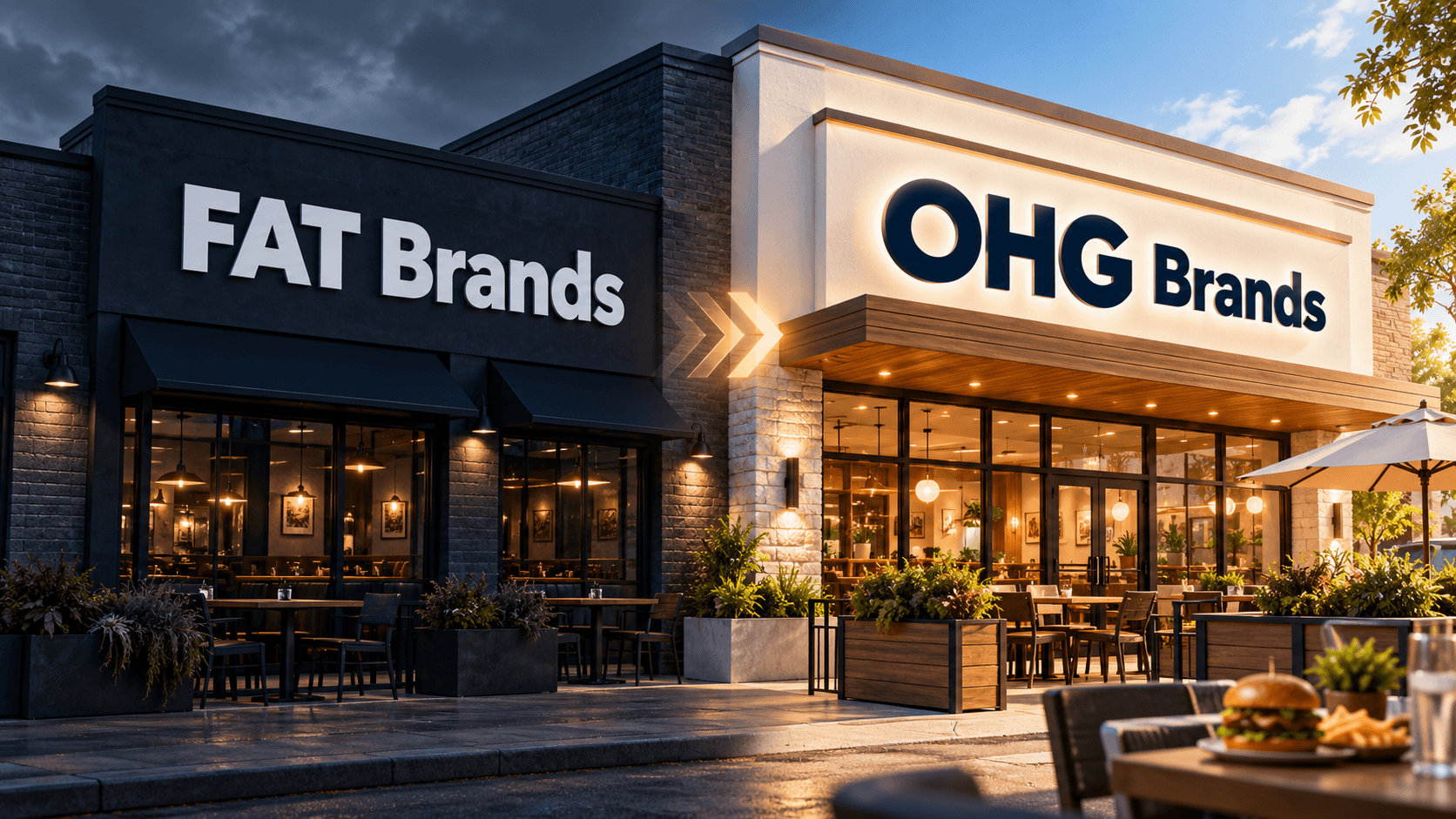
FAT Brands Collapses, Reemerges as OHG Brands
FAT Brands' $1B acquisition empire fell into bankruptcy and sold for $965M, re-emerging as OHG Brands with 1,700 restaurants.
News
Oct 1, 2026
FAT Brands' $1B acquisition empire fell into bankruptcy and sold for $965M, re-emerging as OHG Brands with 1,700 restaurants.
Oct 1, 2026
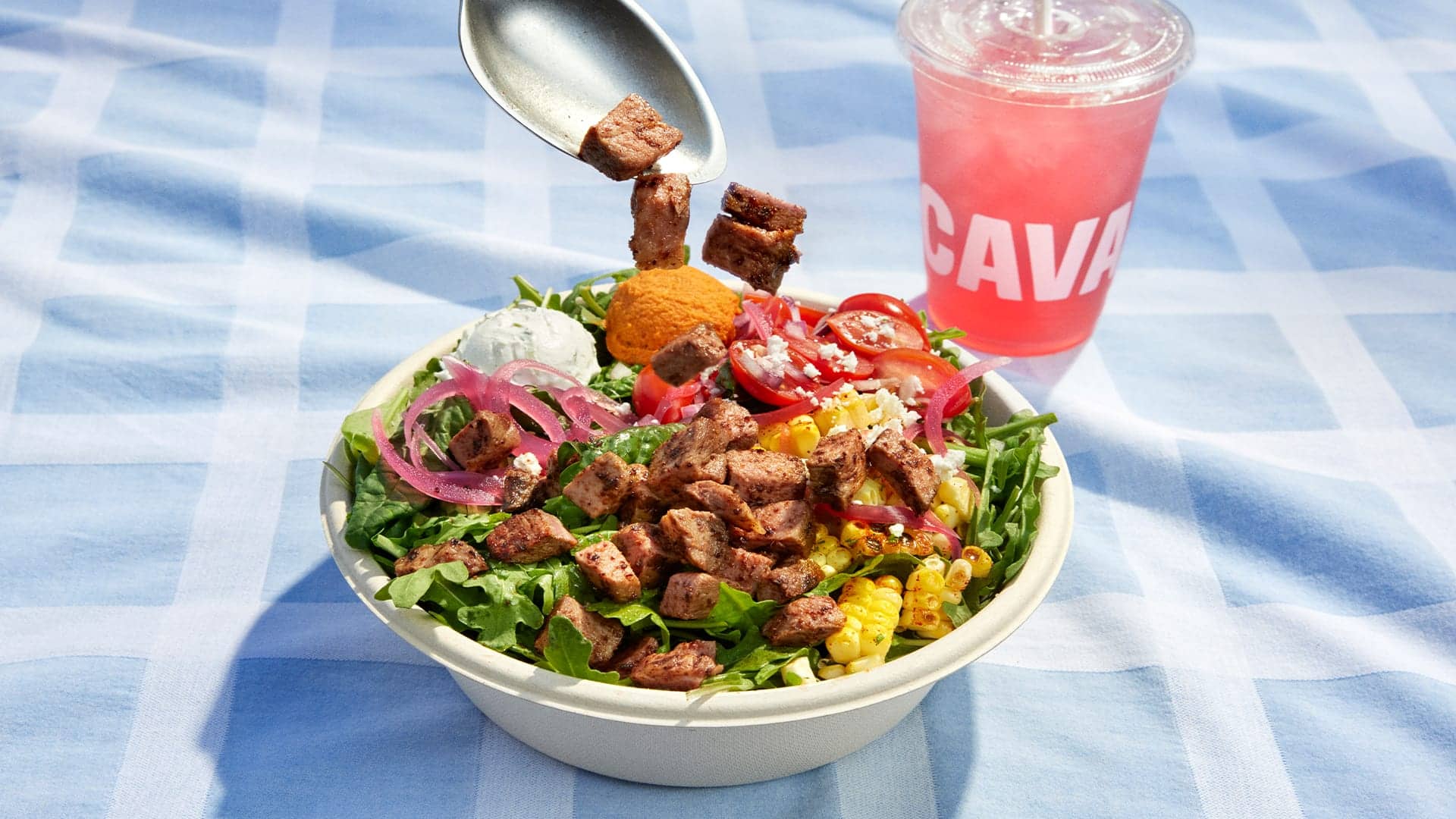
CAVA names John Ludeke, former Dr. Squatch Chief Brand Officer, as its new CMO to drive national growth and guest loyalty.
Oct 1, 2026
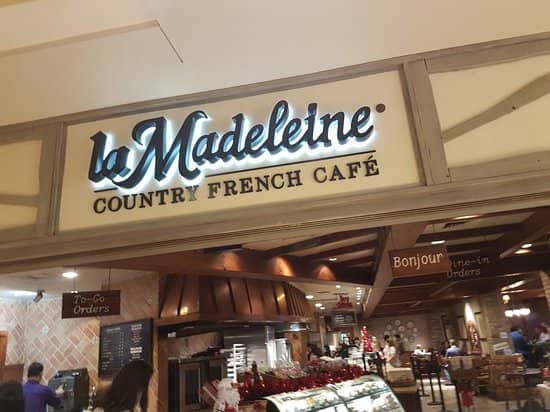
La Madeleine's CEO John Dillon steps down mid-turnaround, leaving a menu overhaul, new coffee program, and franchise growth plans in limbo.
Oct 1, 2026

Hot Head Burritos promotes longtime operator Peter Wiley to corporate VP, chief marketing and chief technology officer, blending brand strategy with tech oversight.
Oct 1, 2026
Mo' Bettahs names Don Crocker, a Chick-fil-A and Inspire Brands veteran, as chief development officer to lead its national corporate-owned expansion.
Sep 30, 2026

Wage hikes, the penny's end, new NLRB rules, California sugar labels, and franchise law changes are converging on operators this year.
Sep 30, 2026
Panera taps outsiders from Burger King and Oakberry to fix operations, order accuracy and supply chain as it overhauls loyalty and marketing.
Sep 30, 2026
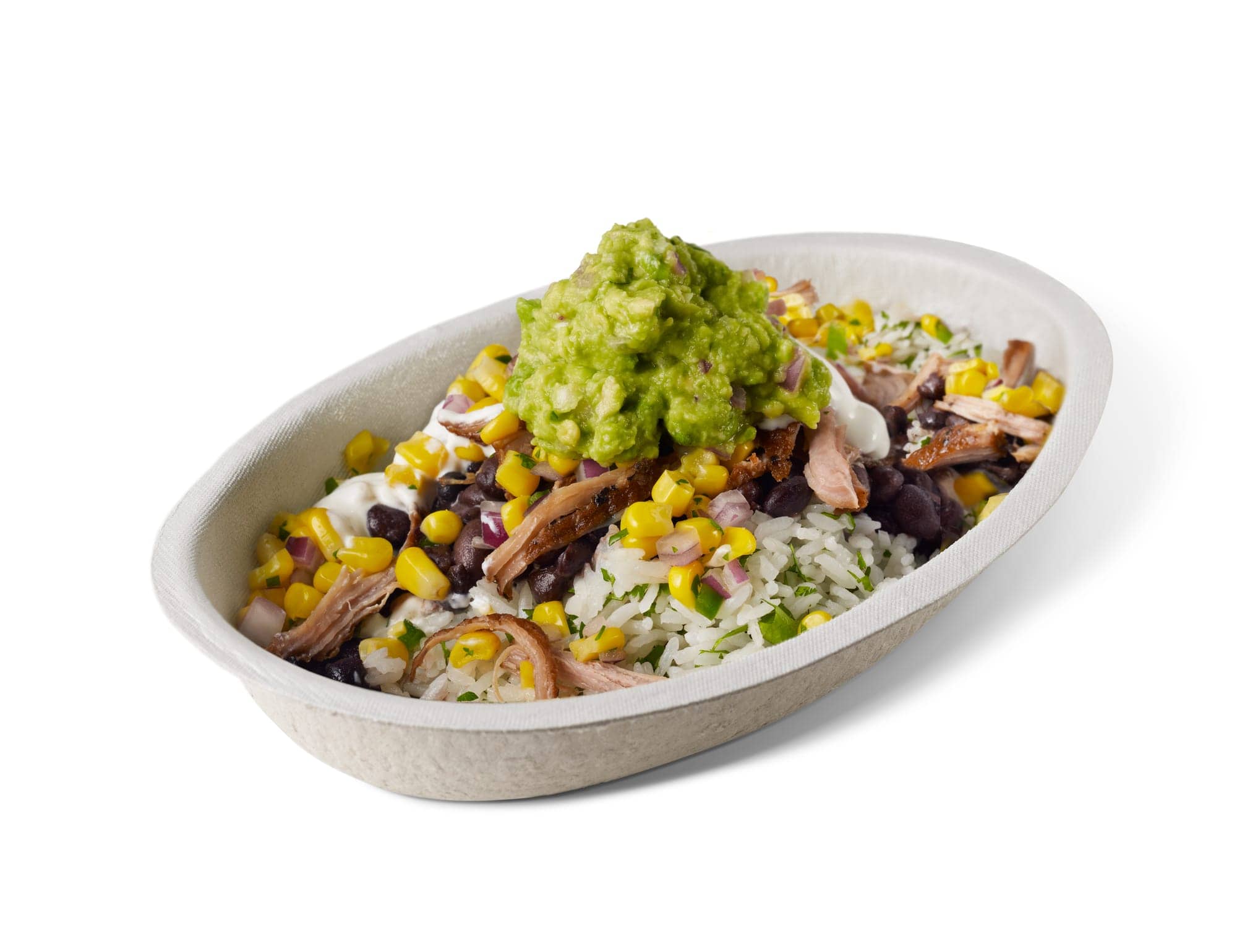
Chipotle hits 1,500 Chipotlanes, the digital pickup lanes launched in 2018. Here's how the format became core to its growth strategy.
Sep 29, 2026

El Pollo Loco appoints Damon Thomas as chief operating officer, bringing restaurant operations experience to the company’s senior leadership team.
Sep 29, 2026

Rock N Roll Sushi taps franchise veteran Rick Gestring as CEO, succeeding Craig LeMieux in a transition built on continuity, not disruption.
Sep 28, 2026

Unlock Exclusive Access To Webinars, Events, And The Latest News For Free!
Explore the main types of ordering technology restaurants use to improve accuracy, speed, payments, customer convenience, and operational efficiency daily.
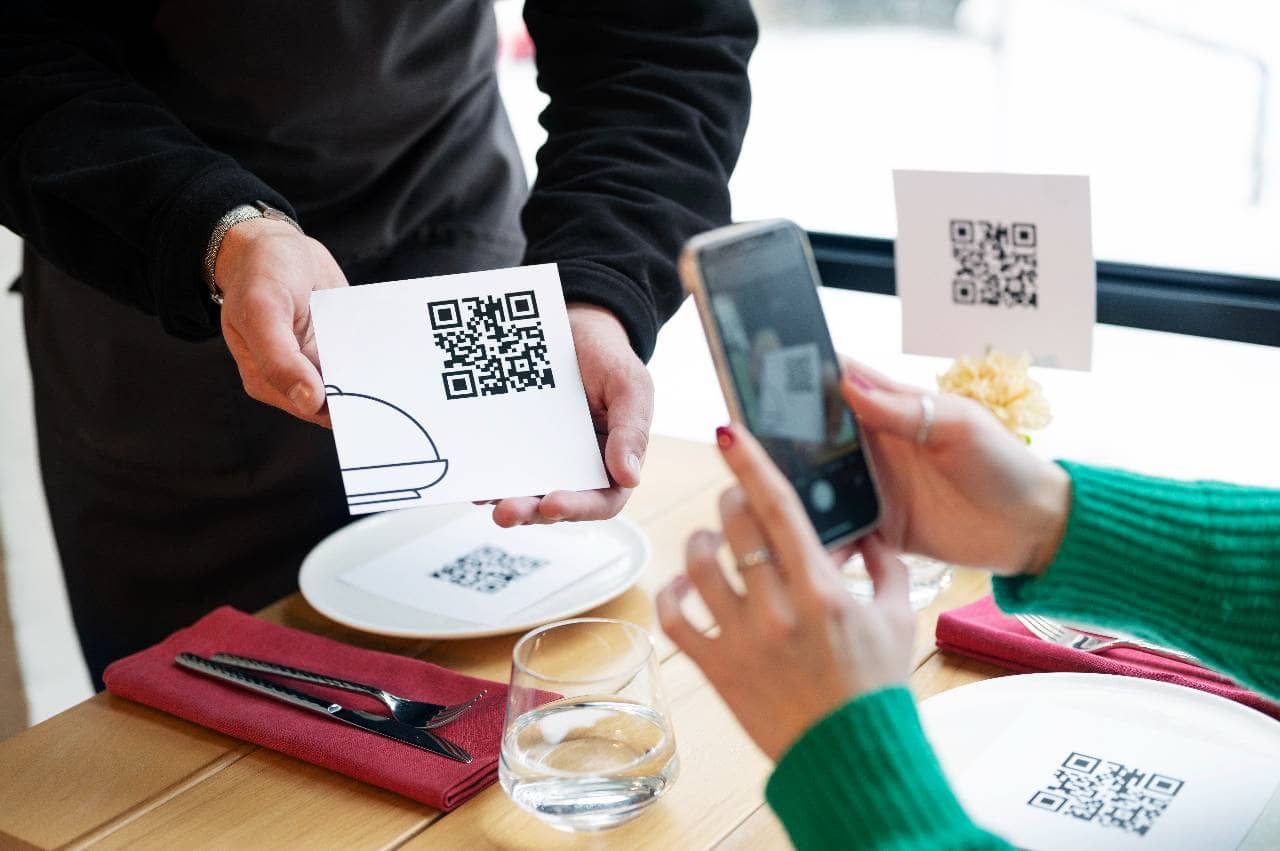
Restaurant ordering technology includes digital tools used to receive, process, route, and manage customer orders. Common examples include POS systems, handheld devices, self-service kiosks, QR code ordering, online ordering platforms, mobile apps, and AI-powered tools. These systems reduce manual steps in the ordering process. Servers can enter orders at the table using handheld devices, while customers can order directly through kiosks, QR codes, or mobile platforms. Once submitted, orders can automatically move to a kitchen display system or printer for preparation. Ordering technology can also integrate with payment processing, sales reporting, inventory, and forecasting tools. This helps reduce duplicate data entry and gives managers better visibility into restaurant operations. For restaurant owners, the main benefits include faster service, improved order accuracy, and greater efficiency. The best solution depends on the restaurant's service model, order volume, customer preferences, and existing technology setup.
A point-of-sale system is one of the most important types of restaurant ordering technology because it serves as the central system for entering orders, processing payments, and recording sales. Modern restaurant POS systems go far beyond the traditional cash register, helping owners connect front-of-house ordering with kitchen operations and other areas of the business. When an employee enters a dine-in, takeout, or delivery order into the POS, the system records the items, prices, modifiers, discounts, taxes, and payment information. The order can then be routed automatically to the appropriate kitchen station through a kitchen display system or printer. For example, beverage orders may be sent to the bar while food items are routed to specific preparation stations. Restaurant owners should pay attention to several important POS capabilities - 1. Order Management - A POS should make it easy for employees to enter items, add modifiers, split checks, apply discounts, and manage different order types. 2. Menu Management - Managers can update menu items, prices, modifiers, and availability from one system. Integrated technology can also help ensure changes appear consistently across connected ordering channels. 3. Payment Processing - Most modern POS systems support multiple payment methods, including credit cards, debit cards, mobile wallets, contactless payments, and gift cards. 4. Order Routing - Orders can be sent automatically to the correct kitchen or preparation station, reducing the need for employees to communicate every order manually. 5. Reporting and Integrations - POS data can connect with inventory, labor management, accounting, online ordering, and reporting tools, giving owners a more complete view of restaurant performance. Integration is especially important when evaluating a POS system. If online orders, kiosk orders, and tableside orders all flow into the same platform, employees can manage demand without constantly switching between separate devices or manually re-entering information. For restaurant owners, a well-integrated POS can become the foundation of the entire ordering process. It connects customer orders with payments, kitchen production, and operational data, making it easier to maintain accurate records and keep service moving efficiently during busy periods.
Handheld ordering devices allow servers to take customer orders directly at the table using a mobile POS terminal, tablet, or specialized handheld device. Instead of writing an order on paper or walking back to a stationary POS terminal, employees can enter the order while speaking with the customer and send it directly to the kitchen. This type of restaurant ordering technology can shorten the number of steps involved in the ordering process. Once a server enters an appetizer, entree, drink, or modifier, the information can immediately appear on a kitchen display system or print at the appropriate preparation station. Kitchen employees can begin preparing the order sooner, while servers remain on the restaurant floor assisting guests. Handheld ordering devices can provide several operational advantages - 1. Faster Order Entry - Servers can submit orders immediately rather than waiting for an available POS terminal, which can be especially useful during busy meal periods. 2. Improved Order Accuracy - Employees can enter menu selections and modifiers while speaking directly with the guest, reducing the risk of forgetting details or incorrectly transferring handwritten notes. 3. Quicker Table Service - Faster communication between the dining room and kitchen can help reduce delays between ordering and food preparation. 4. Tableside Payments - Some handheld devices allow servers to accept credit cards, contactless payments, and digital wallets directly at the table. This can reduce the time customers spend waiting for checks and payment processing. 5. Better Server Efficiency - By reducing trips between tables and stationary terminals, servers can spend more time interacting with customers and managing their sections. Restaurant owners should also consider usability when selecting handheld technology. Devices should be durable, easy for employees to learn, and capable of maintaining a reliable connection throughout the restaurant. Battery life, screen size, payment capabilities, and integration with the existing POS system are also important considerations. When handheld devices connect directly with the POS and kitchen systems, they can create a smoother flow of information from the dining room to food preparation. For restaurants with table service, this technology can help employees manage orders more efficiently while supporting faster and more convenient service.
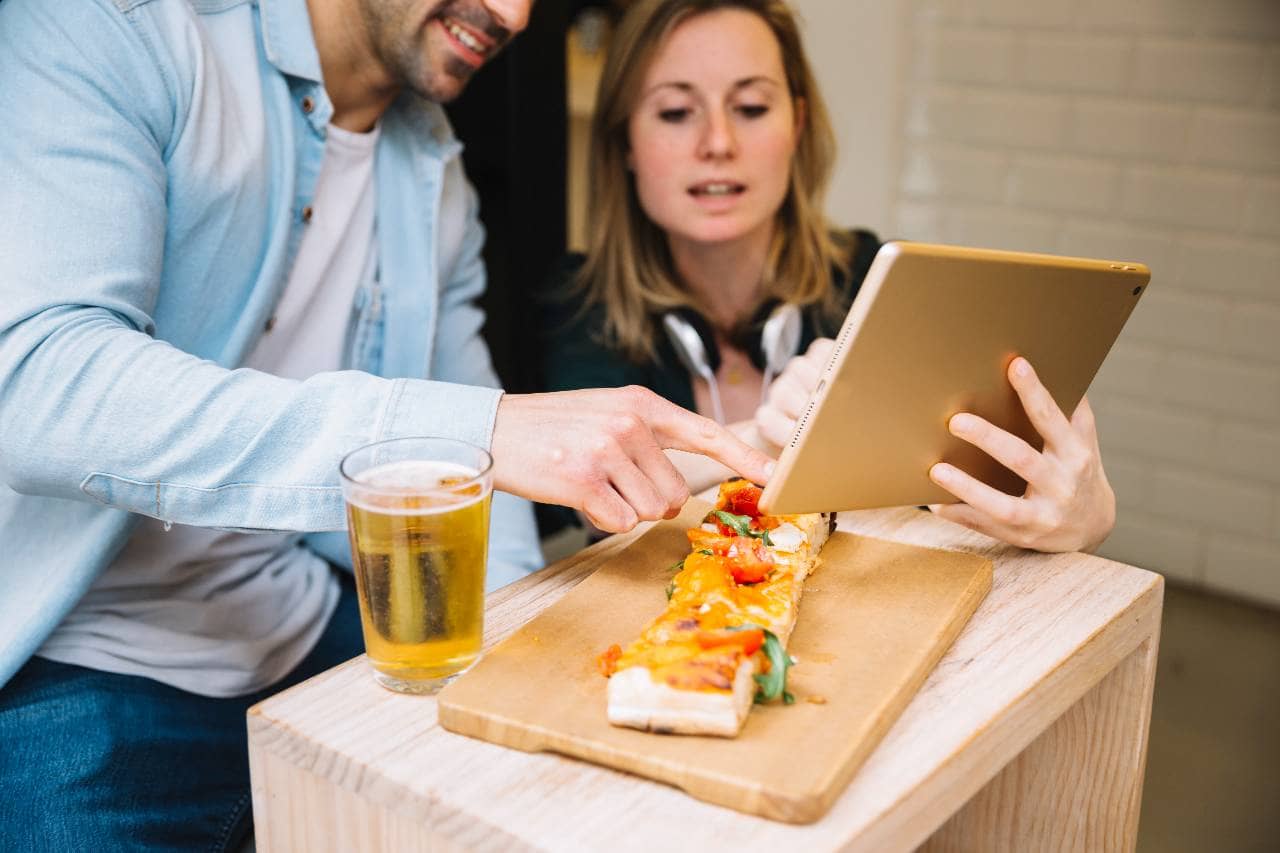
Self-service kiosks allow customers to browse menus, customize meals, place orders, and often complete payment without relying on a cashier. This type of restaurant ordering technology is especially common in quick-service and fast-casual restaurants, where speed and order volume are important parts of the customer experience. A typical kiosk connects directly with the restaurant's POS system. After a customer places an order, the information can be sent automatically to the kitchen display system or appropriate preparation station. This reduces the need for employees to manually enter kiosk orders and helps keep ordering channels organized in one system. Self-service kiosks can offer several benefits for restaurant owners - 1. Shorter Ordering Lines - Kiosks give customers additional places to order, which can reduce congestion at the front counter during busy periods. 2. Greater Order Accuracy - Customers enter their own selections and modifiers, helping reduce errors caused by verbal miscommunication between guests and employees. 3. Consistent Upselling - Kiosks can automatically suggest add-ons such as drinks, sides, desserts, larger portions, or meal upgrades before checkout. 4. More Menu Control - Digital menus can display item descriptions, images, modifiers, pricing, and availability in a consistent format. 5. Better Labor Allocation - When customers can place orders independently, employees may be able to spend more time on food preparation, fulfillment, dining room service, and other operational tasks. Kiosks can also give customers more time to review the menu without feeling rushed. Guests can explore available options, customize ingredients, and confirm their selections before submitting an order. However, restaurant owners should consider more than the kiosk hardware itself. The system should integrate with the POS, payment processor, kitchen technology, and menu management tools. Owners should also evaluate screen responsiveness, accessibility, ease of use, maintenance requirements, and available technical support. When properly integrated, self-service kiosks can create an additional ordering channel without adding another disconnected workflow for employees. They can help restaurants process more orders efficiently while giving customers greater control over how they order.
QR code and tableside ordering technology allows customers to use their own smartphones to view menus, place orders, and sometimes complete payment directly from the table. Instead of waiting for a server to provide a menu or return to take an order, guests can scan a QR code and access a digital ordering page within seconds. This type of restaurant ordering technology can be especially useful for restaurants that want to give customers more control over the ordering process while reducing unnecessary steps for employees. Once an order is submitted, it can be sent directly to the restaurant's POS or kitchen system for preparation. QR code and tableside ordering can offer several operational benefits - 1. Faster Access to Menus - Customers can open the menu immediately without waiting for printed menus to be delivered. 2. More Convenient Ordering - Guests can place additional food or drink orders from their phones without waiting for a server to return. 3. Fewer Manual Order Entries - When orders flow directly into the POS, employees do not need to re-enter customer selections manually. 4. Easy Menu Updates - Restaurants can update prices, descriptions, specials, and item availability digitally without reprinting physical menus. 5. Integrated Payments - Some systems allow customers to review their bill, split payments, add a tip, and pay directly from their phones. For restaurant owners, integration should be a major consideration. A QR ordering system should ideally connect with the POS, kitchen display system, payment processor, and menu management platform. This helps prevent separate ordering channels from creating duplicate tickets or additional administrative work. The customer experience also matters. Digital menus should load quickly, be easy to navigate, and clearly display modifiers, prices, and payment options. Restaurants should also maintain a traditional ordering option for guests who prefer interacting directly with employees. When implemented effectively, QR code and tableside ordering can complement traditional table service rather than replace it. The technology can handle routine ordering and payment tasks while allowing employees to focus more attention on hospitality, food delivery, and customer needs.
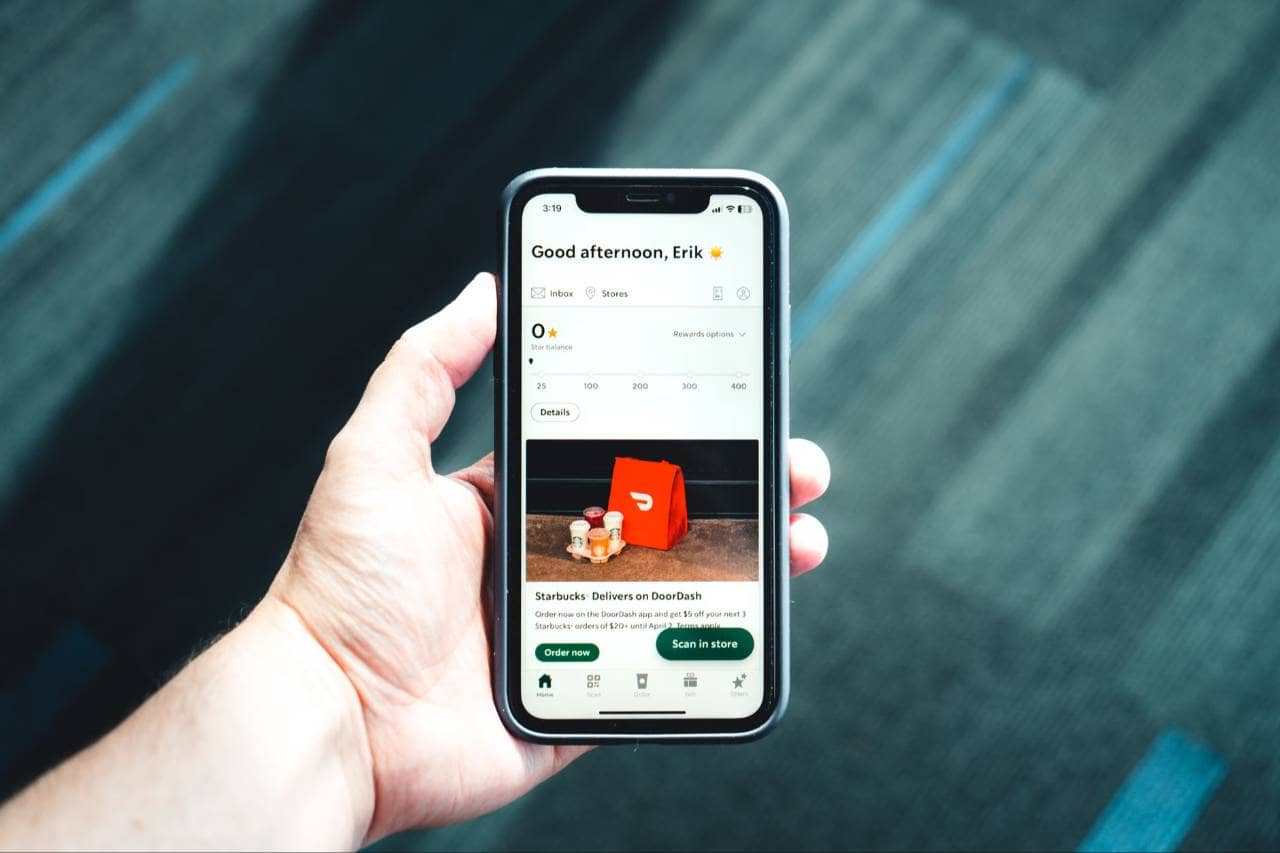
Online and mobile ordering technology allows customers to place restaurant orders through a website, mobile app, or digital ordering platform. These systems are especially important for restaurants that offer takeout, curbside pickup, and delivery because they give customers a convenient way to order without calling the restaurant or placing an order in person. A well-designed online ordering system should connect directly with the restaurant's POS and kitchen technology. Once a customer submits an order, the details can automatically flow into the restaurant's existing workflow instead of requiring employees to manually enter the information. Online and mobile ordering technology can provide several advantages - 1. More Ordering Convenience - Customers can browse the menu and place orders from their phones, tablets, or computers at any time the restaurant accepts orders. 2. Fewer Phone Orders - Digital ordering reduces the number of phone calls employees need to handle, allowing staff to focus more attention on food preparation and customer service. 3. Better Order Accuracy - Customers enter their own selections, modifiers, pickup times, and contact information, reducing the risk of mistakes caused by verbal communication. 4. Higher Upselling Opportunities - Online ordering platforms can automatically recommend appetizers, drinks, sides, desserts, or other add-ons during checkout. 5. Improved Customer Data - Direct online ordering systems may allow restaurants to collect useful information about ordering behavior, popular menu items, purchase frequency, and customer preferences. Integration is particularly important for restaurants that receive orders from multiple channels. If website, mobile, delivery, and in-store orders operate separately, employees may need to manage several tablets or manually transfer orders into the POS. A connected system can consolidate these orders and send them to the appropriate kitchen stations automatically. Restaurant owners should also evaluate the customer experience when choosing online ordering technology. The ordering page should be mobile-friendly, easy to navigate, and clearly display menu items, modifiers, prices, fees, pickup times, and payment options. Online and mobile ordering technology can become an important part of a restaurant's overall ordering strategy. When connected with the POS and kitchen systems, it can help owners handle more off-premise orders while maintaining a consistent and organized ordering process.
Drive-thru and AI ordering technology is designed to help restaurants process orders faster, reduce bottlenecks, and maintain consistency during high-volume periods. These tools are most common in quick-service restaurants, but some features can also support fast-casual and takeout-focused operations. Modern drive-thru systems may include digital menu boards, order confirmation screens, headset systems, license plate recognition, and AI-powered voice ordering. Together, these technologies can help streamline communication between customers, employees, and the kitchen. Restaurant owners should understand several key capabilities - 1. AI Voice Ordering - AI systems can take customer orders through the drive-thru speaker, recognize menu items and modifiers, and send the order into the restaurant's ordering system. 2. Digital Menu Boards - Restaurants can update prices, promotions, availability, and featured items without replacing printed menu boards. 3. Automated Upselling - AI ordering tools can suggest drinks, sides, desserts, or meal upgrades based on the customer's order. 4. Order Confirmation - Digital screens can show customers what they ordered before payment, helping identify mistakes before the order reaches the kitchen. 5. Faster Order Routing - When drive-thru technology connects with the POS and kitchen display system, orders can move directly to the appropriate preparation stations. AI technology can also help standardize the ordering process. Unlike manual upselling, which may vary by employee or shift, automated systems can apply the same prompts consistently across transactions. This can make it easier for owners to maintain a predictable ordering experience. However, restaurants should evaluate AI ordering technology carefully before implementation. Voice recognition accuracy, menu complexity, system integrations, customer experience, technical support, and the ability for employees to take over an order when necessary are all important considerations. For restaurants with significant drive-thru volume, combining digital ordering tools with AI can create a more efficient ordering process. The goal should not simply be to automate interactions, but to reduce unnecessary friction while keeping orders accurate, organized, and moving quickly from the customer to the kitchen.
With so many ordering options available, restaurant owners should focus on choosing technology that fits their service model, customer expectations, and day-to-day operations. The most advanced system is not always the best choice. The right solution should make ordering easier for customers while helping employees manage orders with fewer unnecessary steps. Start by evaluating how customers currently place orders. A full-service restaurant may benefit most from handheld devices, tableside ordering, and mobile payments, while a quick-service operation may need self-service kiosks, drive-thru technology, and online ordering. Restaurants with a large takeout or delivery business may place greater importance on mobile ordering and direct POS integrations. Restaurant owners should consider several factors before investing in new ordering technology - 1. Integration Capabilities - Look for technology that connects with your POS, kitchen display system, payment processing, inventory, reporting, and other restaurant management tools. Strong integrations can reduce duplicate data entry and keep orders organized across channels. 2. Ease of Use - Employees and customers should be able to use the system without unnecessary complexity. Complicated technology can slow service and increase training requirements. 3. Order Volume - Consider whether the system can handle busy periods without slowing down. Restaurants with multiple ordering channels need technology capable of processing dine-in, takeout, delivery, kiosk, and mobile orders simultaneously. 4. Scalability - If you plan to open additional locations, choose technology that can support multiple restaurants, menus, users, and ordering channels from a centralized platform. 5. Customer Experience - Ordering should be fast, intuitive, and convenient. Evaluate how many steps customers must complete, how easily they can customize orders, and whether they can access their preferred payment options. 6. Total Cost - Consider hardware, software subscriptions, transaction fees, installation, maintenance, integrations, and ongoing support rather than focusing only on the initial purchase price. 7. Reporting and Data - Look for systems that provide useful information about sales, order volume, popular items, ordering channels, and customer behavior. 8. Technical Support - Reliable support is important when ordering technology becomes part of daily operations. Review available support hours, troubleshooting resources, training, and system reliability. Ultimately, restaurant ordering technology should create a connected ordering process rather than another isolated system. By selecting tools that integrate with existing operations, restaurant owners can simplify order management, improve visibility, and create a smoother experience from the moment a customer places an order until it reaches the kitchen.
