

Technology Should Make Restaurant Workers Better, Not Busier
Restaurant technology should be judged by how much it eases employees' work. Automation, workforce management, and centralized systems free time for guests, provided they're simple, well designed, and measured.

Why Restaurant Work Is Uniquely Vulnerable to "Tech Overload"
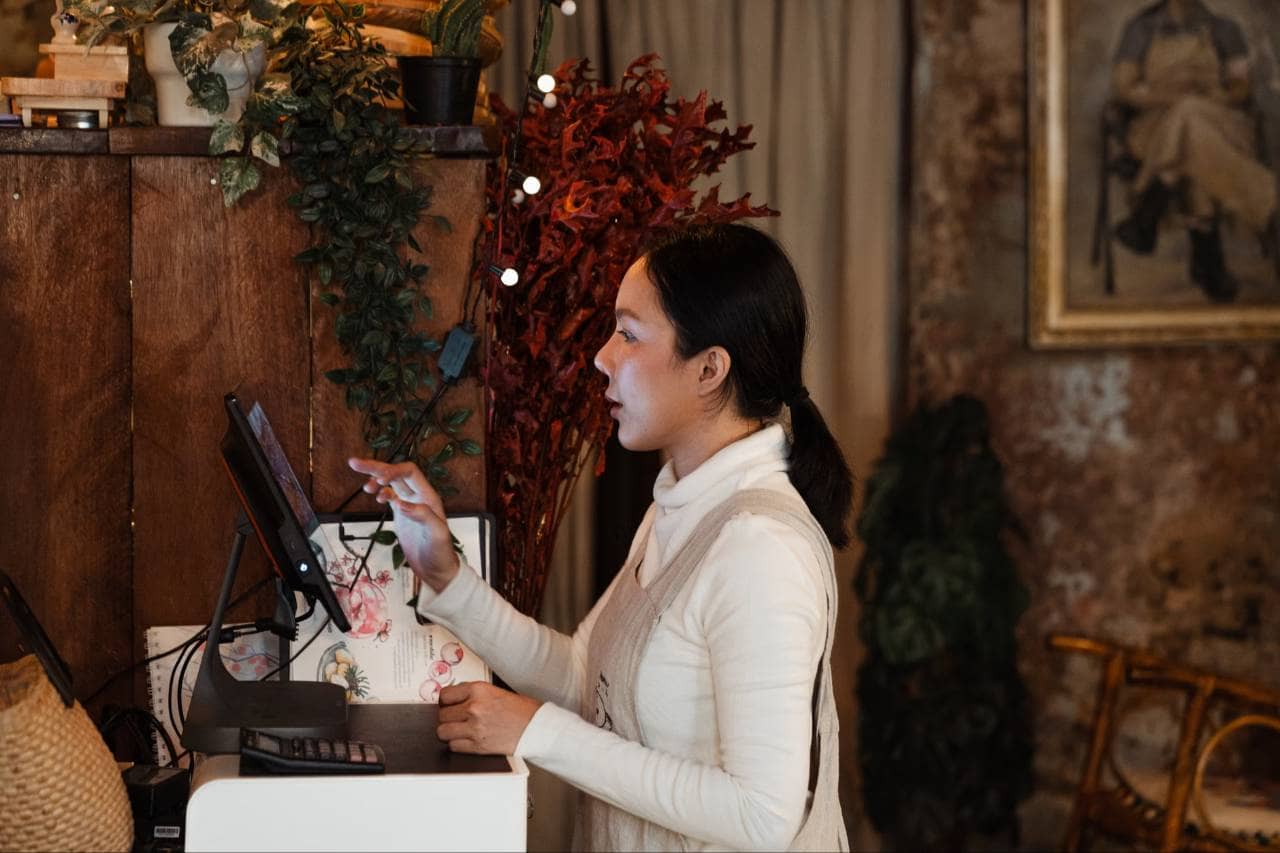
Technology that works well in an office does not automatically work well in a restaurant. The environment is different in ways that matter, and those differences explain why so many well-intentioned tools end up creating more friction than relief. The pace leaves no room for extra steps. A restaurant shift is not a series of calm, focused tasks. It is a stream of interruptions, time-sensitive orders, and split-second decisions. In an office, an extra login or a few additional clicks is a minor annoyance. During a dinner rush, those same seconds delay food, frustrate guests, and add stress to an already demanding moment. A tool that needs sustained attention is a poor fit for work that rarely allows it. Employees are often on their feet, not at a desk. Servers, cooks, bartenders, and hosts do not sit in front of a computer. They move between stations, carry plates, and handle equipment. Software that assumes a keyboard, a quiet moment, or a large screen overlooks how the work is physically done. Tools have to be quick to use in passing, ideally with a glance or a tap. Turnover keeps the learning curve steep. Restaurants experience higher staff turnover than most industries, which means training is a constant, not a one-time event. Every new hire must learn the systems alongside the menu, the station setup, and the standards of service. When a platform is complicated, the cost of onboarding multiplies with each person who joins, and experienced employees are pulled away from their own work to help. Teams are diverse in schedules and tech comfort. A single restaurant may employ part-time students, career servers, seasoned line cooks, and managers with very different levels of familiarity with digital tools. Many work split shifts or multiple jobs, and not everyone has time to attend lengthy training sessions. A system that only works well for the most tech-savvy person on the team will leave others behind. Tools are often added piecemeal. Restaurants tend to adopt technology one problem at a time - a new scheduling app here, an online ordering platform there, a separate tool for inventory. Over time, employees are left juggling disconnected systems, each with its own interface, its own rules, and its own demands for input. The result is duplicated effort and constant switching between platforms. Frontline voices are rarely part of the decision. Technology is typically chosen by owners, executives, or IT teams based on features, price, and reporting capabilities. The people who will use it every day are seldom consulted. Without their perspective, tools can look impressive in a demo yet fall apart under real working conditions. Taken together, these factors create an environment where a poorly designed tool does more than disappoint. It adds to the workload, increases stress, and can even contribute to burnout and turnover. Recognizing this vulnerability is the first step toward choosing technology that fits the realities of restaurant work rather than fighting against them.
Automation - Removing Repetitive Tasks So People Can Focus on Guests
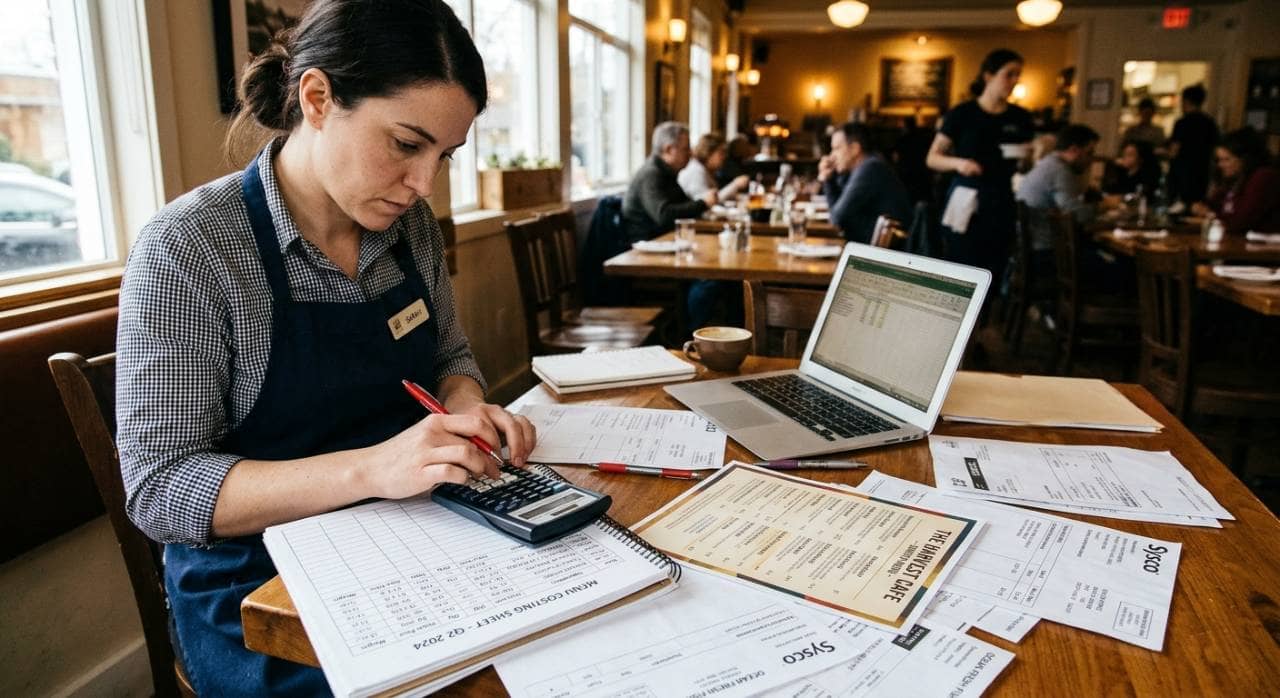
Restaurants run on small, repetitive tasks - counting stock, writing prep lists, entering orders, sending reminders, compiling reports. None of them is hard, but together they eat hours that could go to cooking, serving, and caring for guests. Automation earns its place when it takes this work off employees' plates instead of adding to it. What Automation Takes Off Your Team's Plate
| Task Area | Before Automation | With Automation | What Employees Gain |
| Inventory & reordering | Manual counts with a clipboard; stockouts discovered mid-service | Real-time usage tracking, low-stock alerts, and suggested orders based on set thresholds | Managers approve a short list instead of counting; cooks avoid mid-rush surprises |
| Order routing | Orders retyped or relayed verbally between front and back of house | Items sent automatically to the right station, whether from the table, counter, online, or delivery | Fewer miscommunications, faster tickets, servers stay on the floor |
| Prep forecasting | Prep quantities based on instinct and memory | Suggestions built from sales history, reservations, seasonality, and events | Clear daily prep lists, less over-prepping and fewer shortages |
| Reminders & communication | Managers send individual texts and calls and give verbal reminders | Automated shift reminders, schedule-change alerts, and checklist prompts | Less back-and-forth for managers, clearer expectations for staff |
| Reporting & admin | Sitting down with spreadsheets and receipts after close | Sales, labor, and cash reports generated from data the system already holds | A quick review replaces an hour of paperwork; managers return to the floor |
Workforce Management - Smarter Scheduling, Fairer Shifts, Less Stress
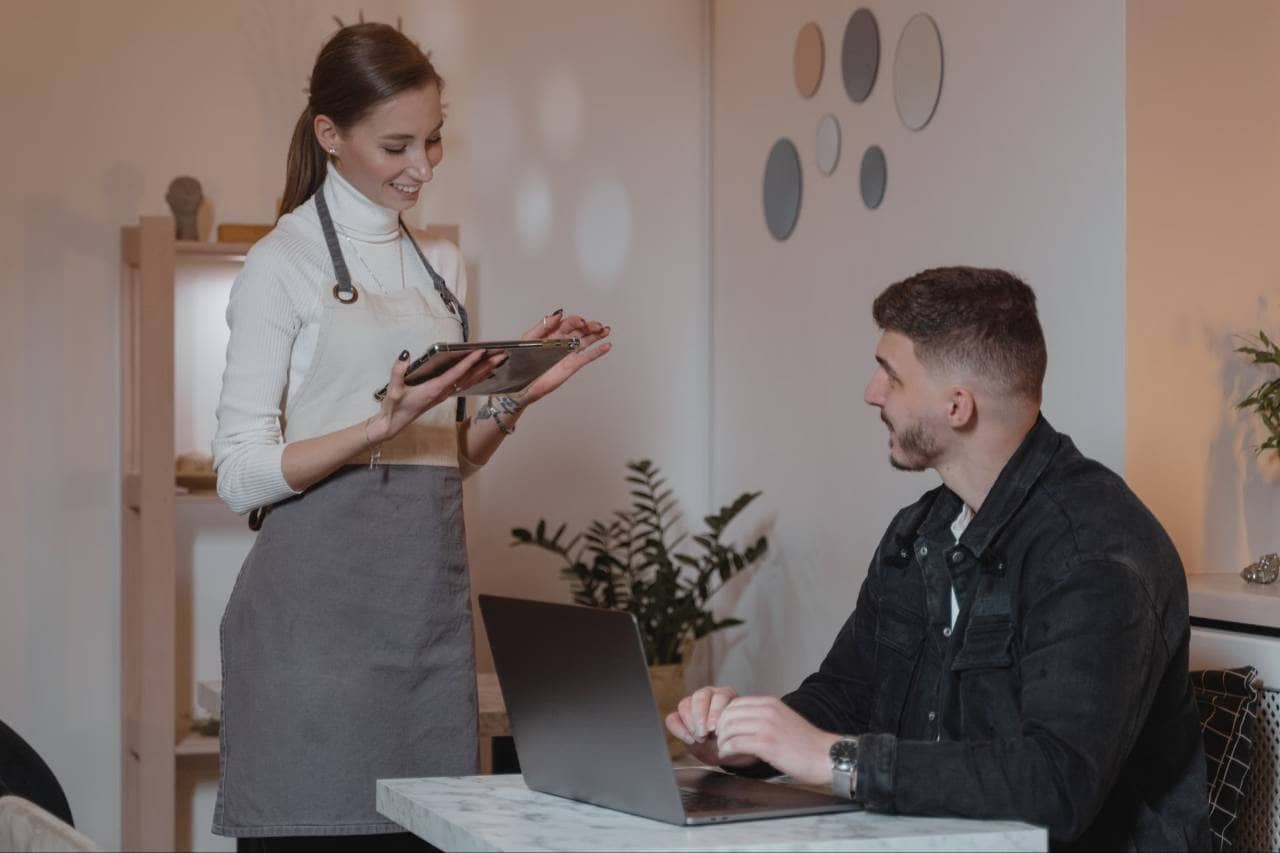
For restaurant employees, few things shape daily life more than the schedule. It determines when they can see family, attend class, pick up a second job, or simply rest. For managers, building that schedule is one of the most time-consuming and stressful parts of the role. Modern workforce management tools address both sides of the problem, giving managers better information and giving employees more predictability and control. 1. Demand-based scheduling. Traditional scheduling often relies on last week's template and a manager's best guess. Workforce tools can draw on sales history, reservations, weather patterns, and local events to suggest how many people are needed in each role at each hour. The result is a schedule matched to actual demand - fewer shifts where staff stand idle, and fewer nights when the team is stretched too thin to deliver good service. 2. Availability and preferences, captured upfront. Instead of collecting availability through scattered texts, sticky notes, and verbal requests, employees can enter their availability and time-off requests directly in an app. Managers see everything in one place when they build the schedule, which reduces conflicts and the frustrating cycle of rework. Employees, in turn, feel heard because their constraints are recorded rather than lost in a group chat. 3. Easy shift swaps and coverage. Life happens, and shifts need to change. Without a system, a swap can mean a chain of phone calls, manager approvals, and uncertainty about who is actually covering. Workforce tools let employees offer, pick up, and trade shifts within rules the manager has set, such as role qualifications or overtime limits. The manager approves with a tap, and everyone sees the updated schedule immediately. 4. Labor forecasting and cost visibility. Labor is one of a restaurant's largest expenses, and managing it often means watching the clock and adjusting on the fly. Forecasting tools project labor costs as the schedule is built, flagging potential overtime or overstaffing before the week begins. This allows managers to make thoughtful adjustments in advance rather than sending people home early or calling people in at the last minute, both of which disrupt employees' lives. 5. Simplified time tracking. Clocking in and out, recording breaks, and reconciling hours can be a source of errors and disputes. Digital time tracking records hours accurately, applies break and overtime rules automatically, and feeds directly into payroll. Employees can see their hours without having to ask, and managers spend less time correcting timesheets. 6. Faster, smoother onboarding. Because turnover is a constant in restaurants, onboarding needs to be efficient. Workforce platforms can collect paperwork digitally, assign training modules, and give new hires access to their schedules and key information from day one. New employees get up to speed faster, and experienced team members are not pulled away from their own work to walk someone through every form and procedure. 7. Less chaos, more predictability. Taken together, these capabilities reduce the last-minute scrambling that frustrates both managers and staff. Employees who can see their schedules earlier, trade shifts easily, and trust that their hours are tracked correctly are better able to plan their lives, and they tend to feel more respected at work. Managers, freed from the administrative juggling, can spend more time coaching their teams and supporting service. 8. The point is fairness, not just efficiency. Done well, workforce management technology also brings transparency. When scheduling rules are consistent and visible, it is easier to distribute desirable and undesirable shifts fairly, honor availability, and avoid the perception of favoritism. That sense of fairness matters. It builds trust, supports morale, and gives employees a reason to stay. As with any tool, the test is whether it simplifies the work. A scheduling app that is clunky, hard to access on a phone, or full of unnecessary steps will frustrate people just as much as a paper schedule did. The best workforce tools are simple enough for any employee to use in a minute or two, and powerful enough to quietly handle the complexity behind the scenes.
Centralized Systems - Connected, Not Scattered
Many restaurants run on a patchwork of platforms. One system handles the POS, another manages inventory, a third runs payroll, a fourth handles team messaging, and a fifth delivers training. Each tool may do its job well on its own, but together they create a hidden workload - logging into multiple places, re-entering the same information, and reconciling numbers that never quite match. For employees, this means more screens, more passwords, and more chances for something to slip through the cracks. For managers, it means hours spent stitching together information that should already be connected. What a Centralized System Changes A centralized system brings core functions into a single connected environment, or links separate tools so they share data automatically. Instead of many separate sources, there is one version of the truth. Before and after at a glance
| Same data entered in multiple systems | Information entered once and shared everywhere |
| Reports built by hand from separate sources | Reports generated from a single, consistent data set |
| Conflicting numbers between POS, inventory, and payroll | Everyone works from the same up-to-date figures |
| Multiple logins and interfaces to learn | One login and a consistent experience |
| Updates communicated by text, calls, and notes | Changes visible to the whole team instantly |
Designing Technology Around the Employee Experience
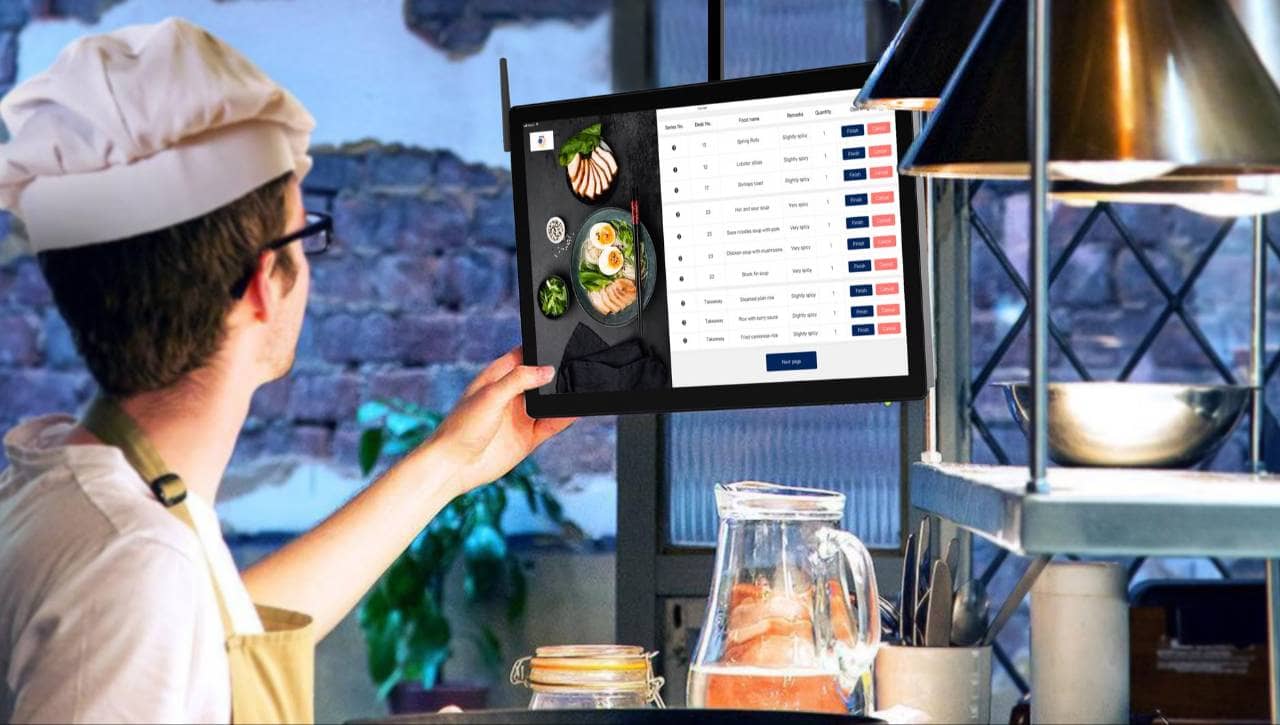
Automation, workforce management, and centralized systems can all deliver real value, but only if people actually want to use them and can use them easily. A powerful tool that employees avoid, work around, or resent will not improve anything. The difference between technology that helps and technology that burdens often comes down to design, and the most important design question is simple - how does this feel to the person using it in the middle of a shift? Start with the frontline workflow, not the feature list. The best way to evaluate a tool is to map it against what employees actually do. Walk through a typical opening, a busy lunch, a table turn, a closing routine. Where would this tool fit? Where would it interrupt? If a system makes the manager's report prettier but adds steps to a server's night, it is solving the wrong problem. Technology should be shaped around the real rhythm of the work. Keep interfaces intuitive. A new employee should be able to understand the basics of a tool within minutes, not days. Clear labels, familiar layouts, and logical navigation matter far more than advanced capabilities most people will never use. If a task requires a manual to complete, it is probably too complicated for a restaurant environment, where staff are rarely able to stop and troubleshoot. Make it mobile-friendly and accessible anywhere. Restaurant employees are rarely at a desk. Tools should work well on a phone, a tablet, or a station screen, with text large enough to read at a glance and buttons easy to tap on the move. Employees should also be able to check schedules, request shifts, or review updates from home, without needing to come in or call someone. Minimize clicks and cut unnecessary steps. Every extra tap is a small tax on time and attention. Good design reduces common tasks to as few actions as possible, uses sensible defaults, and avoids asking for information the system already has. The goal is for routine actions to feel almost effortless. Offer role-specific views. A host, a bartender, a sous chef, and a general manager each need different information. Showing everyone everything creates clutter and confusion. Role-based views present each person with only what is relevant to their job, which makes the tool faster to use and easier to trust. Provide clear, practical training. Even simple tools require some introduction. Training should be short, hands-on, and tied to real tasks rather than abstract feature tours. Quick reference guides, brief video walkthroughs, and a designated point person for questions help employees build confidence. Because turnover is high, training materials should also be easy to reuse for every new hire. Involve employees in selecting and shaping tools. Frontline staff understand daily challenges better than anyone. Inviting a few servers, cooks, and shift leaders to test a tool before it is rolled out can reveal problems that a demo would never show. It also builds buy-in. People are more likely to embrace a system they helped choose than one handed down without explanation. Keep listening after launch. Implementation is not the finish line. Regular check-ins, simple feedback channels, and a willingness to adjust settings or workflows signal that the tool is there to serve the team, not the other way around. When employees see their suggestions lead to real improvements, trust grows, and so does adoption. Respect attention during service. Notifications, alerts, and prompts should be used with care. A system that constantly interrupts employees during peak hours becomes a distraction rather than a help. Thoughtful design reserves alerts for what truly needs attention and delivers everything else at moments when people can respond. When technology is designed around the employee experience, it fades into the background and supports the work rather than competing with it. Employees notice when a tool respects their time, and they notice just as quickly when it does not. Designing for the people who use it every day is what turns software from a source of friction into a genuine advantage.
Are Employees Actually Doing More With Less Effort?
Adopting new technology is not the same as benefiting from it. Many restaurants measure success by whether a tool was installed, or whether it produces impressive reports. The more important question is whether employees are actually working more effectively, with less strain. Answering it requires looking beyond traditional efficiency numbers to the day-to-day experience of the people using the tools. A tool can improve sales or reduce costs on paper while quietly making work harder for the team. Over time, that hidden burden shows up as frustration, errors, and turnover. Measuring both operational results and employee experience gives leaders a complete picture and helps them catch problems before they grow. Key Measures to Track What to Measure, What It Tells You, and How to Gather It
| Time saved per task | Whether automation and centralized systems are truly reducing effort | Compare how long routine tasks (inventory counts, schedule building, closing reports) took before and after |
| Error rates | Whether connected systems are improving accuracy | Track order mistakes, pay discrepancies, inventory variances, and timesheet corrections |
| Manager time on administration | Whether managers are freed up for the floor | Ask managers to estimate weekly hours spent on paperwork, scheduling, and reconciliation |
| Schedule satisfaction | Whether workforce tools are creating predictability and fairness | Survey staff on notice time, shift swap ease, and how well their availability is honored |
| Onboarding speed | Whether systems are simple enough for new hires | Track time from hire date to independent, confident work |
| Tool adoption and usage | Whether employees find the technology worth using | Monitor logins, feature use, and workarounds such as reverting to texts or paper |
| Retention and turnover | Whether the overall work experience is improving | Compare turnover rates and length of employment over time |