



.png&w=3840&q=70)




What Is a Contactless Payment? A Guide for Restaurant Owners
Contactless payment offers restaurants faster transactions, better security, and improved customer experience, making it a valuable, worthwhile technology investment today.

The Shift Toward Contactless Dining
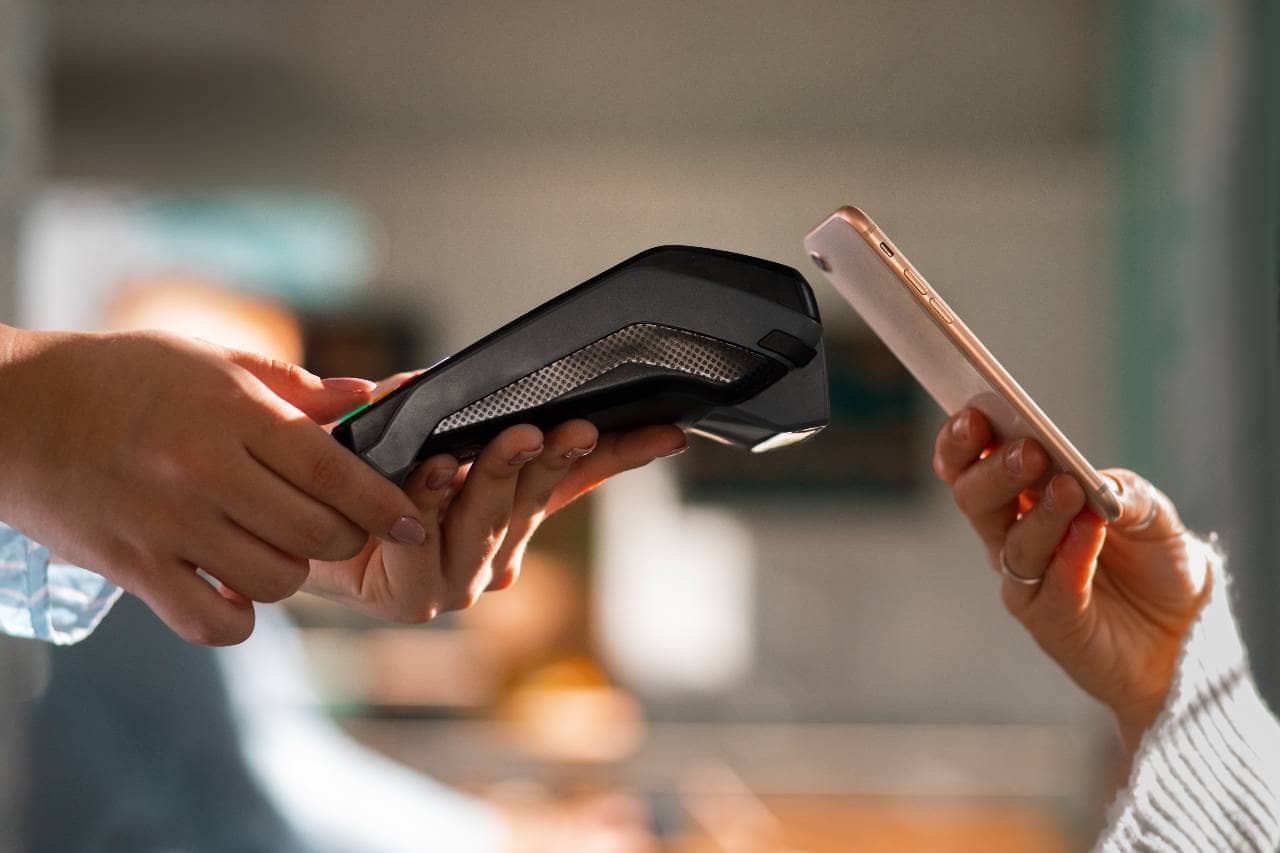
Walk into almost any restaurant today and you'll notice something that would have seemed unusual just a few years ago - customers tapping their phones, smartwatches, or cards against a small terminal instead of swiping or inserting them. Contactless payment isn't a passing trend. It has steadily moved from a novelty to an expectation, driven by changing consumer habits, advances in mobile technology, and a growing preference for faster, more convenient checkout experiences. Diners increasingly expect the same speed and ease they get from other parts of their digital lives to carry over into how they pay for their meals. For restaurant owners, this shift raises practical questions. What exactly counts as contactless payment? Is it worth the investment to upgrade payment systems? Will it actually improve the customer experience, or is it simply another cost to absorb? And how does it fit into the daily rhythm of a busy kitchen and front-of-house operation?
What Is Contactless Payment?
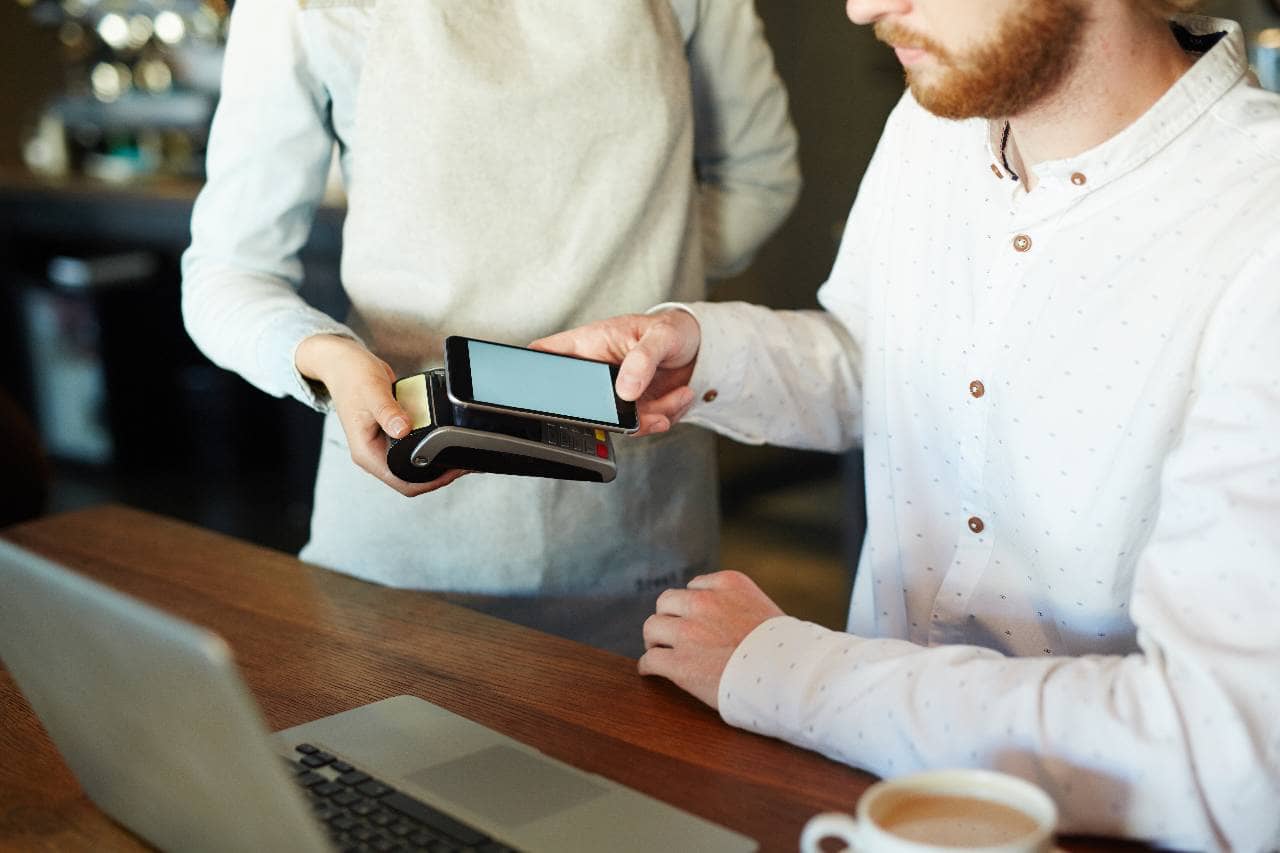
At its core, contactless payment is a method of paying for goods or services without physically swiping a card or inserting it into a chip reader. Instead, the customer simply taps or holds their payment device - a card, phone, or wearable - near a payment terminal, and the transaction is completed almost instantly. The technology behind this convenience is called Near Field Communication (NFC), a short-range wireless communication standard that allows two devices to exchange data when they're within a few centimeters of each other. Many contactless cards also rely on a related technology called RFID (Radio Frequency Identification), which uses radio waves to transmit information between the card's embedded chip and the terminal's reader. Here's what happens during a typical contactless transaction - 1. The customer taps their card, phone, or wearable against or near the payment terminal. 2. The terminal's NFC reader detects the device and initiates a secure data exchange. 3. Encrypted payment information is transmitted - rather than sending raw card details, the device sends a one-time-use code or token that represents the transaction. 4. The payment processor verifies the transaction with the customer's bank or card issuer in real time. 5. The terminal confirms approval, usually with a beep, checkmark, or light indicator, and the transaction is complete - often in one to two seconds. This entire process happens faster than a traditional chip transaction, which typically requires the card to remain inserted for several seconds while the terminal communicates with the payment network. It's worth noting that contactless payment doesn't require an internet connection on the customer's end the phone or card doesn't need Wi-Fi or cellular data to complete a tap. The restaurant's payment terminal, however, does need a stable connection to process the transaction with the payment network, which is an important operational detail we'll return to later in this guide.
Types of Contactless Payment Methods
Contactless payment isn't a single technology - it's an umbrella term covering several different methods, each with its own device requirements and customer experience. Understanding these distinctions helps restaurant owners know what their POS system needs to support. Contactless Credit and Debit Cards Many modern credit and debit cards come embedded with a small chip and antenna that enable tap-to-pay functionality. These cards are usually marked with a small wave-like symbol (resembling a sideways Wi-Fi icon) to indicate contactless capability. Customers simply tap the card against the terminal instead of inserting or swiping it, and the transaction completes in seconds. Mobile Wallets Mobile wallets have become one of the most common forms of contactless payment. These include - 1. Apple Pay - used on iPhones and Apple Watches 2. Google Pay - used on Android devices 3. Samsung Pay - available on Samsung devices, with the added ability to work on some older magnetic stripe readers Mobile wallets store a customer's card information securely on their device and use tokenization (discussed in more detail later) to complete transactions without transmitting actual card numbers. Customers typically authenticate the payment with a fingerprint, face scan, or passcode before tapping their phone to the terminal. QR Code Payments Rather than relying on NFC, QR code payments use a scannable code displayed either on the restaurant's terminal, table, or receipt - or generated on the customer's phone - to initiate a transaction. This method has grown particularly popular for menu access and payment apps that link directly to a customer's bank account or digital wallet, often bypassing traditional card networks altogether. Wearable Payment Devices Smartwatches, fitness trackers, and even payment-enabled rings or bracelets are increasingly capable of storing card credentials and completing contactless transactions. These work similarly to mobile wallets, using NFC to communicate with the terminal, and are especially popular among customers who prefer not to carry a phone or wallet at all. Not all contactless methods work identically with every POS system. Some terminals support NFC-based payments but not QR codes, while others may require specific software integrations to accept certain mobile wallets. When evaluating a contactless payment setup, restaurant owners need to confirm which specific methods their hardware and software can support - a topic we'll explore further in the implementation section of this guide.
Benefits of Contactless Payment
Adopting contactless payment isn't just about keeping up with trends - it offers tangible operational and financial advantages for restaurants of nearly every size and style. Here's a closer look at the key benefits. Faster Transaction Times Contactless payments typically complete in one to two seconds, compared to several seconds for inserting a chip card and waiting for it to process. In a high-volume setting - a busy lunch rush, a packed bar, or a quick-service counter - those saved seconds add up. Faster transactions mean shorter lines, quicker table turnover, and staff who can spend less time processing payments and more time on service. Improved Hygiene and Reduced Physical Contact Contactless payment reduces the need for customers and staff to physically handle cards, cash, or shared PIN pads. This became especially important in recent years as hygiene concerns pushed many diners to seek out payment methods that minimize touching. Even outside of specific health concerns, many customers simply prefer the reduced physical contact that tapping offers. Reduced Cash Handling Restaurants that lean more heavily into contactless and digital payments often see a decrease in cash transactions. This can reduce the time staff spend counting drawers, making bank deposits, and managing the security risks associated with keeping cash on-site. It can also simplify end-of-day reconciliation and reduce opportunities for human error or theft. Shorter Lines and Improved Table Turnover Because contactless transactions are faster, restaurants - particularly quick-service and fast-casual establishments - can serve more customers during peak hours. Even in full-service settings, faster checkout at the table can help free up seating more quickly during busy periods. Potential for Increased Average Ticket Size Some industry data suggests that contactless and digital payment methods can lead to slightly higher average transaction amounts compared to cash. When paying is fast and frictionless, customers may be less price-conscious at the point of sale, which can translate into modest increases in add-on purchases like appetizers, desserts, or drinks. Perhaps most importantly, contactless payment has become an expected convenience for a significant portion of diners - especially younger customers who are accustomed to tapping their phone or card everywhere from grocery stores to transit systems. Restaurants that don't offer this option risk feeling outdated or inconvenient compared to competitors who do.
Security Features
One of the most common misconceptions about contactless payment is that tapping a card or phone is somehow less secure than inserting a chip or swiping a magnetic stripe. In reality, contactless payments often incorporate stronger security measures than traditional payment methods. Understanding these features can help restaurant owners address customer concerns and make informed decisions about their payment systems. Tokenization Rather than transmitting a customer's actual card number during a transaction, contactless payments - particularly those made through mobile wallets - use a process called tokenization. This replaces sensitive card details with a unique, randomly generated code (a "token") that's only valid for that specific transaction. Even if this token were somehow intercepted, it couldn't be reused or reverse-engineered to reveal the customer's actual card information. Encryption Data transmitted during a contactless transaction is encrypted, meaning it's scrambled into a format that can only be read by authorized systems within the payment network. This encryption happens the moment the tap occurs, protecting the information as it moves between the customer's device, the restaurant's terminal, and the payment processor. Short Transmission Range NFC technology, which powers most contactless payments, only works within a very short range - typically a few centimeters. This makes it extremely difficult for anyone to intercept payment information from a distance, addressing a common concern about "skimming" that customers may have heard about. Device-Level Authentication Many mobile wallet transactions require an additional layer of authentication before the payment can be completed, such as a fingerprint scan, facial recognition, or passcode entry on the customer's phone or smartwatch. This means that even if a phone were lost or stolen, an unauthorized user typically couldn't complete a payment without bypassing these security checks. Dynamic Data Authentication Unlike a magnetic stripe, which contains static, unchanging data that could theoretically be copied and reused, contactless transactions generate a new authentication code with every transaction. This dynamic nature makes cloning or replaying a contactless payment significantly more difficult. Fraud Liability Protections Most major card networks and mobile wallet providers offer strong fraud protection policies, meaning customers are typically not held responsible for unauthorized transactions made through contactless methods, provided they report the issue promptly. Taken together, these layers of security mean contactless payments are generally considered as safe as - and in some respects safer than - traditional chip or swipe transactions. Communicating this clearly to customers can help ease any lingering hesitation about adopting contactless payment in your restaurant.
How to Implement Contactless Payment
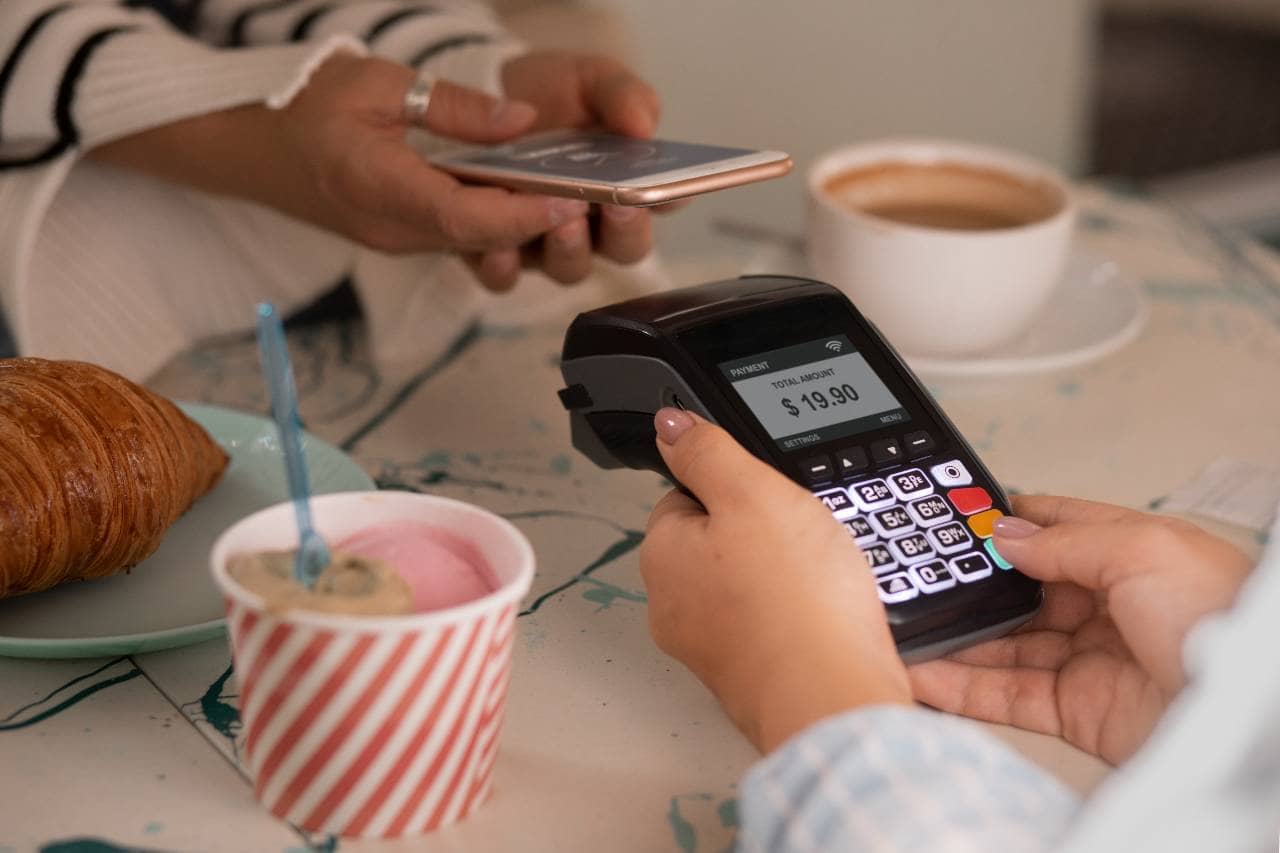
Adopting contactless payment involves more than simply purchasing new equipment. A thoughtful implementation process helps ensure the transition is smooth for both staff and customers. Here's how restaurant owners can approach it step by step. 1. Assess Your Current POS System Start by reviewing your existing point-of-sale system to determine whether it already supports contactless payments or requires an upgrade. Some POS providers offer contactless-compatible terminals as part of standard hardware packages, while others may require add-on equipment or a full system replacement. 2. Choose the Right Payment Processor Not all payment processors support the same range of contactless payment methods. When evaluating processors, restaurant owners should ask specific questions - - Does the processor support major mobile wallets like Apple Pay, Google Pay, and Samsung Pay? - Are QR code payments supported, if that's a method you want to offer? - What are the fee structures for contactless transactions compared to traditional card payments? - What kind of customer support is available if issues arise? 3. Select Compatible Hardware If new hardware is needed, look for terminals that explicitly support NFC technology and, if relevant, QR code scanning. Many modern POS terminals include contactless capability by default, but it's worth confirming this before purchasing, especially if working with older or budget hardware. 4. Ensure Reliable Connectivity Since contactless transactions depend on a stable connection to process payments, restaurants should evaluate their internet reliability and consider backup options, such as a secondary internet connection or offline transaction capabilities, to avoid service disruptions during outages. 5. Train Your Staff Staff should be comfortable with the entire contactless payment process, including - - Guiding customers through tapping their card, phone, or wearable - Troubleshooting failed or declined transactions - Offering alternative payment methods when needed - Answering basic customer questions about how contactless payment works and its security features 6. Update Signage and Customer Communication Clear signage - at the entrance, on tables, or near the register - can help inform customers that contactless payment is accepted. This is particularly useful for customers who may not think to try tapping their card or phone unless prompted. 7. Test the System Before Full Rollout Before fully implementing contactless payment across all transactions, it's worth running a test period to identify any technical issues, staff training gaps, or customer confusion. This allows for adjustments before the system is relied upon during peak business hours. Once implemented, restaurant owners should periodically review transaction data, processing fees, and customer feedback to determine whether the system is working as intended or whether further adjustments - such as additional staff training or hardware updates - are needed.