10 Ways to Use AI for Restaurant Back Office Management
AI helps restaurant owners streamline back-office management, automate administrative tasks, improve accuracy, control costs, and make smarter business decisions.
Back Office
Oct 14, 2026
AI helps restaurant owners streamline back-office management, automate administrative tasks, improve accuracy, control costs, and make smarter business decisions.
Oct 14, 2026
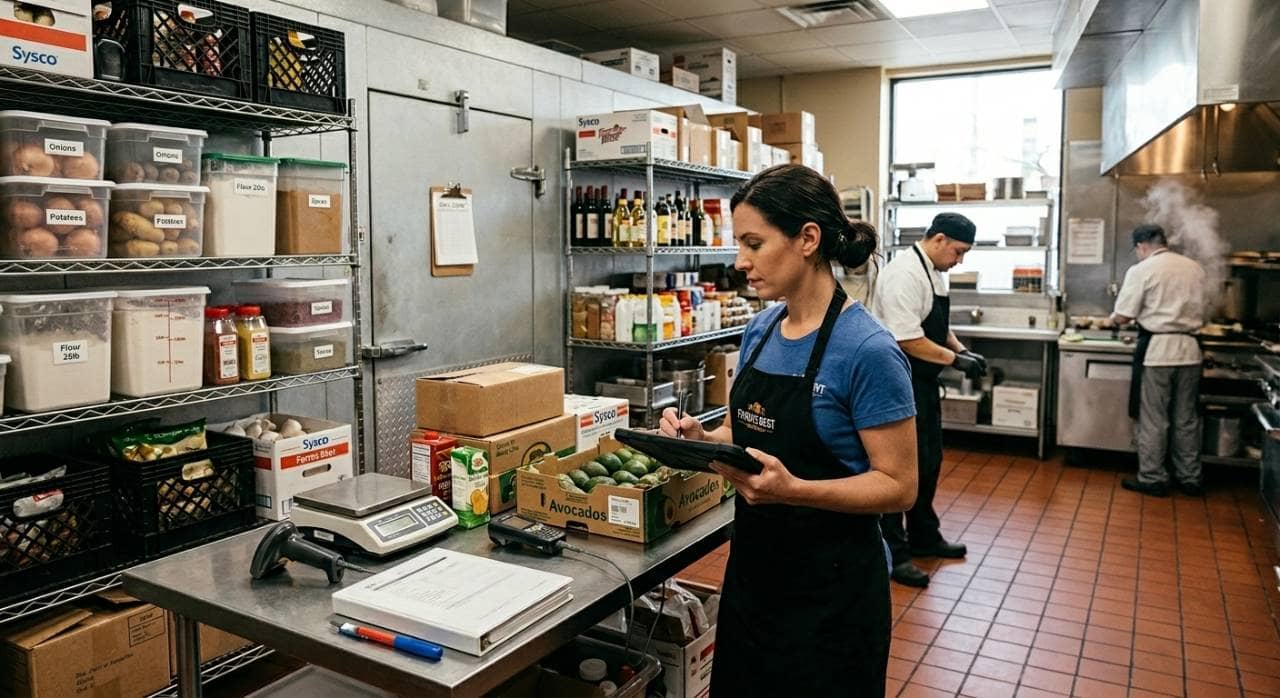
Learn how to forecast restaurant inventory using sales data, demand trends, and stock tracking to reduce food waste, control costs, and improve profitability.
Oct 14, 2026
Gen Restaurant Group sells all 47 Gen Korean BBQ locations to Chubby Cattle Group for $100 million, keeping its brand and CPG business.
Oct 14, 2026

Alexandria Restaurant Partners names Nazia Millwala president, succeeding founders in a planned leadership transition across Virginia and Orlando.
Oct 14, 2026
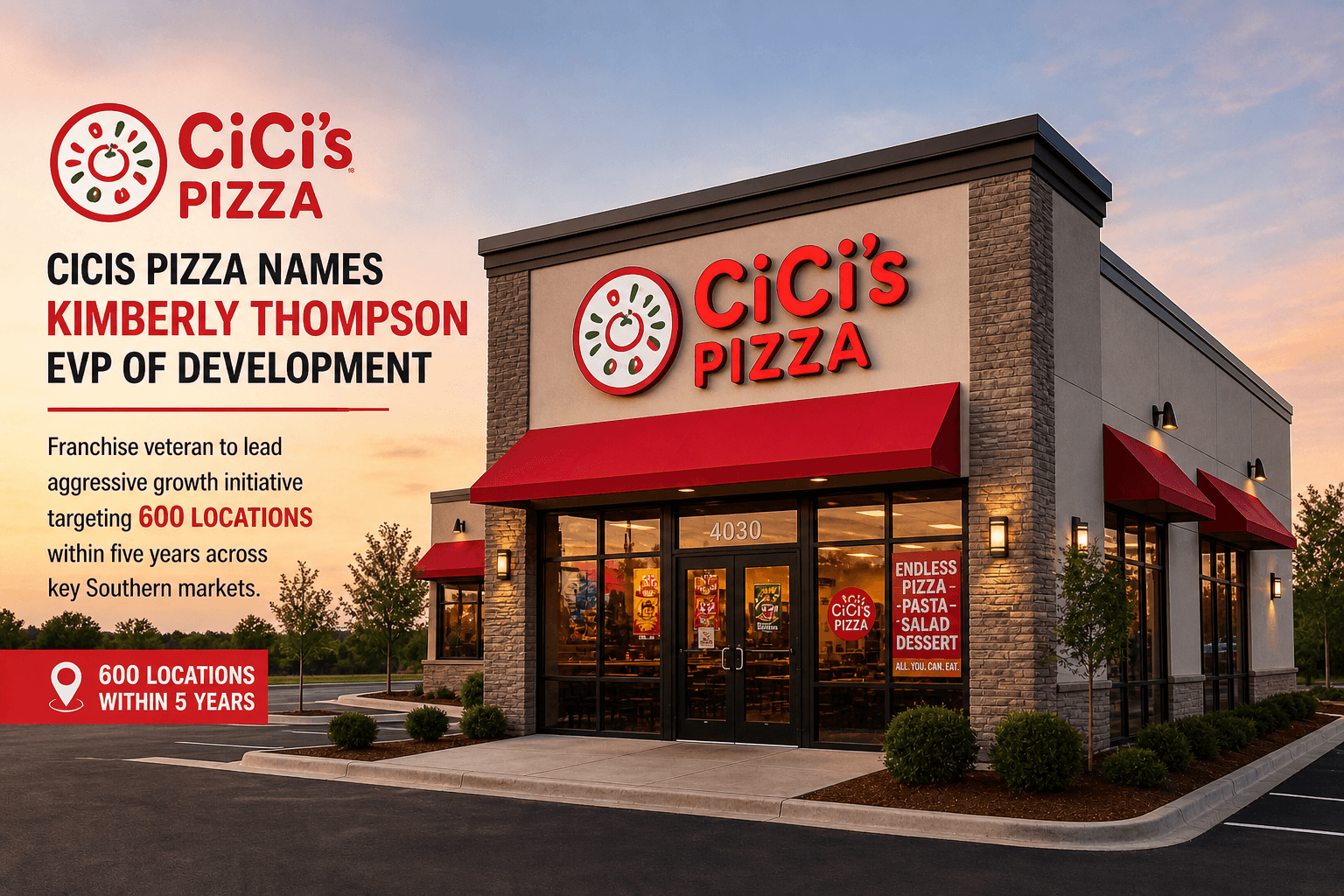
Cicis Pizza names franchise veteran Kimberly Thompson EVP of Development, targeting 600 locations within five years across key Southern markets.
Oct 14, 2026
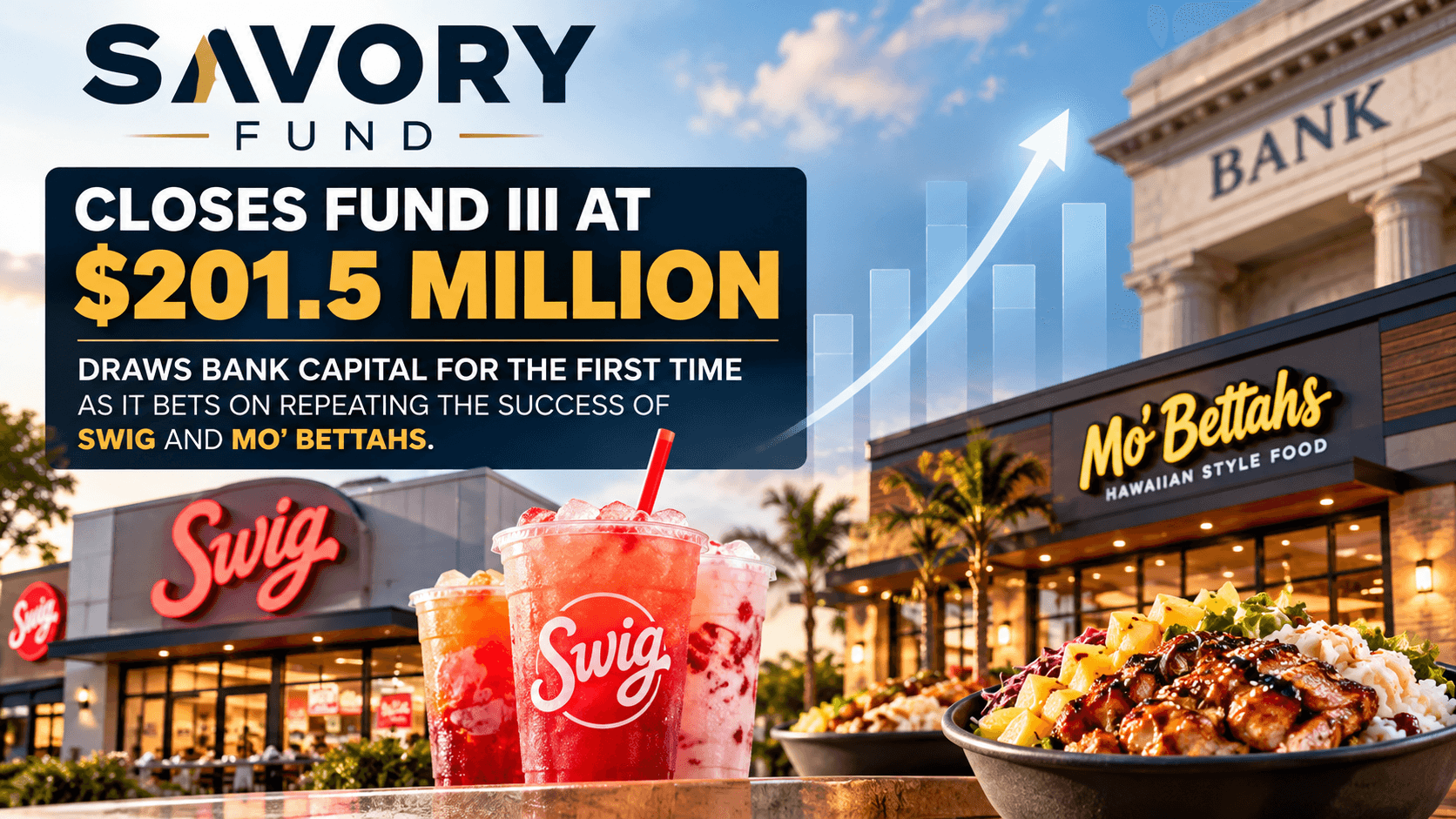
Savory Fund closes Fund III at $201.5 million, drawing bank capital for the first time as it bets on repeating the success of Swig and Mo' Bettahs.
Oct 13, 2026
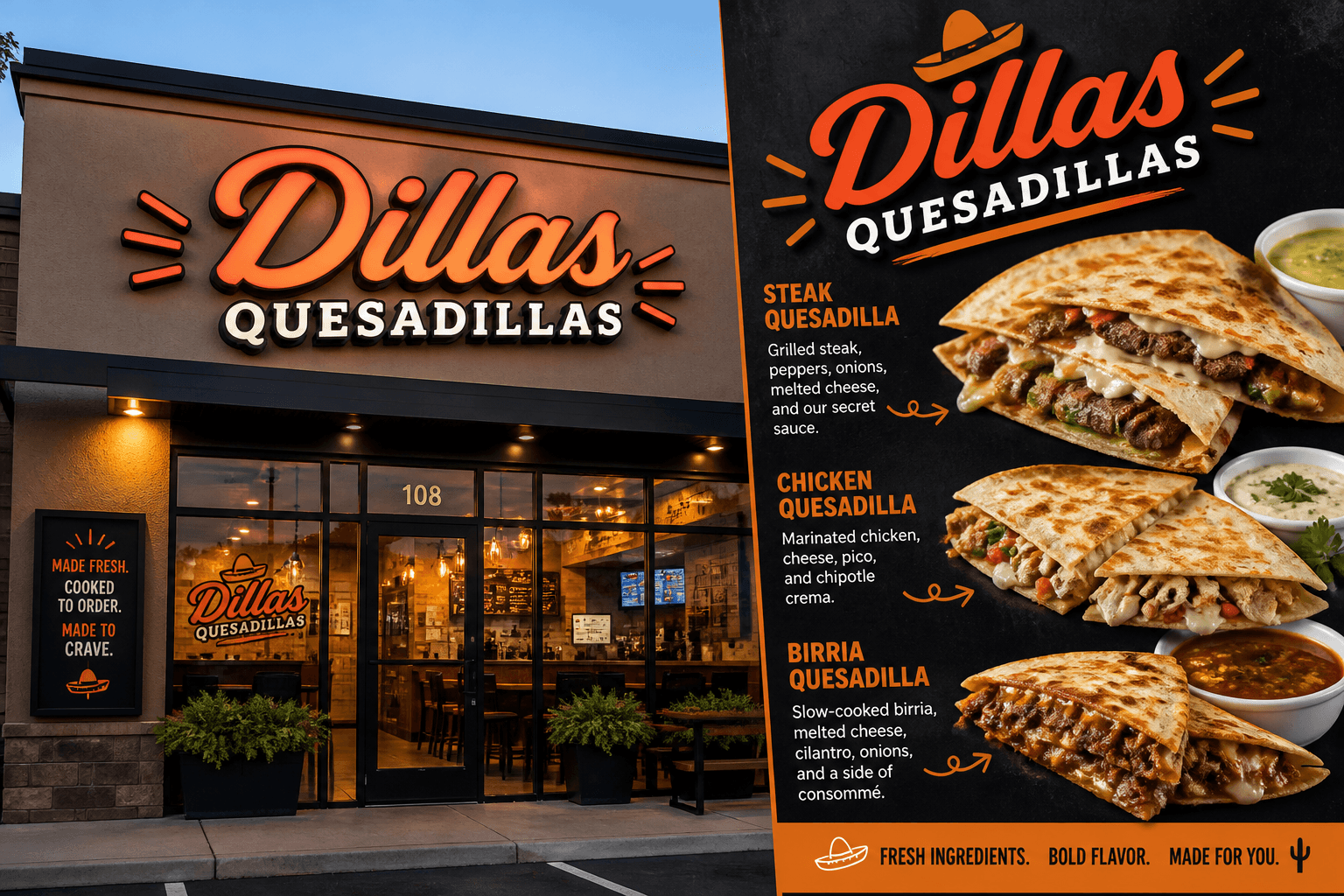
Dillas Quesadillas hires Michael Mabry as its first-ever COO to lead operations, marketing and franchise sales on the path to 50 locations by 2028.
Oct 13, 2026
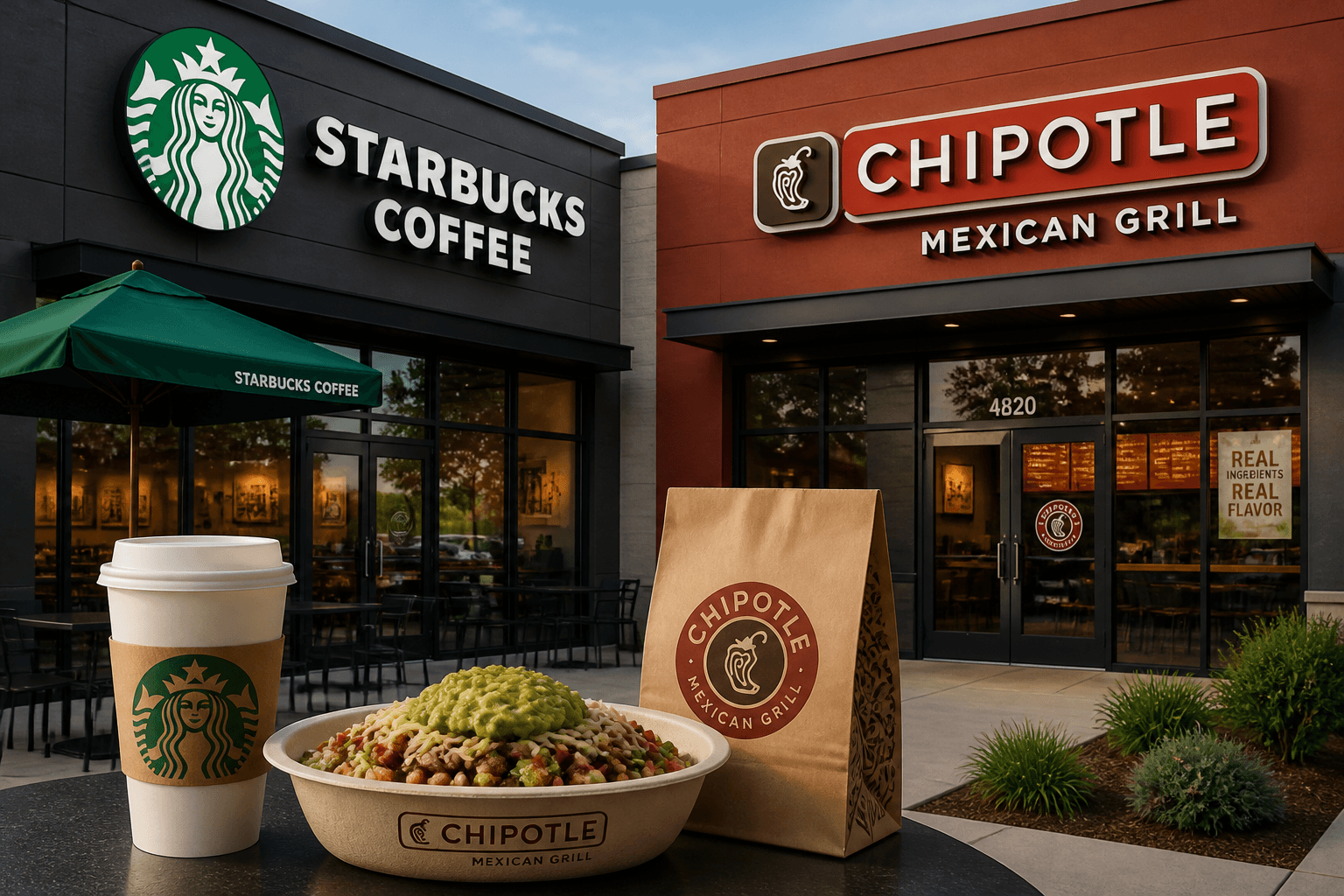
Starbucks firmly denies rumors of a $50 billion Chipotle acquisition, shifting focus to its turnaround plan and upcoming Q4 earnings report.
Oct 12, 2026

September 2026 restaurant leadership changes highlight executive priorities around expansion, operations, franchising, technology, financial performance, customer engagement, and sustainable growth.
Oct 12, 2026

Learn how to calculate restaurant labor costs, determine labor cost percentages, account for payroll expenses, track spending, and improve profitability through smarter staffing decisions.
Oct 9, 2026

Unlock Exclusive Access To Webinars, Events, And The Latest News For Free!
AI helps restaurant owners streamline back-office management, automate administrative tasks, improve accuracy, control costs, and make smarter business decisions.
Restaurant back-office management involves the administrative tasks that keep a restaurant running smoothly behind the scenes. These responsibilities include accounting, payroll, inventory management, employee scheduling, purchasing, financial reporting, and document organization. Although these tasks may not involve direct customer service, they have a significant impact on operating costs, staff productivity, and profitability. Managing these responsibilities manually can consume valuable time. Restaurant owners often need to review invoices, track expenses, prepare reports, monitor inventory levels, and coordinate employee schedules while overseeing daily operations. AI tools for restaurant back office management can simplify these tasks by automating repetitive work, analyzing business data, and helping owners make informed decisions. How AI Improves Back Office Operations Artificial intelligence can support restaurant administration in several practical ways - 1. Automating repetitive tasks - AI can extract information from invoices, categorize expenses, organize documents, and prepare routine reports, reducing the amount of manual data entry required. 2. Analyzing business data - AI can examine sales, labor expenses, inventory usage, and purchasing patterns to identify trends that might otherwise go unnoticed. 3. Improving forecasting - By analyzing historical information and current operating conditions, AI can help estimate future sales, ingredient demand, and staffing requirements. 4. Identifying potential errors - AI can flag unusual transactions, duplicate invoices, inconsistent records, and unexpected changes in expenses for further review. 5. Supporting administrative decisions - AI-generated summaries and recommendations can help restaurant owners evaluate costs, identify inefficiencies, and determine which areas need attention. When implemented thoughtfully, AI can help restaurant owners spend less time processing information and more time improving operations. The most effective starting point is to identify the back-office tasks that consume the most time, create recurring errors, or make it difficult to understand business performance. These priorities can guide the selection of AI tools for accounting, inventory, payroll, scheduling, reporting, and other administrative functions.
Restaurant accounting involves tracking revenue, recording expenses, processing invoices, reconciling transactions, and maintaining accurate financial records. These responsibilities can become time-consuming when restaurant owners manage multiple locations, work with numerous suppliers, or handle large volumes of daily transactions. AI tools for restaurant accounting and bookkeeping can reduce manual data entry, organize financial information, and help identify potential errors before they affect financial reports. By automating routine processes, restaurant owners can spend less time managing paperwork and more time understanding their financial performance. Automate Expense Tracking and Transaction Categorization Restaurant owners regularly pay for ingredients, employee wages, utilities, equipment, maintenance, and other operating expenses. Recording these transactions manually can increase administrative workloads and create inconsistencies in financial records. AI can help categorize expenses based on transaction descriptions, supplier information, and historical records. It can also extract details from receipts and invoices, including vendor names, dates, totals, and tax amounts. For example, AI can help organize food purchases separately from equipment repairs and utility expenses. This makes it easier to review spending patterns and understand where restaurant revenue is going. However, unusual transactions and uncertain classifications should be reviewed before they are finalized. Improve Invoice Processing and Reconciliation Managing supplier invoices is another important accounting responsibility. Missing documents, duplicate invoices, and incorrect amounts can lead to payment delays or unnecessary expenses. AI-assisted invoice processing can help restaurant owners - - Extract invoice details and transfer them into organized records. - Compare invoice information with purchase orders and receiving records. - Flag possible duplicate invoices or discrepancies in quantities and prices. - Identify missing documentation that requires follow-up. - Match transactions with corresponding accounting records for reconciliation. These capabilities can make invoice management more consistent, but restaurant staff should verify discrepancies before approving payments. Generate Financial Summaries and Identify Spending Trends AI can also help turn accounting data into understandable financial summaries. Instead of reviewing numerous individual transactions, restaurant owners can use AI-assisted analysis to examine operating expenses, revenue trends, and changes in spending. For instance, a financial summary might highlight that ingredient expenses increased while sales remained relatively stable. This finding can prompt an investigation into supplier price changes, purchasing practices, portion sizes, or food waste. AI can also flag unusual expenses or unexpected changes in recurring payments. These alerts help owners focus their attention on transactions that deserve closer examination. To get the most value from AI accounting tools, maintain accurate financial records and establish a clear review process. Restaurant owners should verify financial classifications, reconcile accounts regularly, and have qualified accounting professionals review important financial statements and tax-related decisions.

Inventory management is one of the most important back-office responsibilities for restaurant owners. Restaurants must maintain enough ingredients to meet customer demand without purchasing more than they can use. Overstocking can lead to spoilage and unnecessary expenses, while understocking can result in unavailable menu items, emergency purchases, and lost sales. AI tools for restaurant inventory management can help owners forecast ingredient demand, monitor stock levels, identify purchasing patterns, and reduce food waste. By analyzing historical sales and inventory records, AI can provide insights that support more accurate purchasing and stock management decisions. Forecast Ingredient Demand More Accurately Estimating how much inventory a restaurant needs can be difficult when customer demand changes throughout the week. Sales may fluctuate because of seasonal patterns, holidays, promotions, weather, and local events. AI can analyze historical sales data, menu performance, and previous ingredient usage to estimate future demand. These forecasts can help restaurant owners determine which ingredients they are likely to need and how much stock to purchase. For example, if sales records show that certain menu items consistently sell more on weekends, AI can help estimate the additional ingredients required for those periods. Owners can use these estimates to prepare purchase orders and reduce the risk of running out of essential ingredients. However, forecasts should be adjusted when unusual events, supplier delays, or menu changes affect expected demand. Identify Overstocking and Reduce Food Waste Excess inventory ties up cash and increases the risk of spoilage, particularly for perishable ingredients such as produce, dairy products, meat, and seafood. AI can compare stock levels with historical consumption and forecast demand to identify ingredients that may be overstocked. It can also highlight products that are being purchased more frequently than necessary or ingredients whose usage patterns have changed unexpectedly. Restaurant owners can use these insights to adjust order quantities, review portion sizes, and improve stock rotation. Combining AI recommendations with expiration-date tracking and first-in, first-out inventory practices can further reduce avoidable waste. Improve Purchasing and Inventory Tracking AI can support purchasing decisions by comparing current stock levels, expected demand, supplier lead times, and historical order quantities. Based on this information, it can recommend when to reorder ingredients and flag products that may run out before the next delivery. AI-assisted inventory analysis can also help owners investigate differences between recorded stock and actual counts. Unexpected discrepancies may indicate inaccurate data entry, excessive waste, incorrect portioning, or potential theft. These alerts identify areas for investigation rather than proving the cause of a discrepancy. To make these capabilities effective, restaurant owners need accurate inventory records, consistent stock counts, reliable sales data, and up-to-date supplier information. The main objective is to purchase the right quantities at the right time while maintaining food quality and availability. Restaurant owners should treat AI-generated forecasts as decision-support tools, compare recommendations with actual inventory conditions, and adjust purchasing plans when operating circumstances change.
Payroll and labor management are essential back-office responsibilities for restaurant owners. Tracking employee hours, reviewing overtime, calculating payroll expenses, and monitoring labor costs can require significant administrative effort, especially for restaurants with large teams or multiple locations. AI tools can help organize workforce data, identify unusual patterns, and analyze labor expenses. By using AI to support payroll administration and labor cost analysis, restaurant owners can improve visibility into workforce spending and identify potential errors before they become larger problems. Identify Payroll Discrepancies and Unusual Patterns Payroll errors can occur when employee hours are recorded incorrectly, time entries are duplicated, or approved adjustments are not reflected in payroll records. Reviewing these records manually can be time-consuming. AI can analyze timekeeping and payroll data to flag potential discrepancies, such as - - Differences between recorded employee hours and payroll totals. - Duplicate time entries or unusual clock-in and clock-out patterns. - Unexpected changes in regular hours or overtime. - Missing records or inconsistencies that require additional review. These alerts can help managers identify records that need attention before payroll is finalized. However, unusual time entries do not automatically indicate misconduct or intentional errors. Restaurant managers should investigate discrepancies and verify the underlying records before making corrections. Analyze Labor Costs Against Restaurant Sales Labor expenses can change considerably depending on customer demand, staffing levels, employee availability, and operating hours. Restaurant owners need to understand how these costs relate to revenue to evaluate staffing efficiency. AI can compare labor expenses with sales data across different days, shifts, or locations. It can identify periods when labor costs increase without a corresponding increase in sales and highlight recurring patterns that deserve closer examination. For example, an analysis might reveal that certain weekday shifts consistently have higher labor costs relative to sales than comparable periods. Managers can investigate whether scheduling, employee coverage, training requirements, or changes in customer demand explain the difference. These insights can support better staffing decisions without automatically recommending staff reductions that could harm service quality. Improve Payroll Planning and Administrative Reporting AI can help organize payroll summaries, categorize labor expenses, and estimate future labor requirements using historical sales and staffing patterns. These capabilities can make it easier to prepare budgets, review payroll trends, and plan for periods of higher demand. Restaurant owners must still verify employee classifications, wage rates, overtime calculations, required breaks, and other applicable employment requirements. Payroll decisions should rely on accurate timekeeping records and current legal rules, with qualified human review where necessary.
Employee scheduling directly affects restaurant labor costs, service quality, and staff productivity. Restaurant owners must balance customer demand with employee availability, labor budgets, required skills, and applicable scheduling rules. When schedules are created manually without reliable demand estimates, restaurants may end up with too many employees during quiet periods or too few during busy shifts. AI tools can help restaurant owners forecast staffing needs, identify scheduling conflicts, and develop schedules that better match expected customer demand. By analyzing historical sales and workforce data, these tools can support more informed scheduling decisions. Forecast Staffing Requirements Customer traffic often follows recurring patterns based on the day of the week, time of day, season, and local events. AI can analyze historical sales, transaction volumes, and staffing records to estimate how much employee coverage a restaurant may need for upcoming shifts. For example, if sales data consistently shows higher demand during Friday evening service, AI can recommend allocating more employees to that period. During historically slower weekday afternoons, it may suggest a smaller team, provided that operational requirements and minimum staffing needs are still met. These forecasts can help managers plan schedules earlier and reduce unnecessary labor expenses. However, restaurant owners should account for unexpected events and adjust staffing plans when actual demand differs from predictions. Identify Scheduling Conflicts and Coverage Gaps Creating schedules involves more than matching employee numbers to forecasted sales. Managers must consider availability, approved time off, role requirements, overlapping shifts, and employee qualifications. AI can help review proposed schedules and flag potential problems, including - 1. Availability conflicts - Shifts assigned when employees have indicated they are unavailable. 2. Insufficient coverage - Periods when too few employees are scheduled for expected demand. 3. Excessive staffing - Shifts where planned labor hours appear higher than operational needs. 4. Overlapping assignments - Scheduling conflicts that may create confusion or inaccurate labor forecasts. 5. Uneven shift distribution - Patterns that may warrant reviewing how shifts are allocated among employees. These alerts give managers an opportunity to correct problems before schedules are published. Control Labor Costs Without Compromising Service AI can compare projected labor hours with expected sales to help restaurant owners evaluate whether staffing plans align with their budgets. It can also highlight recurring differences between scheduled hours and actual demand. Managers can use this information to adjust shift start times, stagger employee arrivals, or redistribute coverage across busy and quiet periods. However, labor cost reduction should not come at the expense of customer service, food safety, employee well-being, or required staffing levels. Before publishing an AI-assisted schedule, restaurant owners should review employee availability, qualifications, rest periods, overtime implications, and applicable labor laws. AI works best as a scheduling assistant rather than an automatic decision-maker. Combining demand forecasts with manager oversight allows restaurants to create more practical schedules, improve workforce planning, and maintain appropriate coverage as customer needs change.

Restaurant owners rely on sales data to make decisions about staffing, purchasing, menu planning, and budgeting. However, reviewing daily sales reports and identifying meaningful trends can become challenging when information comes from multiple locations, sales channels, or reporting periods. AI tools for restaurant sales forecasting and reporting can help analyze business performance, summarize large amounts of data, and identify patterns that require attention. By turning restaurant data into practical insights, AI can help owners make more informed operational and financial decisions. Forecast Future Restaurant Sales Sales forecasting helps restaurant owners estimate future revenue and prepare for changes in customer demand. Traditional forecasting often relies on historical averages and manual calculations, while AI can analyze larger datasets and identify more complex patterns. AI-assisted forecasting can consider factors such as - 1. Historical sales - Revenue and transaction volumes from previous days, weeks, and months. 2. Seasonal patterns - Changes in demand during holidays, seasonal periods, and special occasions. 3. Menu performance - Sales trends for individual dishes, drinks, and menu categories. 4. Promotional activity - Changes in sales associated with discounts, limited-time offers, and marketing campaigns. 5. External conditions - Relevant factors such as weather or local events, when reliable data is available. These forecasts can help restaurant owners estimate expected revenue, plan ingredient purchases, and determine appropriate staffing levels. Forecasts should be updated when business conditions change rather than treated as guaranteed outcomes. Analyze Restaurant Performance With AI Restaurant performance depends on several interconnected financial and operational metrics. AI can help owners examine these metrics together instead of reviewing each report separately. For example, AI can analyze revenue alongside food costs, labor expenses, transaction counts, and average transaction value. It may identify declining sales, rising expenses, or changes in customer purchasing patterns that deserve further investigation. Owners can also use AI-assisted reporting to compare performance across different locations, shifts, or reporting periods. This makes it easier to identify inconsistencies and determine where additional analysis is needed. However, AI-generated explanations should be treated as possible interpretations rather than established causes. Restaurant owners should verify the underlying data before changing prices, staffing levels, or purchasing plans. Turn Reports Into Actionable Decisions AI can summarize complex reports into concise explanations of important trends, unusual results, and potential areas for improvement. Instead of spending hours compiling information, managers can focus on understanding what the numbers mean and deciding what action to take. For instance, a report might identify that revenue increased while profitability declined. The owner can then examine food costs, labor expenses, discounts, and other operating expenses to understand the difference. The value of AI reporting comes from connecting business data to decisions, not simply producing more reports. Restaurant owners should regularly compare forecasts with actual results, check data accuracy, and track whether the actions taken improve performance over time. This approach helps make sales forecasting and reporting a more useful part of everyday restaurant management.
Restaurant owners handle a steady flow of paperwork, including supplier invoices, purchase orders, receipts, utility bills, employee documents, and financial records. Organizing these documents manually can take considerable time and make it difficult to locate information when needed. AI tools can simplify document management by extracting information from files, organizing records, identifying missing details, and helping employees retrieve relevant information more quickly. Automating routine document processing allows restaurant owners to spend less time managing paperwork and more time overseeing daily operations. Automate Invoice and Receipt Processing Supplier invoices and expense receipts contain information that restaurant owners need for accounting, budgeting, and payment processing. Manually entering this information into spreadsheets or accounting records can create unnecessary work and increase the risk of data-entry errors. AI-powered document recognition can extract details such as vendor names, invoice dates, payment amounts, tax information, and purchase descriptions. The extracted information can then be organized into structured records for review. For example, a restaurant receiving invoices from multiple food suppliers can use AI to organize documents by vendor, identify invoice totals, and flag records with missing information. Employees can review the extracted details before transferring them into accounting systems or approving payments. Organize Business Documents and Records Restaurant owners need reliable systems for storing and retrieving documents. Poor organization can lead to misplaced invoices, delayed approvals, and difficulties reviewing previous transactions. AI can help categorize documents by type, supplier, date, expense category, or restaurant location. It can also support searches using natural-language questions, allowing users to locate relevant records without remembering exact filenames. For instance, a manager could search for invoices related to equipment repairs during a particular month. An AI-assisted document system may identify relevant files and summarize their contents, depending on its available search and document-processing capabilities. Restaurant owners should still maintain consistent naming conventions, appropriate retention policies, and secure access controls. Detect Missing Information and Potential Errors AI can compare document details and flag potential inconsistencies for further investigation. These checks may include - - Duplicate invoice numbers or potentially repeated payments. - Differences between invoice amounts and purchase order records. - Missing dates, vendor details, or supporting documents. - Unusual expense amounts compared with historical records. - Incomplete documentation requiring follow-up. These capabilities can help prevent administrative oversights, but flagged issues should be reviewed before any corrective action is taken. To make AI document management effective, restaurant owners should establish clear review and approval procedures. Sensitive financial and employee records must be protected through appropriate permissions, secure storage, and approved data-handling practices.
Purchasing and supplier management affect a restaurant's food costs, inventory availability, and overall profitability. Restaurant owners must evaluate supplier prices, track order quantities, monitor delivery schedules, and ensure ingredients meet quality standards. Without organized purchasing records, it can be difficult to identify price increases, compare supplier performance, or determine whether orders align with actual demand. AI tools can help restaurant owners analyze purchasing patterns, compare supplier information, and make more informed ordering decisions. By using historical purchasing data alongside inventory and sales information, restaurants can improve purchasing accuracy and identify opportunities to control expenses. Analyze Supplier Prices and Purchasing Trends Ingredient prices can fluctuate because of seasonal availability, market conditions, supplier changes, and delivery costs. Tracking these changes across multiple suppliers can become time-consuming when purchasing records are maintained manually. AI can analyze historical invoices, product prices, order quantities, and supplier records to identify changes in purchasing costs. It can also flag unusual price increases or differences between recent invoices and previous orders. For example, if the price of a frequently purchased ingredient increases over several deliveries, AI can highlight the change for review. Restaurant owners can then investigate whether the increase reflects a supplier price adjustment, a change in product specifications, or a data-entry error. These insights can help owners evaluate purchasing expenses and determine when to request updated quotes or review supplier agreements. Optimize Order Quantities and Purchasing Schedules Ordering too much inventory can increase spoilage and storage costs, while ordering too little can lead to stock shortages and emergency purchases. AI can combine inventory levels, expected sales, ingredient usage, and supplier lead times to estimate future purchasing requirements. These estimates can help restaurant owners plan order quantities and determine when additional supplies may be needed. AI can also identify recurring differences between planned orders and actual consumption. Owners can use this information to adjust purchasing practices, improve stock rotation, and reduce unnecessary spending. However, recommendations should account for minimum order quantities, delivery schedules, storage capacity, and the shelf life of individual ingredients. Evaluate Supplier Performance Supplier reliability matters as much as price. Late deliveries, inconsistent product quality, and frequent order discrepancies can disrupt restaurant operations. AI can help organize supplier performance data, including - 1. Price consistency - Changes in ingredient prices over time. 2. Delivery reliability - Recorded differences between scheduled and actual delivery dates. 3. Order accuracy - Discrepancies between ordered and delivered quantities. 4. Product quality - Documented issues involving damaged, spoiled, or incorrect items. 5. Purchasing trends - Changes in order frequency, quantities, and total spending. Restaurant owners can use these insights to compare suppliers and identify recurring problems. However, decisions should also consider product quality, service reliability, contract terms, and the restaurant's operational requirements. Effective AI-assisted purchasing depends on accurate records and consistent supplier evaluations. Restaurant owners should verify price comparisons, review recommendations before placing orders, and maintain direct communication with suppliers. Combining AI analysis with sound purchasing practices can help control expenses while ensuring the restaurant has the ingredients and supplies needed to operate efficiently.
Restaurant back-office management involves more than accounting, payroll, and inventory. Owners and managers must also coordinate administrative tasks, communicate operational updates, document procedures, organize meetings, and follow up on outstanding issues. When these responsibilities are handled manually, important information can become scattered across emails, documents, and internal messages. AI tools can help streamline administrative communication by drafting routine messages, summarizing information, organizing tasks, and turning written notes into actionable steps. Using AI for administrative communication and task management can help restaurant owners improve organization, reduce repetitive work, and keep back-office responsibilities on track. Simplify Routine Administrative Communication Restaurant owners regularly communicate with employees, suppliers, accountants, and other business partners. Writing recurring updates and organizing information for different audiences can take time away from operational responsibilities. AI can help draft emails, summarize lengthy messages, prepare meeting agendas, and rewrite instructions to make them clearer. For example, a restaurant owner could use AI to draft a supplier follow-up regarding a delayed delivery or prepare an internal update explaining changes to an inventory-counting procedure. AI can also help standardize routine communications across multiple restaurant locations. Managers can use consistent templates for reporting operational issues, requesting documentation, or sharing administrative reminders. However, all AI-generated messages should be reviewed for accuracy, appropriate tone, and relevant business details before they are sent. Organize Tasks and Track Administrative Responsibilities Back-office tasks often involve multiple steps, deadlines, and people responsible for completing them. Without a clear tracking process, routine responsibilities such as reviewing invoices, reconciling inventory, and preparing payroll records can be delayed or overlooked. AI can help convert meeting notes, written instructions, and operational reports into organized task lists. It can also summarize outstanding responsibilities, identify mentioned deadlines, and group tasks by priority or department. For example, after reviewing notes from a management meeting, AI could help organize follow-up items related to purchasing, staffing, financial reporting, and equipment maintenance. These capabilities can make responsibilities easier to understand, but task assignments, deadlines, and completion status should be verified by the responsible manager. Standardize Procedures and Improve Documentation Consistent administrative procedures help restaurant teams complete recurring tasks more reliably. AI can assist in drafting standard operating procedures, organizing internal documentation, and converting complex instructions into clear checklists. Restaurant owners can use these capabilities to document processes such as invoice approvals, inventory counts, expense reporting, and end-of-period administrative reviews. AI can also help identify unclear instructions or inconsistencies across documents. Managers should verify that procedures reflect actual restaurant operations and applicable requirements before introducing them to employees.
Choosing AI tools for restaurant back-office management requires more than identifying tasks that could be automated. Restaurant owners must consider operating costs, data quality, existing systems, employee workflows, and the level of human oversight required. A successful AI implementation starts with a clear business need, realistic expectations, and measurable performance goals. The following steps can help restaurant owners evaluate their options and introduce AI into back-office operations more effectively. Identify Your Biggest Administrative Challenges Start by reviewing the back-office tasks that consume the most time or frequently create errors. These might include processing supplier invoices, reconciling financial records, forecasting inventory needs, preparing payroll reports, or creating employee schedules. Identify which tasks are repetitive, follow predictable procedures, and rely on information that is already available digitally. These are often practical starting points for AI-assisted automation. For each task, document the current process, the time required, common errors, and the people responsible for completing it. This provides a baseline for evaluating whether AI improves the workflow. Evaluate Data Quality and System Compatibility AI recommendations are only as reliable as the information used to generate them. Incomplete sales records, outdated inventory counts, inconsistent expense categories, and inaccurate employee hours can produce misleading results. Before implementing an AI tool, review the quality and consistency of your restaurant's existing data. Determine whether the information is complete, current, and accessible in a suitable format. You should also evaluate how the tool will work with existing accounting, point-of-sale, inventory, payroll, and scheduling systems. Avoid introducing unnecessary manual data transfers that could create additional errors or administrative work. Compare Costs With Expected Benefits AI tools can involve subscription fees, implementation expenses, employee training, integration costs, and ongoing maintenance. Restaurant owners should evaluate these expenses against the potential operational benefits. Consider measuring - 1. Time savings - How many administrative hours could be reduced each week? 2. Accuracy - Does the process produce fewer errors or discrepancies? 3. Cost control - Can better forecasting or analysis help identify avoidable expenses? 4. Productivity - Can employees spend more time on higher-value responsibilities? 5. Scalability - Can the solution support additional locations or increased business activity? Avoid assuming that automation will automatically reduce costs. Compare actual results against the original baseline before expanding its use. Protect Business Data and Maintain Human Oversight Restaurant back-office systems may contain sensitive financial records, employee information, supplier contracts, and other confidential data. Before adopting an AI tool, review its data-handling policies, access controls, security measures, and retention practices. Assign clear responsibility for reviewing AI-generated outputs, correcting errors, and approving important decisions. Payroll, financial reporting, employee scheduling, and purchasing should retain appropriate human checks, especially when mistakes could affect employees, legal obligations, or business finances The best AI tools are those that solve real operational problems and deliver measurable value. By prioritizing clear business needs, maintaining accurate data, protecting sensitive information, and reviewing results regularly, restaurant owners can introduce AI gradually and build a more efficient back-office operation.
