
A Complete Guide to Restaurant SMS Marketing
Discover how restaurant SMS marketing works, from building subscriber lists and creating campaigns to improving engagement and measuring marketing performance.
Marketing
Aug 14, 2026
Discover how restaurant SMS marketing works, from building subscriber lists and creating campaigns to improving engagement and measuring marketing performance.
Aug 14, 2026
Learn how to manage cash flow in your restaurant by tracking finances, controlling costs, forecasting needs, and building cash reserves.
Aug 14, 2026
Increase online orders by simplifying checkout, optimizing menus, improving Google visibility, promoting ordering channels, and encouraging customers to order again.
Aug 12, 2026
Streamline restaurant back office operations by standardizing workflows, automating repetitive tasks, integrating systems, centralizing data, and improving accountability and efficiency.
Aug 12, 2026
MOOYAH Burgers, Fries & Shakes partners with Great USA Foods LLC to launch a master franchise in the UAE, accelerating international expansion into Dubai and Abu Dhabi. Learn the impact for restaurant owners and growth lessons.
Aug 12, 2026
Freddy’s Frozen Custard & Steakburgers promotes Rick Petralia to Executive Chef & VP of Training & Innovation, signaling a strategic focus on culinary excellence and franchisee support.
Aug 12, 2026
McDonald’s USA has appointed Patrick Gerber as chief restaurant officer, leveraging his decades of global experience to boost operations, food quality, and customer satisfaction in the U.S. market.
Aug 11, 2026

Avoiding hiring mistakes helps restaurant owners reduce turnover, control labor costs, improve staffing decisions, and build stronger, more reliable teams.
Aug 10, 2026
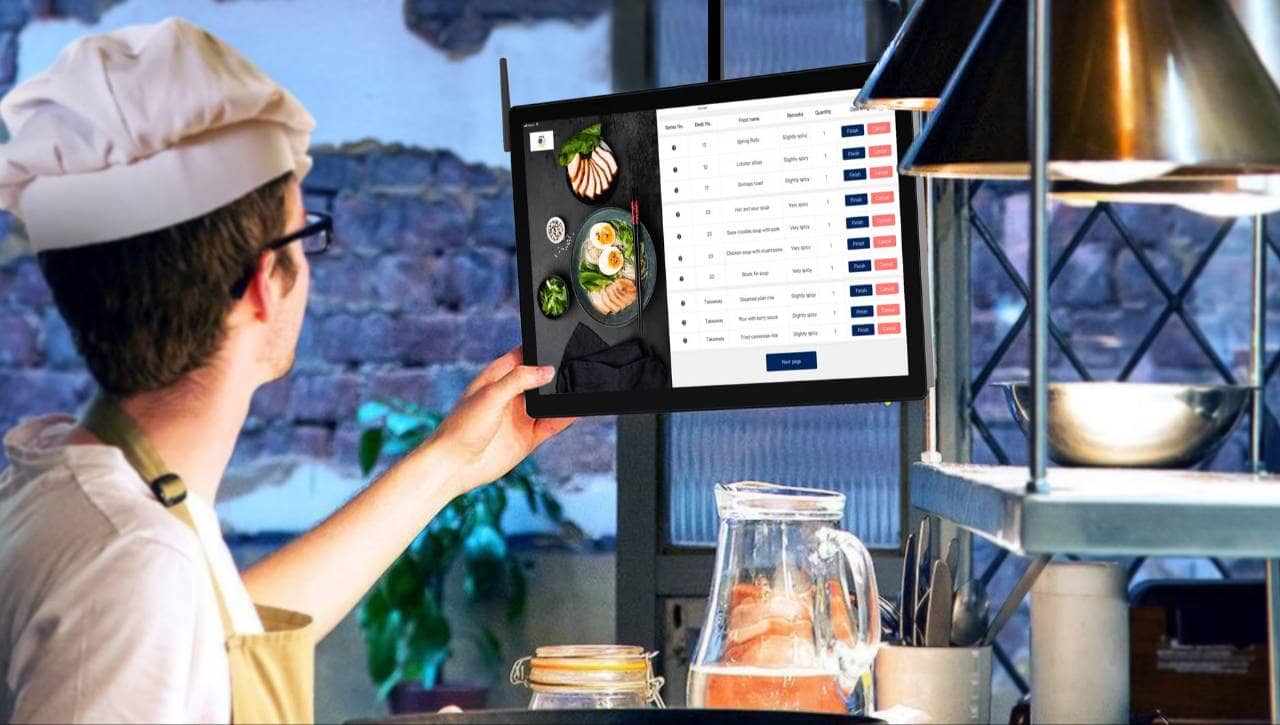
See how a kitchen display system supports faster service, better communication, accurate orders, organized workflows, and improved kitchen performance management.
Aug 10, 2026
Discover how a Zaxbys team member's creative marketing efforts earned her an executive role, and what the move shows about employee-driven branding in restaurants.
Aug 11, 2026

Unlock Exclusive Access To Webinars, Events, And The Latest News For Free!
QR code menu helps restaurants update items faster, improve mobile ordering, reduce printing costs, and track customer behavior over time.
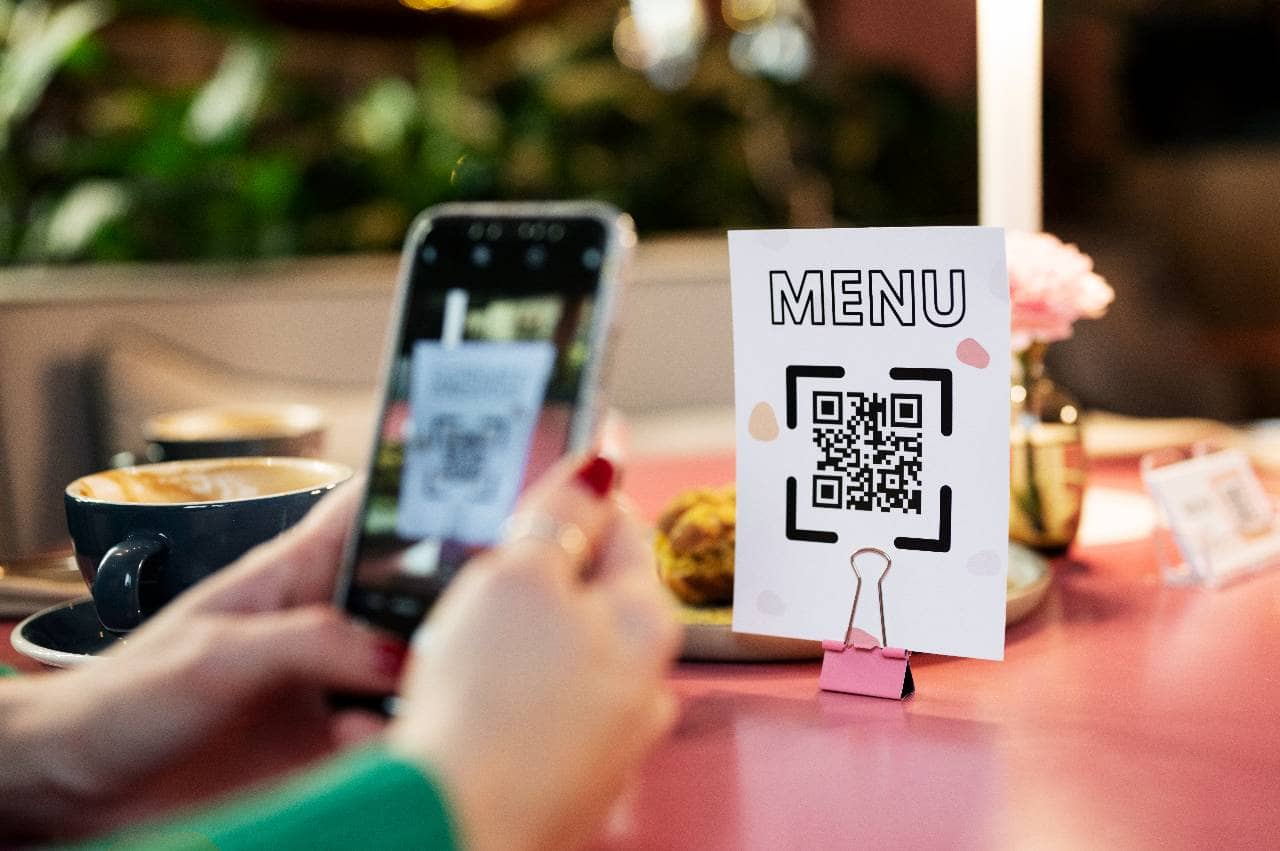
QR code menus matter because they help restaurants make the ordering experience faster, more accurate, and easier to update. Instead of relying only on printed menus, restaurant owners can place QR codes on tables, counters, receipts, takeout bags, window signs, and delivery inserts so customers can open the menu directly from their phones. 1. Faster menu access - Customers can scan a QR code as soon as they sit down, stand in line, or wait at the counter. This reduces the time staff spend handing out menus, replacing damaged menus, or answering basic menu questions. During busy shifts, faster menu access can help improve table flow, line speed, and service efficiency. 2. Easier menu updates - Printed menus can become outdated when prices change, items sell out, or new specials are added. A QR code menu allows restaurants to update digital menu information faster, helping reduce pricing confusion and unavailable item issues. 3. Lower printing costs - Restaurants that frequently update seasonal items, happy hour specials, limited-time offers, or pricing may spend more on reprinting. A QR code menu can reduce those costs because the same code can continue linking to the latest menu. A digital menu can highlight high-margin items, drinks, desserts, add-ons, combos, and online ordering options. For restaurant owners, a QR code menu is not just a convenience. It is a practical tool for speed, accuracy, cost control, and revenue growth.
Before creating a QR code menu, restaurant owners need to decide what type of digital menu they want customers to open. This step matters because not every QR code menu works the same way. Some menus only display information, while others can support ordering, payment, upselling, menu tracking, and real-time updates. A basic option is a PDF QR code menu. This is often the easiest setup because the restaurant uploads a menu file and links the QR code to it. However, PDF menus are not always ideal for mobile users. Customers may need to zoom in, scroll sideways, or wait for a large file to load. If the menu has many pages, small fonts, or detailed item descriptions, the experience can feel slow and frustrating. A better option for many restaurants is a mobile-friendly web menu. This type of menu is built as a webpage, so customers can browse categories, read item descriptions, view prices, and move through the menu more easily on a phone. For restaurants with large menus, frequent price changes, or seasonal specials, a web menu is usually more flexible than a static PDF. Another option is an interactive QR code menu. This can include item photos, modifiers, add-ons, featured items, allergen details, calorie information, and promotional sections. For example, a restaurant can highlight high-margin drinks, desserts, combo meals, catering trays, or limited-time offers. This gives owners more control over what customers see first. Restaurants that want to increase direct sales may choose a QR code menu connected to online ordering. In this setup, customers do not just view the menu. They can place orders, customize items, and sometimes pay from their phones. This can be useful for counter service, takeout, delivery, food trucks, hotel restaurants, bars, cafes, and busy casual dining locations. The best choice depends on the restaurant's goals. If the goal is simple menu access, a web menu may be enough. If the goal is higher average check size, faster ordering, or fewer third-party orders, an ordering-connected QR code menu may create more value. Restaurant owners should choose the format that supports both the customer experience and the business model.
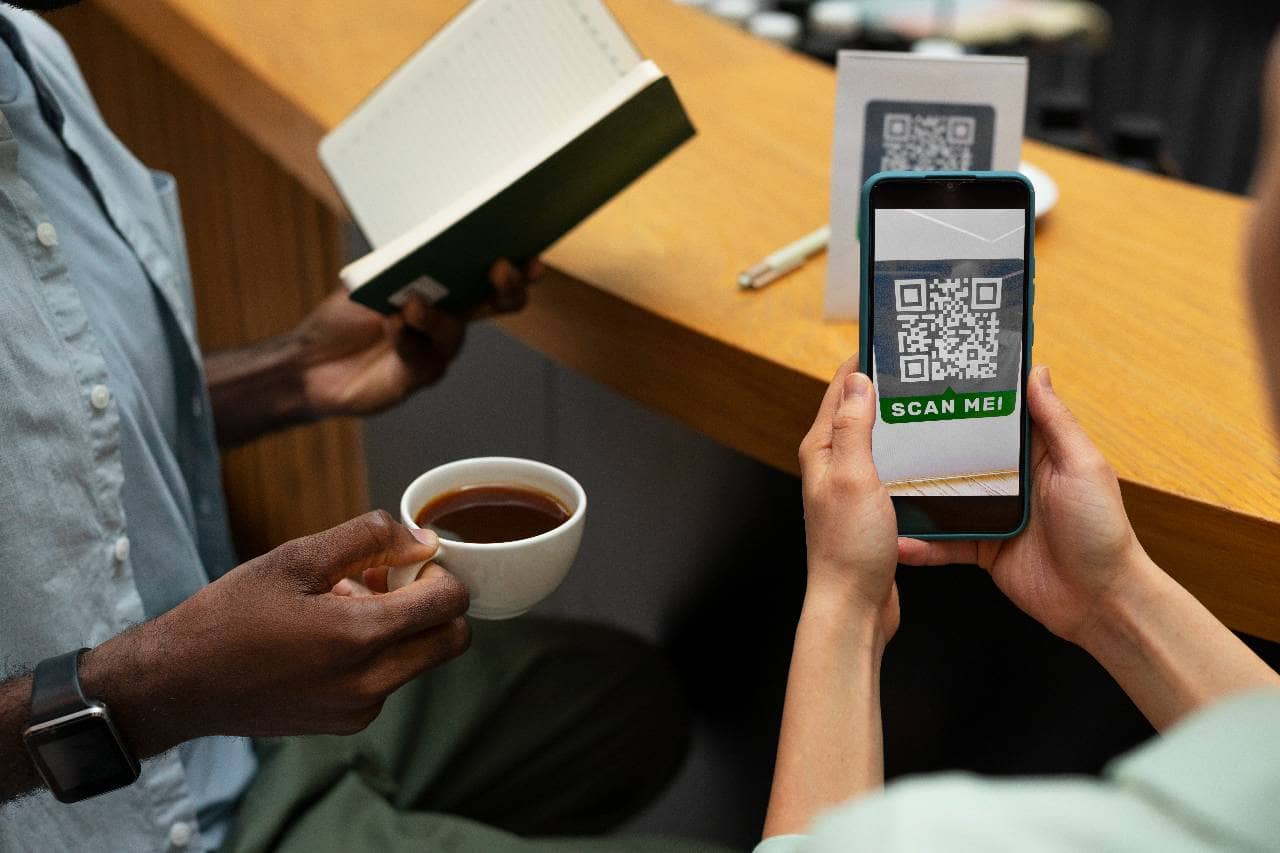
Before creating a QR code menu, restaurant owners should organize the menu content first. A QR code only gives customers access to the menu. It does not automatically make the menu easier to read, easier to order from, or more profitable. If the menu is confusing on paper, it can become even harder to use on a phone. The first step is to review menu categories. Customers should be able to move through the menu quickly without guessing where items belong. Common categories include appetizers, salads, entrees, burgers, sandwiches, sides, desserts, drinks, specials, kids meals, catering, and add-ons. A clear category structure helps customers find what they want faster, especially on a smaller mobile screen. Next, restaurant owners should check item names and descriptions. Every item should have a name that is easy to understand and a short description that explains the main ingredients, preparation style, and key selling points. For example, instead of listing only "Chicken Bowl," the menu can describe the rice base, protein, sauce, toppings, and available upgrades. Better descriptions can reduce customer questions and help guests feel more confident ordering. Prices also need to be reviewed before publishing the QR code menu. If printed menus, POS prices, online ordering prices, and QR code menu prices do not match, customers may lose trust. A small pricing mistake across dozens of orders can also affect profit margins. Restaurant owners should confirm that base prices, modifiers, combos, add-ons, substitutions, and service fees are accurate. Another important step is to organize modifiers and upsells. A QR code menu should make it easy to add extra protein, premium toppings, sauces, sides, drinks, desserts, and combo upgrades. These add-ons may seem small, but they can increase average check size when they are placed clearly in the ordering flow. Finally, the menu should include important customer information such as allergens, spice levels, vegetarian options, gluten-free options, portion sizes, and availability. A well-organized QR code menu helps customers make faster decisions, helps staff answer fewer basic questions, and gives the restaurant more control over how items are presented and sold.
A QR code menu must be built for mobile users first. Most customers will scan the code from a phone, not a desktop computer. If the digital menu is slow, hard to read, or difficult to navigate, customers may become frustrated before they even decide what to order. The first priority is loading speed. A menu page with large image files, too many design elements, or a poorly formatted PDF can take longer to open. Even a short delay can matter during a lunch rush, dinner service, or busy counter line. Customers expect the menu to load quickly after scanning, so the page should be simple, clean, and optimized for phones. The second priority is easy navigation. A customer should be able to find appetizers, entrees, drinks, desserts, specials, and add-ons without endless scrolling. Clear menu categories, sticky navigation buttons, and short section labels can make the experience faster. For example, a guest who only wants drinks should not have to scroll through the full food menu to find them. The third priority is readable design. Small fonts, crowded item descriptions, low-contrast text, and oversized images can make a digital menu harder to use. Every item should have enough spacing, clear pricing, and a description that is short but useful. On mobile, clarity matters more than decoration. Restaurant owners should also use the digital menu to guide customer decisions. High-margin items, combos, limited-time offers, drinks, desserts, and upgrades should be placed where customers can easily see them. A QR code menu can act like a digital sales tool when featured items are organized correctly. Finally, the menu should make the next step clear. If customers can order online, the order button should be easy to find. If they need to order from a server or cashier, the menu should still make browsing simple. A mobile-friendly QR code menu can improve customer experience, reduce confusion, and help the restaurant present its most profitable items more effectively.
After the digital menu page is ready, the next step is to create the QR code and test it before customers use it. This step may seem simple, but it has a direct impact on customer experience. If the code does not scan quickly, opens the wrong page, loads slowly, or is printed too small, customers may need help from staff before they even view the menu. The first decision is whether to use a static QR code or a dynamic QR code. A static QR code sends customers to one fixed link. Once it is printed, the destination usually cannot be changed. A dynamic QR code is more flexible because the restaurant can update the destination link without reprinting the code. For restaurants that change menus, prices, specials, or ordering links often, a dynamic QR code is usually the better option. Next, restaurant owners should connect the QR code to the correct menu URL. This should be the live menu page, not a draft page, expired promotion, outdated PDF, or internal admin link. Before printing, the restaurant should scan the code on multiple devices, including iPhone and Android phones. The test should confirm that the code opens quickly, fits the screen properly, and takes customers directly to the right menu. The QR code should also be tested under real restaurant conditions. A code that scans well on a computer screen may not scan as easily when printed on a table tent, receipt, window sign, counter display, or takeout bag. Lighting, glare, distance, print quality, and surface material can all affect scan performance. Size matters as well. If the QR code is too small, customers may struggle to scan it. If it is placed on a busy design with poor contrast, the camera may not recognize it quickly. A clean layout with enough white space around the code usually performs better. Finally, every QR code should include a short instruction, such as "Scan to View Menu" or "Scan to Order." This removes confusion and tells customers what action to take. A tested QR code helps restaurants avoid service delays, reduce staff interruptions, and create a smoother ordering experience from the first scan.
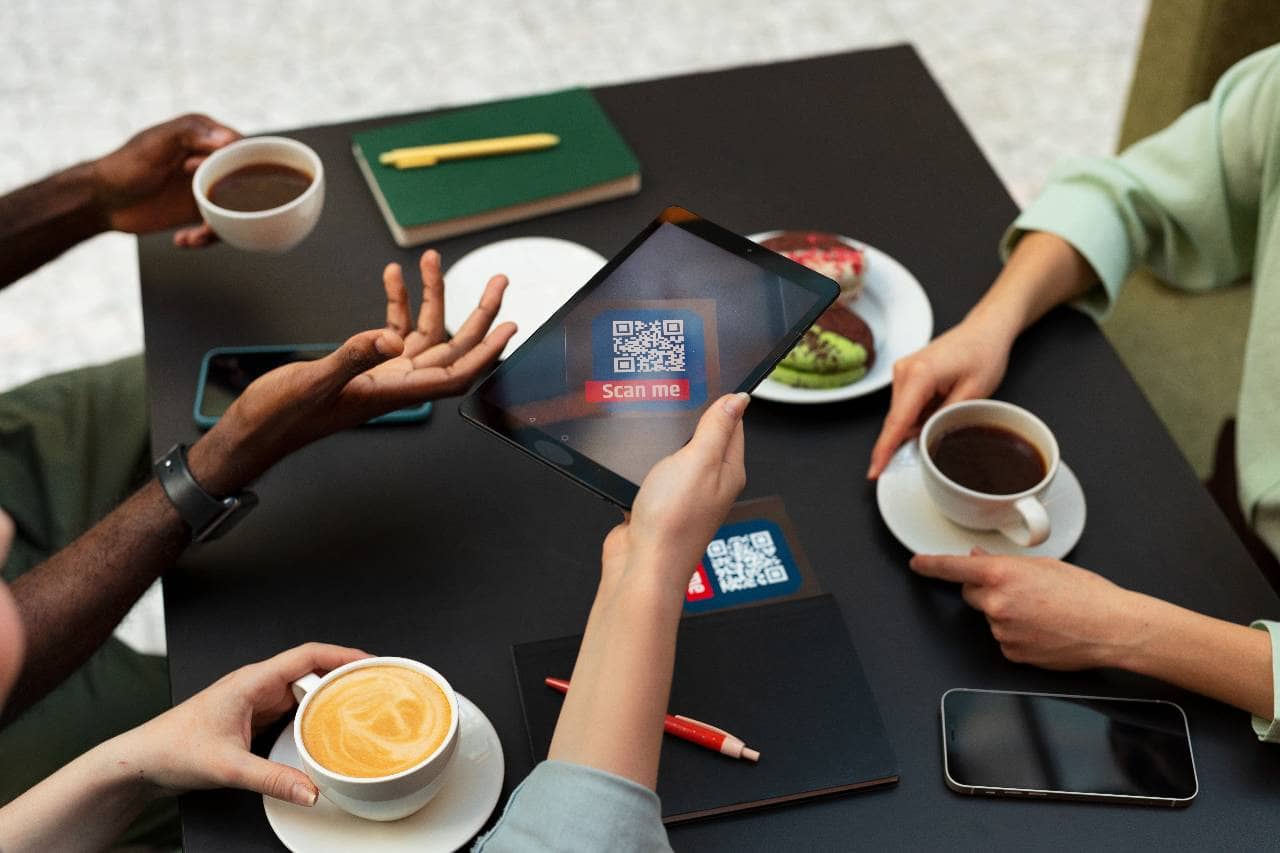
A QR code menu only works if customers can see it, understand it, and scan it without asking for help. Placement matters because even a well-designed digital menu can fail if the QR code is hidden, too small, blocked by table items, or placed where customers do not naturally look. For restaurant owners, the goal is to make scanning the menu feel like an easy first step in the dining or ordering experience. The most common placement is the tabletop. Table tents, stickers, menu holders, and small cards can make the QR code visible as soon as guests sit down. This works well for casual dining, bars, cafes, hotel restaurants, and fast-casual concepts where customers browse before ordering. The QR code should be positioned where it is not covered by plates, napkins, condiments, drinks, or centerpieces. For counter-service restaurants, QR codes should be placed near the ordering line. Good locations include the front counter, cashier station, pickup area, self-ordering kiosk, wall menu, and entrance. Customers waiting in line can scan the menu before reaching the cashier, which can reduce decision time and keep the line moving faster during lunch rushes, dinner peaks, and weekend traffic. Restaurants should also use QR codes for takeout and delivery touchpoints. A QR code printed on receipts, takeout bags, food containers, flyers, postcards, or delivery inserts can bring customers back to the restaurant's direct menu. This is especially useful when the restaurant wants to encourage repeat orders, promote direct online ordering, or reduce dependence on third-party delivery platforms. Outdoor and window placement can also create value. A QR code near the entrance, patio, host stand, or window sign allows customers to view the menu before walking in. This can help undecided guests check prices, specials, drinks, and popular items before choosing the restaurant. The QR code should be large enough to scan easily and should include a clear call to action such as "Scan to View Menu," "Scan to Order," or "Scan for Today's Specials." If customers know exactly what the code does, they are more likely to use it. Strong placement reduces friction. It helps customers access the menu faster, helps staff answer fewer basic questions, and gives the restaurant more chances to promote specials, add-ons, drinks, desserts, and direct ordering.
Creating a QR code menu is not a one-time task. Restaurant owners need to keep it updated so customers always see the right items, prices, specials, and ordering options. A digital menu can improve operations only when the information is accurate. If customers scan a QR code and see outdated prices, unavailable items, or old promotions, the restaurant may create confusion instead of convenience. The first area to update is menu pricing. Food, labor, packaging, delivery, and supplier costs can change throughout the year. If a restaurant raises prices in the POS system but forgets to update the QR code menu, customers may see one price online and another price at checkout. Even a small mismatch can lead to complaints, refunds, staff explanations, or lost trust. Restaurant owners should review QR code menu prices whenever POS prices change. The second area is item availability. Sold-out items, seasonal dishes, limited-time offers, and discontinued products should be updated quickly. For example, if a restaurant sells out of a popular lunch special by 2 p.m., the digital menu should show that the item is unavailable. This helps customers make faster decisions and prevents employees from having to explain the same issue repeatedly. Allergen and ingredient information also needs regular attention. If a supplier changes a sauce, bun, dressing, marinade, topping, or packaged ingredient, the menu should reflect that update. Customers may use the QR code menu to check dairy, gluten, soy, sesame, nuts, shellfish, vegetarian options, or spice levels before ordering. Inaccurate information can create serious customer service and safety risks. Restaurants should also use updates to improve sales. High-margin items, new drinks, desserts, add-ons, catering trays, combo meals, and daily specials should be featured where customers can easily see them. A QR code menu gives owners the flexibility to adjust promotions without waiting for a new print run. A simple update schedule can help. Restaurant owners can review the menu weekly for availability, monthly for pricing and promotions, and whenever suppliers, recipes, or POS settings change. An updated QR code menu keeps customers informed, protects staff from avoidable confusion, and helps the restaurant sell the right items at the right price.
A QR code menu should not only display menu items. It should also help restaurant owners understand what customers view, click, order, and ignore. When the menu is connected to a digital platform, online ordering system, or analytics tool, owners can use the data to make better decisions about menu layout, pricing, promotions, and item placement. The first metric to track is scan activity. Restaurant owners should know how often customers scan the QR code and where those scans happen. For example, table QR codes may perform differently from counter signs, takeout bag inserts, window signs, receipts, or social media promotions. If one placement gets more scans than another, the restaurant can invest more attention in the channels that drive customer action. The second metric is menu engagement. Owners should review which categories customers visit most, which items receive the most clicks, and where customers stop browsing. If many guests open the drinks section but few order beverages, the menu may need better photos, clearer descriptions, or stronger pairing suggestions. If customers rarely view desserts, the dessert section may need better placement or a stronger callout. The third metric is order behavior. If the QR code menu connects to online ordering, restaurants can track average order value, popular items, modifier usage, combo upgrades, add-ons, and repeat orders. This data can show whether customers are adding extra protein, premium toppings, sides, sauces, desserts, or drinks. Small add-ons can make a meaningful difference when they are repeated across many orders. Restaurant owners should also compare menu performance before and after changes. For example, if a restaurant moves a high-margin appetizer higher on the menu, adds a photo, or creates a combo offer, it should review whether sales improved. This turns the QR code menu into a testing tool instead of a static menu. The goal is continuous improvement. A strong QR code menu should help customers order faster, help staff answer fewer questions, and help the restaurant promote the items that support profitability. By reviewing scan data, item performance, and ordering behavior, restaurant owners can improve the digital menu over time and make better decisions based on real customer activity.