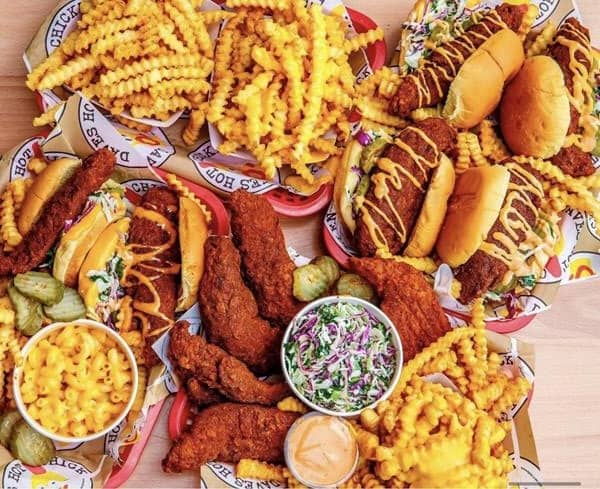
Dave's Hot Chicken Franchisee Files Chapter 11
TIG Reaper LLC, a multi-unit Dave's Hot Chicken franchisee, filed Chapter 11 amid a bitter dispute with lender Bank Midwest over alleged defaults.
Legal
Sep 28, 2026
TIG Reaper LLC, a multi-unit Dave's Hot Chicken franchisee, filed Chapter 11 amid a bitter dispute with lender Bank Midwest over alleged defaults.
Sep 28, 2026
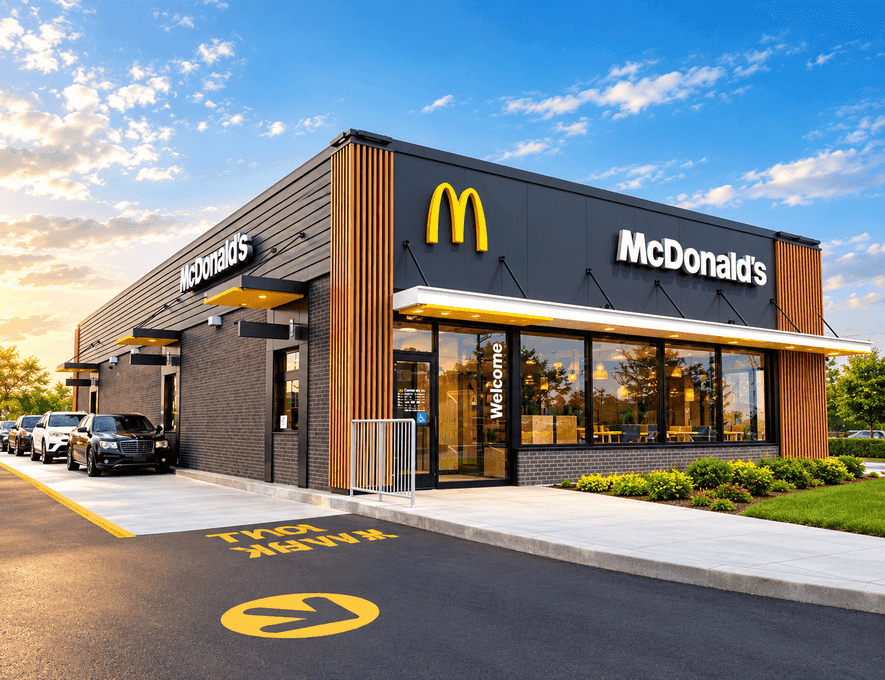
McDonald's ArchIQ platform blends voice AI, automation, and predictive data to reshape drive-thrus and kitchens. Here's how it works and what's next.
Sep 28, 2026
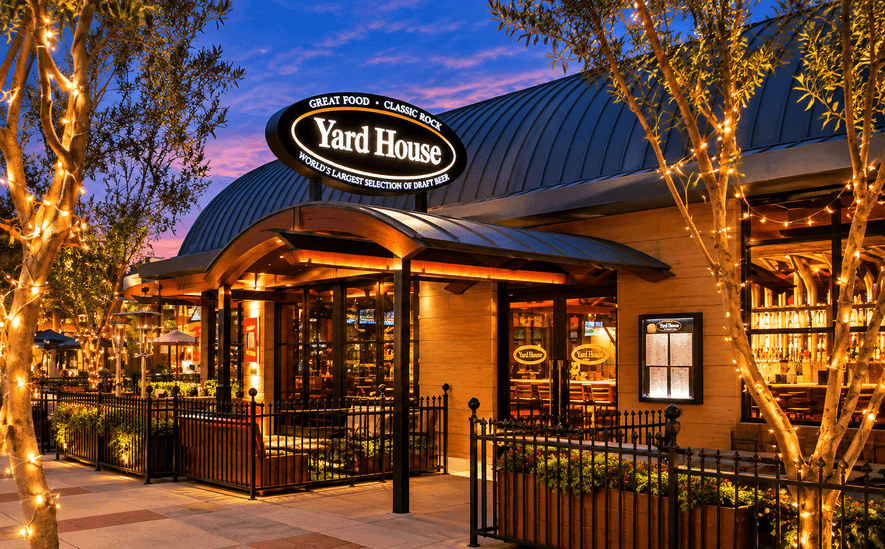
The full-service concept, which posted 10% growth in same-store sales during fiscal Q1 2027, plans to open 13 new stores during the ongoing fiscal year.
Sep 28, 2026

Learn how average inventory is calculated and use inventory data to identify purchasing trends, manage stock levels, and reduce waste.
Sep 25, 2026

Understand employee scheduling principles for restaurants, including workforce planning, shift assignments, availability management, compliance considerations, and scheduling technology.
Sep 25, 2026
Starbucks is closing 250 North America stores even as sales climb, revealing a strategic push to trim weak locations and fund renovations.
Sep 25, 2026
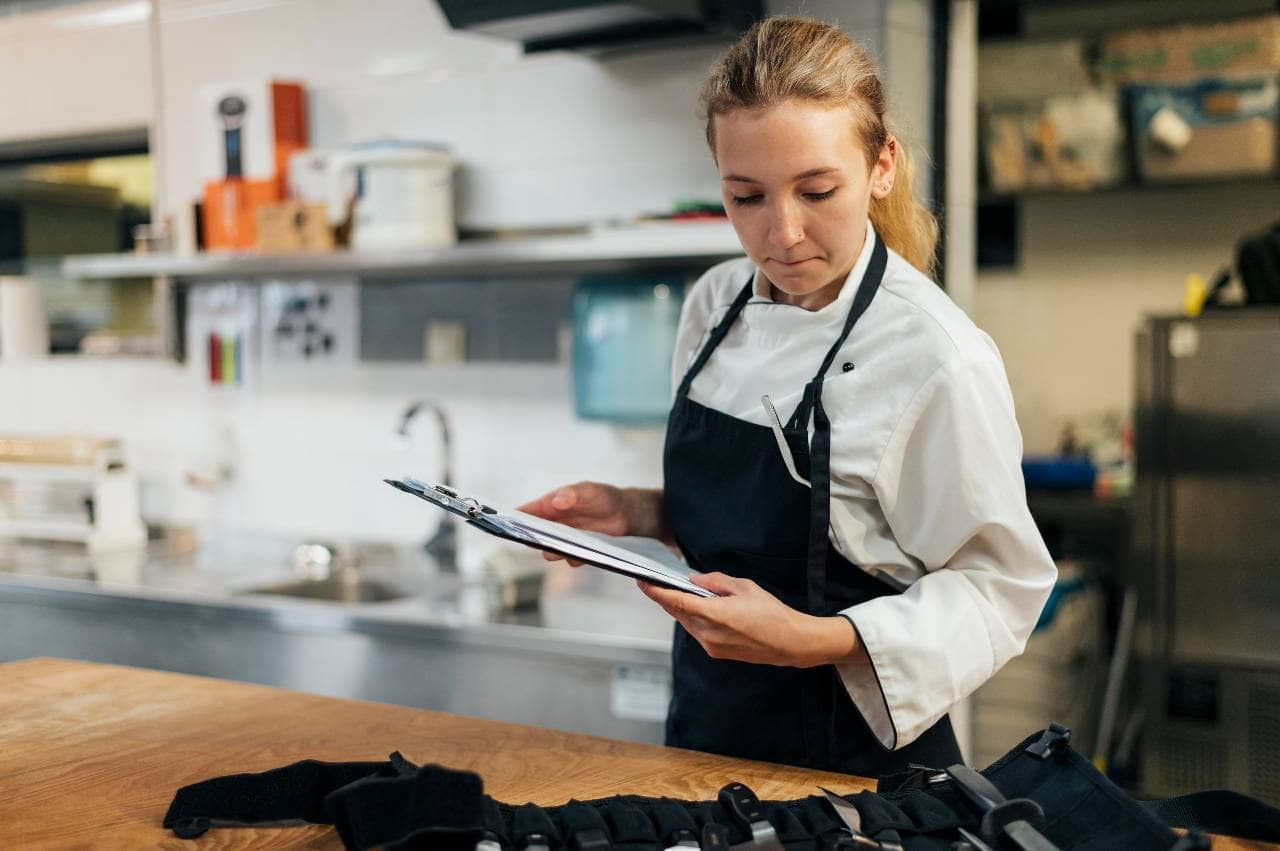
This restaurant inventory count checklist helps owners track food, beverages, packaging, and supplies, cutting waste, controlling costs, improving purchasing decisions.
Sep 23, 2026

A restaurant chart of accounts separates sales, costs, and labor, uses logical numbering, and stays maintained, producing clearer financial reports.
Sep 23, 2026
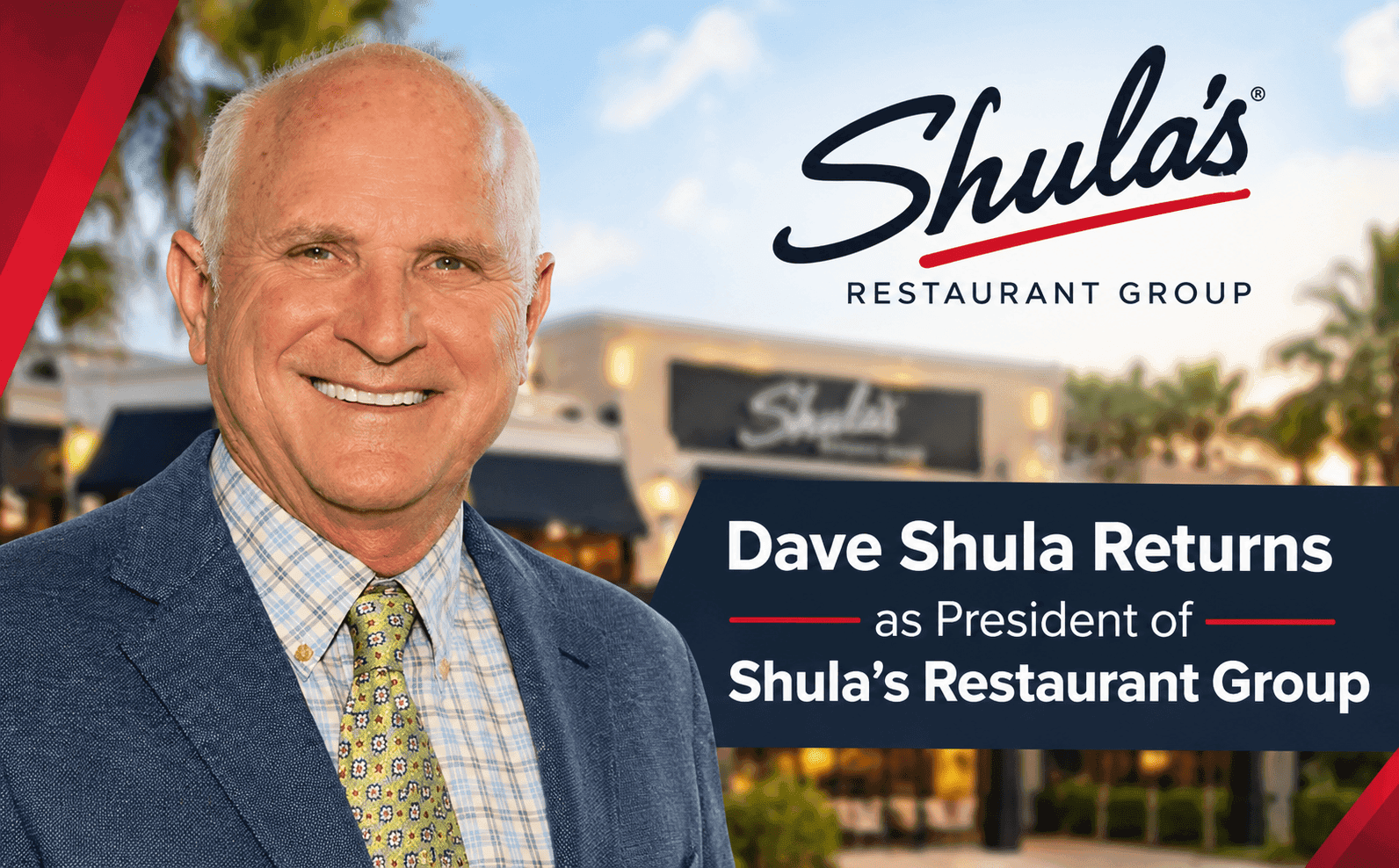
Dave Shula rejoins Shula's Restaurant Group as president, leading growth into Palm Beach Gardens and a 2027 Thomasville, Georgia expansion.
Sep 23, 2026
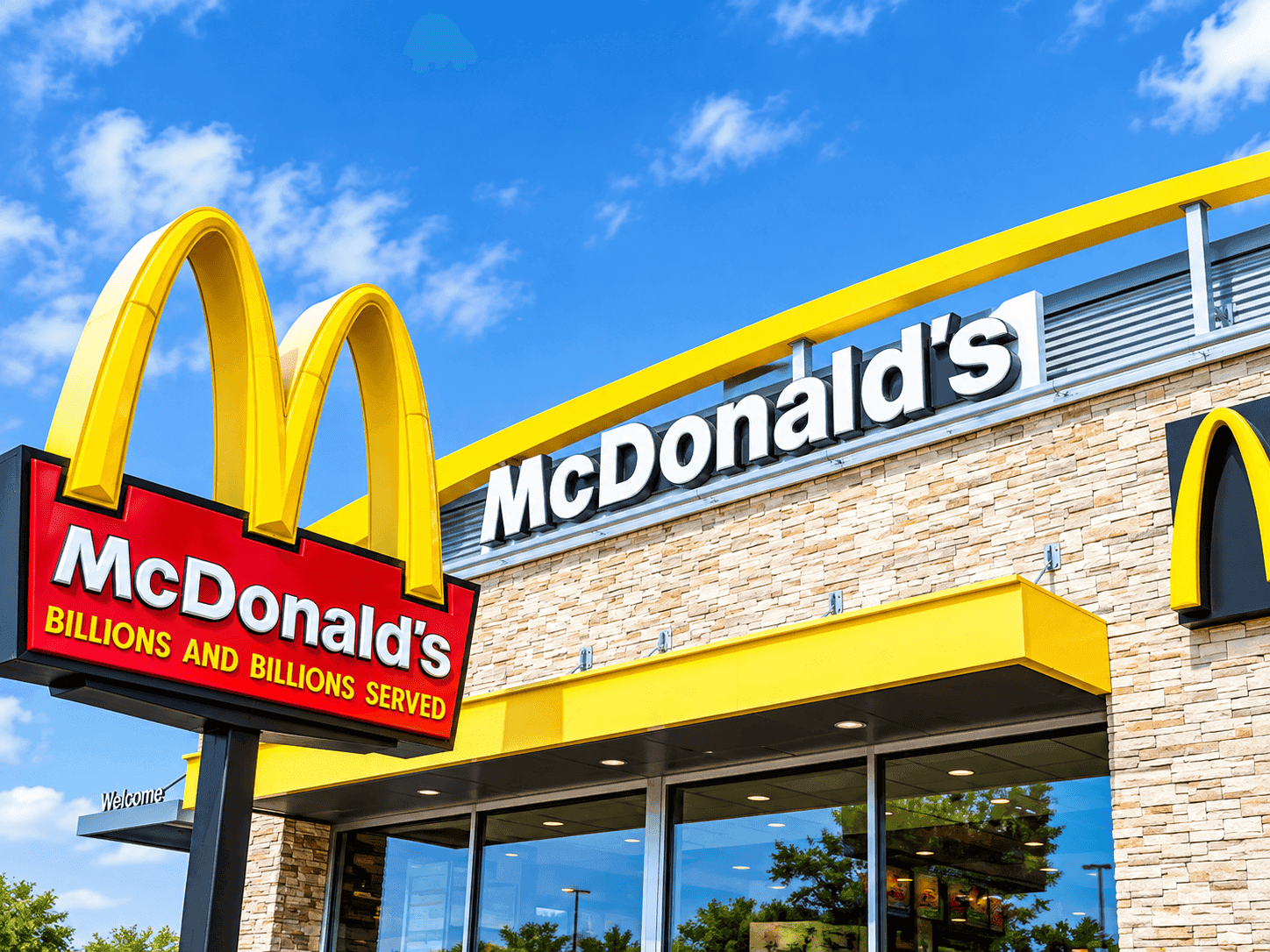
McDonald's commits $8.5 billion through 2036 to modernize restaurants, boost cash flow by $100,000 per store, and grow chicken and beverage sales.
Sep 23, 2026

Unlock Exclusive Access To Webinars, Events, And The Latest News For Free!
Increase online orders by simplifying checkout, optimizing menus, improving Google visibility, promoting ordering channels, and encouraging customers to order again.
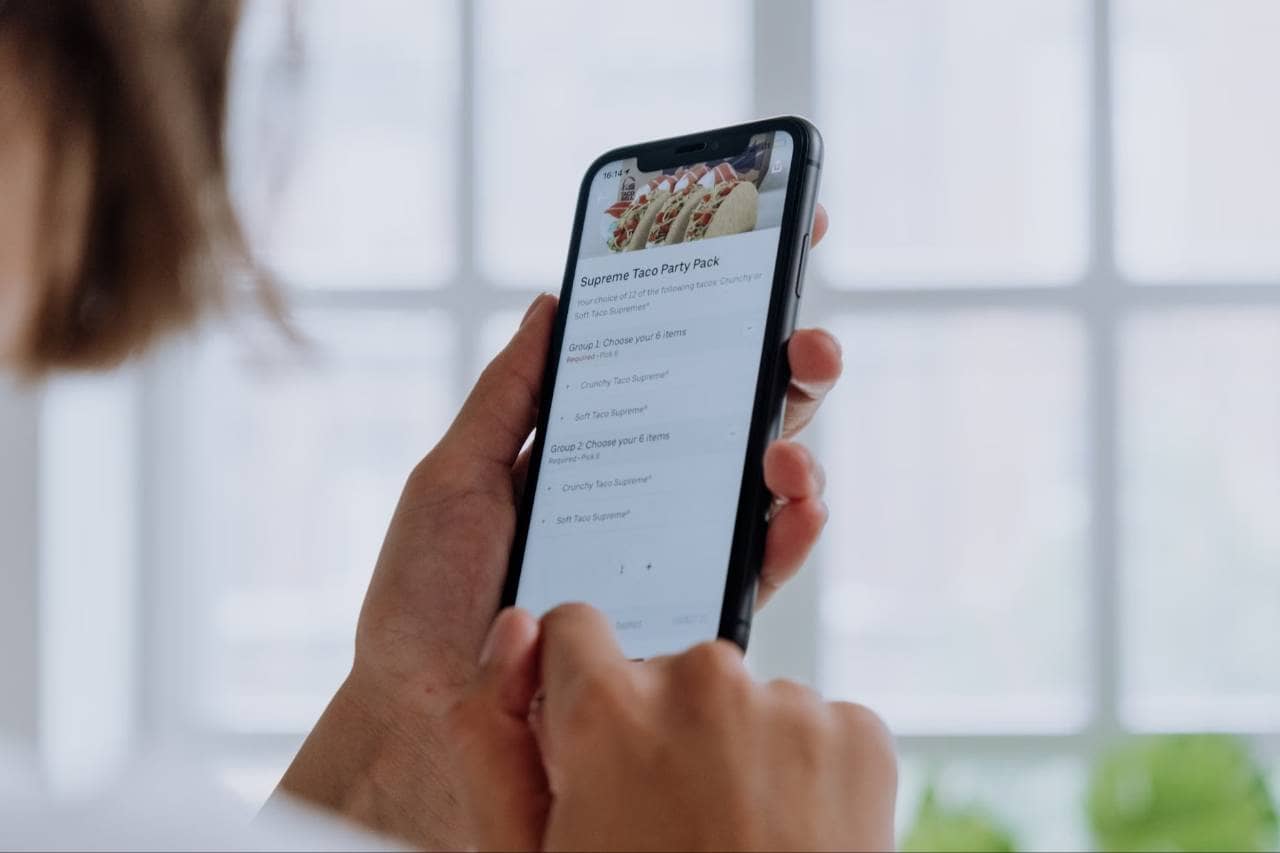
Customers are more likely to complete an online order when the process is fast, simple, and easy to understand. If your ordering system requires too many steps, loads slowly, or makes customers search for basic information, they may leave before completing their purchase. Start by reviewing the ordering experience from the customer's perspective. The goal should be to reduce friction from the moment someone clicks Order Online until the payment is confirmed. 1. Reduce unnecessary ordering steps. Keep the checkout process as short as possible. Customers should be able to select menu items, customize their order, choose pickup or delivery, enter payment information, and complete the purchase without moving through unnecessary pages. 2. Make mobile ordering a priority. Many customers place food orders from their phones. Your menu, buttons, images, item modifiers, and checkout fields should be easy to use on smaller screens. Customers should not need to zoom in, scroll excessively, or struggle to tap buttons. 3. Allow guest checkout. Requiring customers to create an account before ordering can create additional friction. Give customers the option to place an order as a guest while still offering account creation for those who want faster reordering or loyalty benefits. 4. Offer convenient payment options. Support commonly used payment methods, including major credit and debit cards and digital wallets when possible. The easier it is for customers to pay using their preferred method, the fewer barriers there are to completing an order. 5. Clearly communicate pickup and delivery details. Display estimated preparation times, delivery areas, fees, minimum order requirements, and pickup instructions before customers reach the final checkout screen. A simple online ordering experience can help reduce abandoned orders and make customers more likely to order again. Restaurant owners should regularly test the entire process themselves to identify unnecessary steps, confusing instructions, or technical problems that could prevent customers from completing their orders.
Your online menu plays a major role in whether customers complete an order and how much they spend. Unlike an in-person dining experience, online customers rely almost entirely on menu organization, item descriptions, photos, pricing, and available customization options to make purchasing decisions. Start by making your menu easy to scan. Group items into clear categories such as appetizers, entrees, sides, desserts, and beverages so customers can quickly find what they want. 1. Use clear menu categories. Avoid overcrowding your online menu with too many sections or confusing labels. Customers should be able to understand the structure immediately and move between categories without unnecessary searching. 2. Write useful item descriptions. Descriptions should explain the main ingredients, preparation style, portion details, or included sides when relevant. Keep the language simple and specific so customers know exactly what they are ordering. 3. Use high-quality food images strategically. Photos can help customers evaluate unfamiliar dishes and make menu items more appealing. Use accurate images that represent the actual food customers can expect to receive. 4. Highlight popular and profitable items. Place best-selling or high-margin items in prominent positions within your online menu. You can also use labels such as "Popular" or "House Favorite" to help customers make faster decisions. 5. Add relevant modifiers and add-ons. Give customers the option to add proteins, sides, toppings, sauces, desserts, or beverages where appropriate. These choices can make the order more customizable while also increasing average order value. 6. Keep pricing and availability accurate. Remove unavailable items quickly and update prices whenever they change. Customers may become frustrated if they reach checkout only to discover that an item is unavailable or priced differently. A well-optimized online menu should make ordering feel simple, informative, and convenient. Restaurant owners should review menu performance regularly and adjust item placement, descriptions, photos, and add-ons based on what customers are actually ordering.
Your restaurant website should make it obvious how customers can place an online order. If visitors have to search for the ordering page, click through several menus, or wait for slow pages to load, you may lose customers before they reach checkout. Focus on making your website fast, mobile-friendly, and built around clear ordering actions. 1. Make the "Order Online" button easy to find. Place a clear ordering button near the top of your homepage and keep it visible throughout important pages. Customers should be able to start an order without searching through navigation menus. 2. Send customers directly to the ordering page. Avoid adding unnecessary steps between your website and checkout. When someone clicks an ordering button, take them directly to the menu or ordering system rather than another promotional page. 3. Optimize the website for mobile users. Customers frequently browse restaurant websites from smartphones. Make sure menus, buttons, images, and forms display correctly on smaller screens and are easy to tap. 4. Improve website loading speed. Large images, unnecessary scripts, and outdated website elements can slow down your pages. Compress images, remove unnecessary content, and regularly test website performance so customers can reach your ordering system quickly. 5. Keep restaurant information accurate. Clearly display your hours, address, phone number, pickup options, delivery information, and menu availability. Inaccurate information can create confusion and lead customers to abandon their orders. 6. Use strong calls to action. Include clear phrases such as Order Online, Start Your Order, or Order Pickup throughout the website. Calls to action should tell visitors exactly what to do next. Your website should work as a direct path from customer interest to completed order. Regularly test the ordering journey on both desktop and mobile devices to identify broken links, slow pages, confusing navigation, or other issues that could reduce online orders.
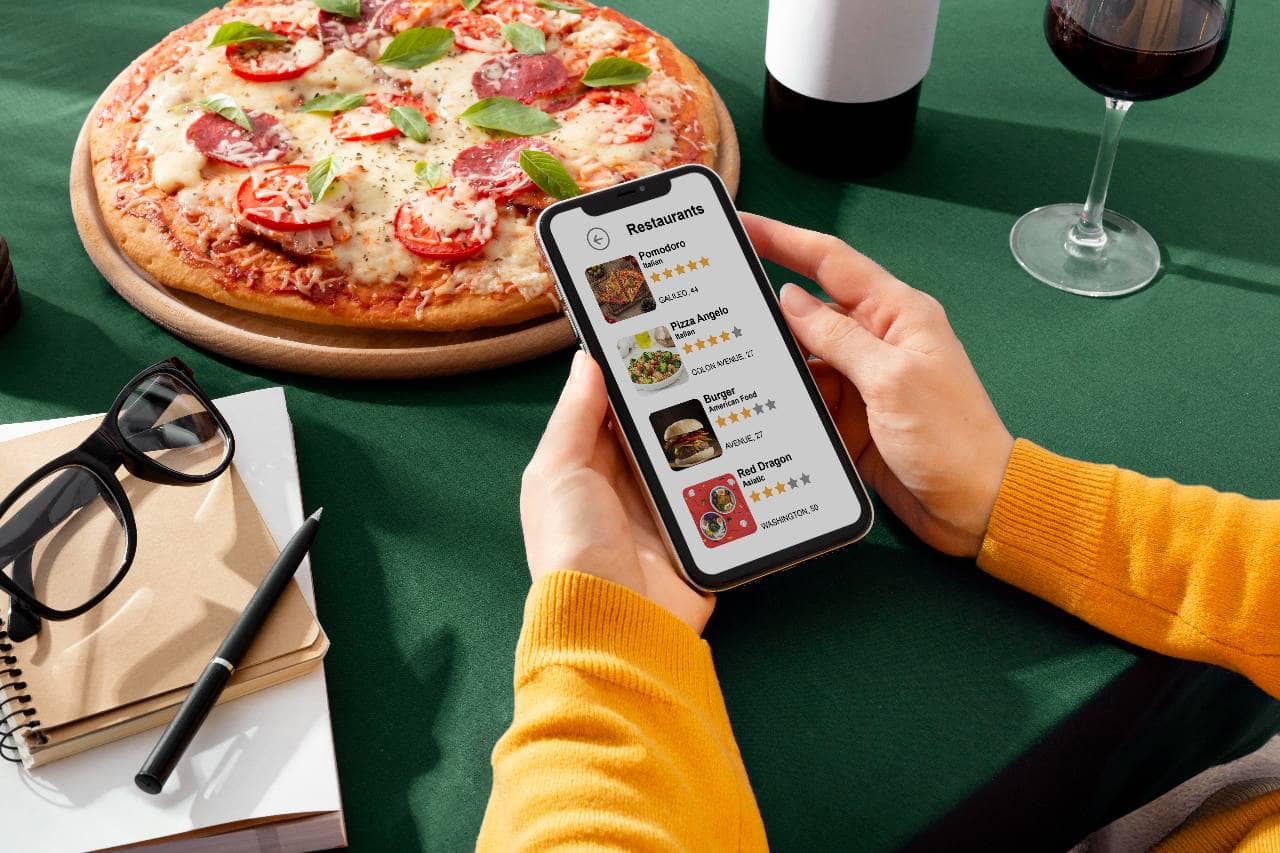
Google is often one of the first places customers go when deciding where to order food. If your restaurant appears prominently in local search results with accurate information, strong reviews, and a clear ordering option, you can make it easier for nearby customers to discover your business and place an order. Improving your Google presence can help turn local searches into more online orders. 1. Optimize your Google Business Profile. Make sure your restaurant name, address, phone number, website, hours, and business category are accurate. Complete profiles give customers the information they need to decide whether to order from you. 2. Add your online ordering link. Include a direct link to your ordering page so customers can move from search results to your menu with fewer steps. Check the link regularly to make sure it still works and sends customers to the correct page. 3. Keep your menu information updated. Outdated menu items, prices, or hours can create confusion and reduce customer trust. Review your listings whenever you change your menu, operating hours, or ordering options. 4. Encourage customers to leave reviews. Reviews can influence whether new customers choose your restaurant over nearby competitors. Ask satisfied customers for feedback through receipts, follow-up messages, QR codes, or other appropriate channels. 5. Respond to customer reviews. Reply professionally to both positive and negative feedback. Responses show potential customers that your restaurant pays attention to the customer experience and actively manages its reputation. 6. Improve your local SEO. Use accurate restaurant information across your website and online directories. Include relevant location terms, cuisine descriptions, menu information, and ordering pages that help search engines understand what your restaurant offers and where it operates. The goal is to make your restaurant easy to find when customers search for food nearby. A complete Google presence, accurate ordering information, and strong local visibility can help bring more qualified customers directly to your online ordering system.
Customers may not place online orders if they do not know your restaurant offers online ordering or cannot easily find the link. Promoting your ordering options across multiple marketing channels can help keep your restaurant visible and make it easier for customers to order when they are ready. The key is to consistently direct customers toward the same clear ordering destination. 1. Promote online ordering on social media. Share menu items, limited-time offers, new dishes, and meal bundles on platforms such as Instagram, Facebook, and TikTok. Include a direct ordering link wherever the platform allows it. 2. Use email marketing. Send emails that highlight popular menu items, new releases, seasonal offers, and ordering reminders. Segmenting your email list can also help you send more relevant promotions to frequent or inactive customers. 3. Send SMS promotions. Text messages can be useful for time-sensitive campaigns such as lunch specials, weekend offers, or limited-time promotions. Keep messages short and include a direct link to your online ordering page. 4. Add ordering links to your digital profiles. Make sure customers can find your online ordering option from your website, Google Business Profile, social media accounts, and other restaurant listings. 5. Promote online ordering inside your restaurant. Use receipts, table tents, counter signs, takeout bags, and packaging to remind in-person customers that they can order online in the future. 6. Use QR codes strategically. Place QR codes on packaging, menus, flyers, storefront signs, or receipts. The code should take customers directly to the ordering page rather than requiring them to navigate through several additional pages. Consistent promotion helps online ordering become a regular part of the customer experience. Restaurant owners should use both digital and in-store marketing to repeatedly remind customers where and how to place their next order.
Promotions can give customers an extra reason to place an online order, especially when they are deciding between several restaurants. The most effective offers should encourage purchases without depending on constant discounts that reduce profitability. Restaurant owners can use targeted promotions to attract first-time customers, increase order size, and encourage repeat purchases. 1. Offer first-order incentives. Give new online customers a reason to try your restaurant. This could include a percentage discount, a free menu item, or reduced delivery fees on their first order. 2. Create meal bundles. Bundle entrees, sides, drinks, or desserts into convenient packages. Family meals, lunch combinations, and group packages can simplify ordering while increasing the total value of each transaction. 3. Use minimum-spend promotions. Offers such as a free item or discount after customers reach a certain order amount can encourage customers to add more to their carts. Set the threshold high enough to support your average order value goals. 4. Introduce limited-time offers. Seasonal menu items, weekend specials, or short-term promotions can create urgency and give customers a reason to order now rather than later. 5. Promote offers during slower periods. Use targeted deals during times when online demand is typically lower. For example, restaurants can create weekday lunch offers or afternoon promotions instead of discounting during already busy periods. 6. Protect your profit margins. Before launching a promotion, calculate the food cost, packaging cost, delivery fees, and discount amount. An offer that generates more orders but produces very little profit may not support long-term growth. Promotions should support a broader online ordering strategy rather than become the only reason customers buy. Track which offers generate profitable orders, attract new customers, and encourage repeat purchases so you can focus your marketing budget on the promotions that deliver the strongest results.
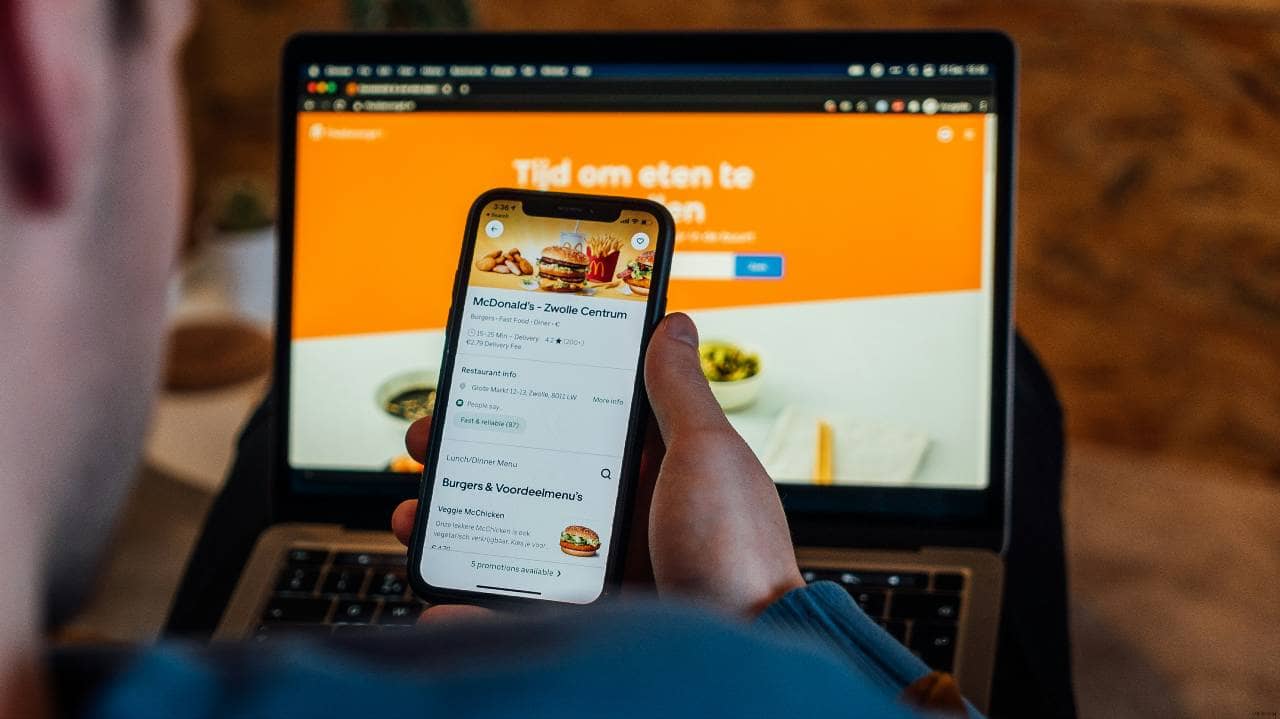
Getting a customer to place one online order is valuable, but encouraging that customer to order again can create more consistent revenue over time. Repeat customers already know your restaurant, menu, and ordering experience, which can make them easier to retain than constantly acquiring new customers. Restaurant owners should build a simple retention strategy that gives customers reasons to return. 1. Build your customer contact list. Encourage online customers to opt in to email or SMS communications. These channels allow you to stay connected after the first order and promote future offers, menu updates, or reminders. 2. Create a loyalty program. Reward customers for repeat purchases with points, discounts, free items, or other benefits. Keep the program easy to understand so customers can clearly see how they earn and redeem rewards. 3. Send reorder reminders. Use email or SMS to remind customers about your restaurant after a reasonable period of inactivity. Include a direct link to your ordering page so returning customers can place an order quickly. 4. Personalize promotions when possible. Customer ordering data can help you create more relevant offers. For example, customers who frequently order lunch may respond better to lunch promotions than general restaurant discounts. 5. Promote new and seasonal menu items. Give previous customers fresh reasons to return by announcing new dishes, limited-time items, seasonal menus, or special bundles. 6. Make reordering convenient. Returning customers should not have to rebuild their entire ordering experience each time. Features such as saved addresses, preferred payment methods, favorite items, and previous-order history can make repeat purchases easier. A strong retention strategy can help restaurants generate more online orders without relying entirely on new-customer acquisition. Track repeat order frequency, loyalty participation, and customer response to email or SMS campaigns to identify which retention efforts are driving the most repeat business.
Getting more online orders requires more than launching promotions or improving your website. Restaurant owners also need to measure performance so they can understand which channels, menu changes, and marketing efforts are actually generating results. Tracking the right metrics can help you identify problems, spot opportunities, and make better decisions about where to invest your time and marketing budget. 1. Monitor total online orders. Track how many online orders your restaurant receives each day, week, and month. Compare results over time to identify growth patterns, seasonal changes, and slower periods that may require additional promotion. 2. Track average order value. Average order value shows how much customers typically spend per online transaction. Monitoring this metric can help you evaluate whether bundles, add-ons, modifiers, and upselling strategies are increasing customer spend. 3. Measure ordering conversion rates. Compare the number of people who visit your ordering page with the number who complete a purchase. A low conversion rate may indicate problems with menu design, pricing, checkout steps, fees, or website performance. 4. Review repeat customer rates. Track how many customers return to place additional orders. Increasing repeat purchases can help create a more reliable source of online revenue and reduce dependence on constantly attracting new customers. 5. Compare ordering channels. Evaluate how many orders come from your website, third-party delivery platforms, Google, social media, email, SMS, and other sources. Consider both order volume and profitability when deciding which channels deserve more attention. 6. Test and adjust your strategy. Experiment with menu placement, promotions, ordering buttons, bundles, marketing messages, and other elements. Measure the results before and after each change so you can determine what improves performance. Online ordering growth should be treated as an ongoing process. By consistently reviewing order volume, average order value, conversion rates, repeat purchases, and channel performance, restaurant owners can identify what works and make informed improvements that help generate more online orders over time.
