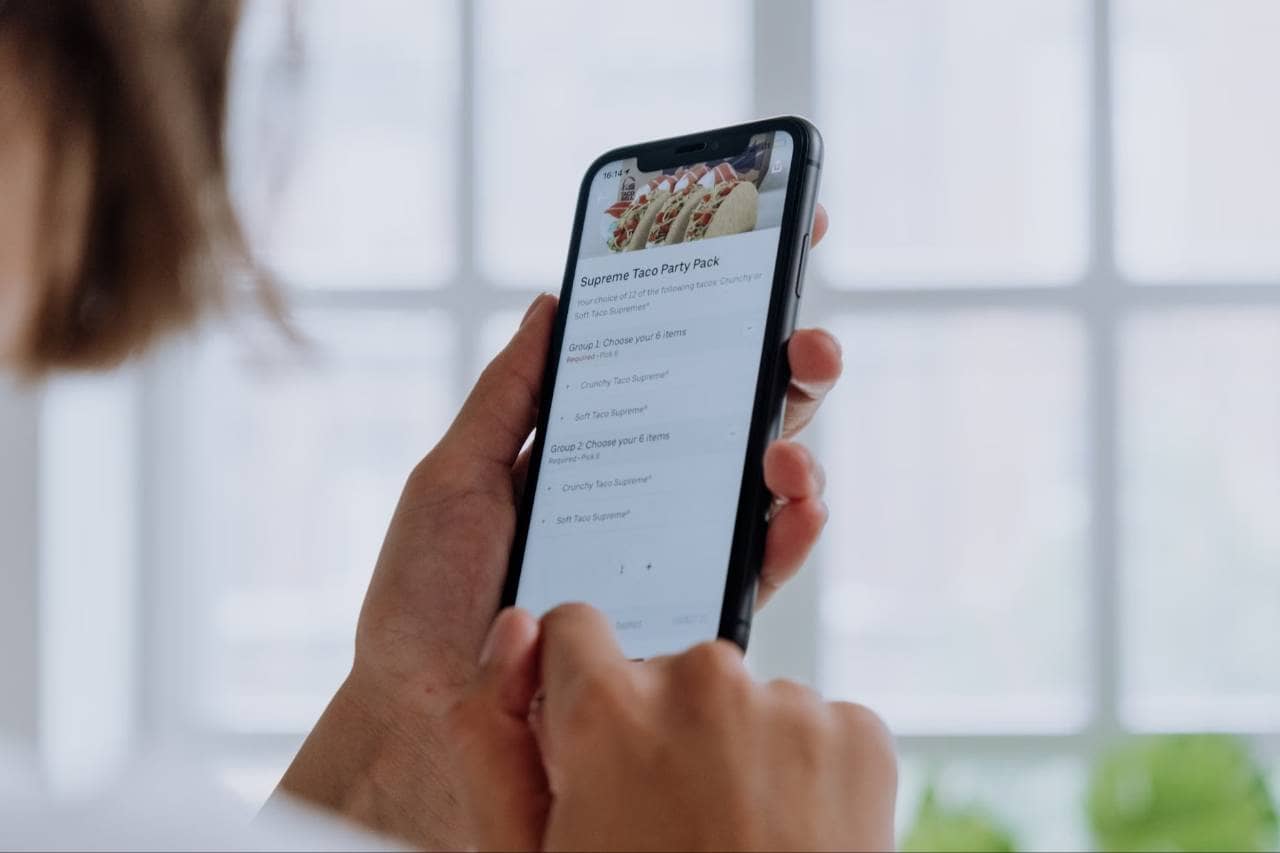
How to Get More Online Orders for Your Restaurant
Increase online orders by simplifying checkout, optimizing menus, improving Google visibility, promoting ordering channels, and encouraging customers to order again.
Marketing
Aug 12, 2026
Increase online orders by simplifying checkout, optimizing menus, improving Google visibility, promoting ordering channels, and encouraging customers to order again.
Aug 12, 2026
Streamline restaurant back office operations by standardizing workflows, automating repetitive tasks, integrating systems, centralizing data, and improving accountability and efficiency.
Aug 12, 2026
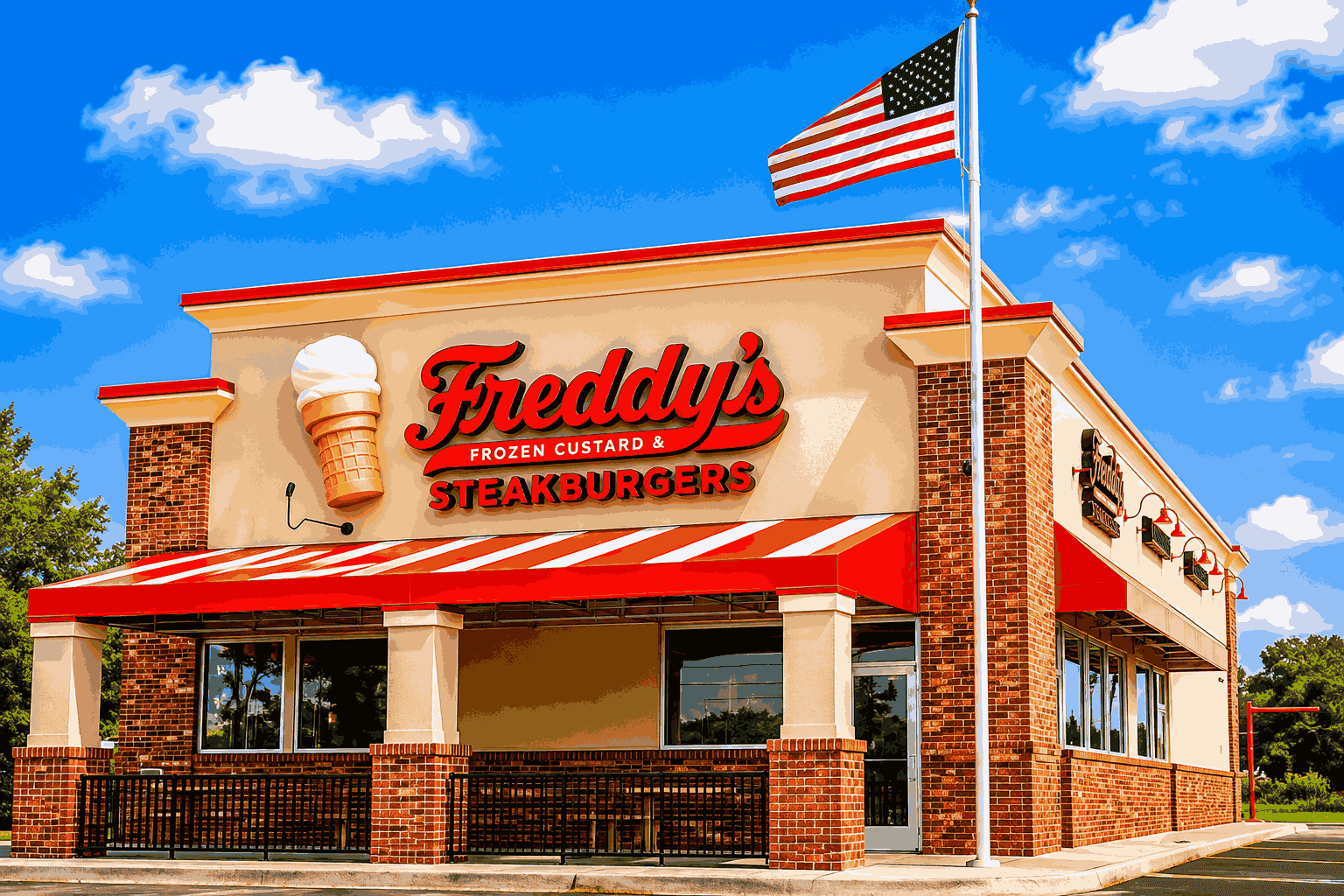
Freddy’s Frozen Custard & Steakburgers promotes Rick Petralia to Executive Chef & VP of Training & Innovation, signaling a strategic focus on culinary excellence and franchisee support.
Aug 12, 2026
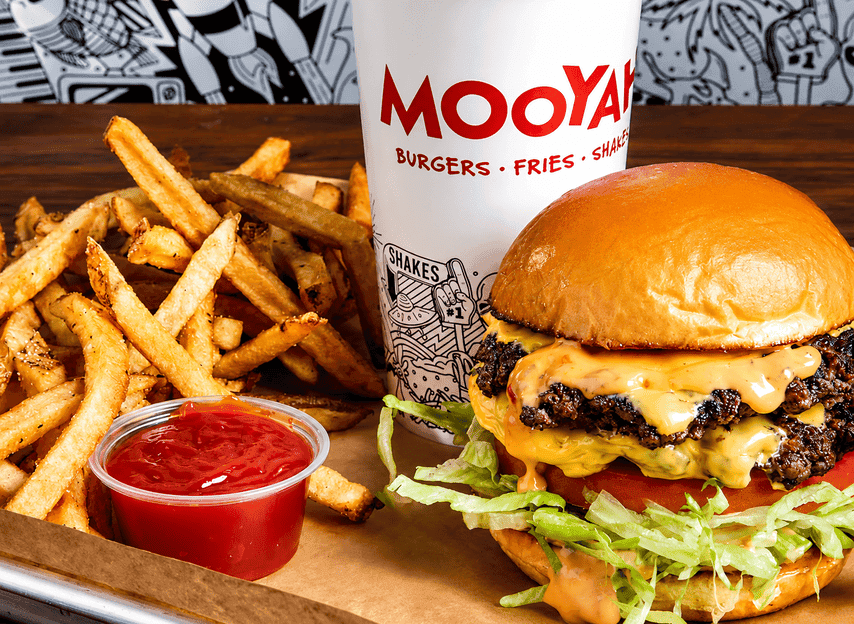
MOOYAH Burgers, Fries & Shakes partners with Great USA Foods LLC to launch a master franchise in the UAE, accelerating international expansion into Dubai and Abu Dhabi. Learn the impact for restaurant owners and growth lessons.
Aug 12, 2026

McDonald’s USA has appointed Patrick Gerber as chief restaurant officer, leveraging his decades of global experience to boost operations, food quality, and customer satisfaction in the U.S. market.
Aug 11, 2026

Avoiding hiring mistakes helps restaurant owners reduce turnover, control labor costs, improve staffing decisions, and build stronger, more reliable teams.
Aug 10, 2026
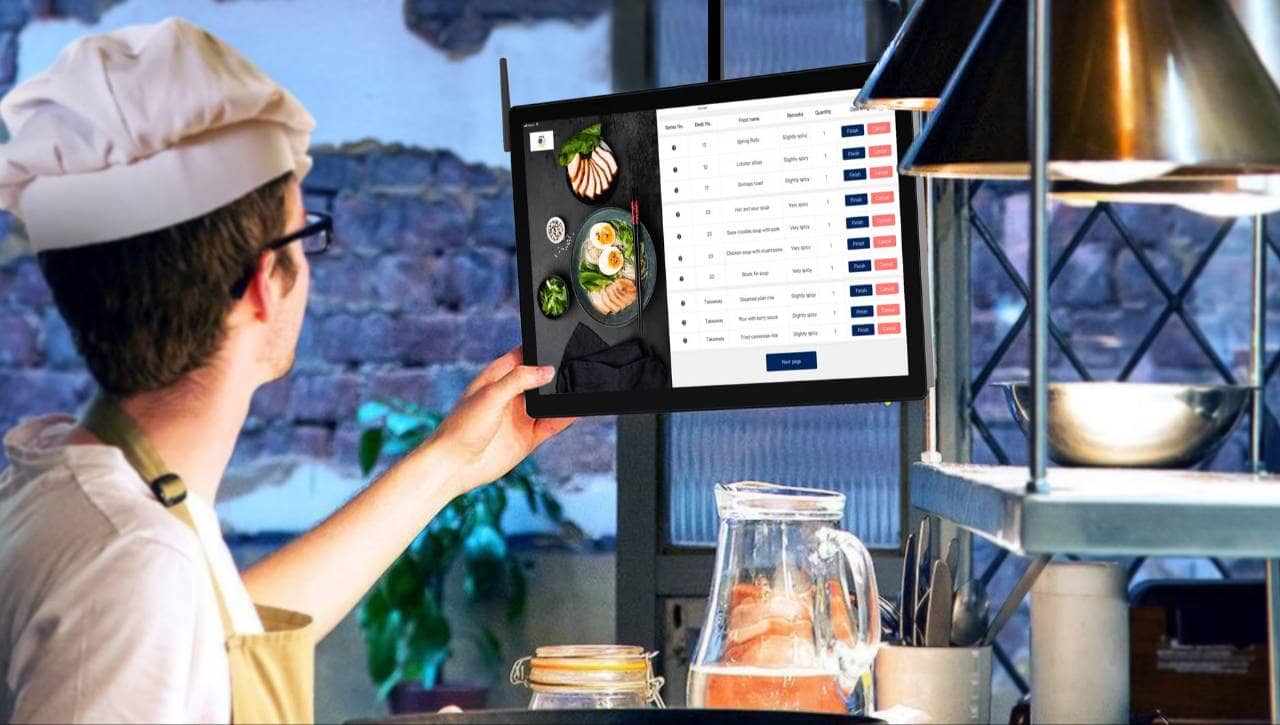
See how a kitchen display system supports faster service, better communication, accurate orders, organized workflows, and improved kitchen performance management.
Aug 10, 2026
Discover how a Zaxbys team member's creative marketing efforts earned her an executive role, and what the move shows about employee-driven branding in restaurants.
Aug 11, 2026
Red Robin welcomes marketing veteran Scott Hudler as its new CMO, aiming to revitalize brand strategy and guest engagement during a critical turnaround phase.
Aug 11, 2026
With traffic and sales slipping, Wendy’s new CEO Bob Wright sets a bold multi-pronged plan to restore food quality, brand value, and operational execution.
Aug 10, 2026
Streamline restaurant back office operations by standardizing workflows, automating repetitive tasks, integrating systems, centralizing data, and improving accountability and efficiency.
Before you can streamline your restaurant back office operations, you need to understand how work is currently being completed. Restaurants often develop processes gradually, which can lead to duplicate data entry, unnecessary paperwork, disconnected systems, and administrative tasks that take more time than they should. Review the major areas of your back office and documenting the steps involved in each process. Pay particular attention to - 1. Accounting and bookkeeping - Review how sales, expenses, invoices, payments, and financial records are entered and reconciled. 2. Payroll and labor management - Examine how employee hours, wages, overtime, tips, and payroll information move from your scheduling and timekeeping systems into payroll. 3. Inventory management - Look at how inventory counts, ingredient usage, waste, purchases, and food costs are recorded and monitored. 4. Employee scheduling - Determine how managers create schedules, communicate shifts, handle availability, and respond to shift changes. 5. Purchasing and invoices - Review how orders are placed with suppliers, invoices are received, and purchasing information is entered into accounting or inventory systems. 6. Reporting - Identify how much time managers spend collecting information from different systems to create sales, labor, food cost, and profitability reports. As you review each workflow, look for repetitive tasks, unnecessary approvals, manual calculations, duplicate data entry, and processes that depend heavily on spreadsheets or paper records. Also identify areas where information must be transferred manually between systems. For example, if a manager exports sales information from the POS system, enters it into a spreadsheet, and then enters the same information into accounting software, there may be an opportunity to eliminate several steps through system integration or automation. Create a simple list of each back office process, who is responsible for it, how often it is performed, which systems are involved, and approximately how much administrative work it requires. This assessment gives you a baseline for improving your restaurant back office operations. Instead of introducing new technology without a clear purpose, you can focus first on the workflows creating the most delays, errors, and unnecessary manual work.
Once you understand how your current workflows operate, the next step is to standardize recurring back office processes. When different managers complete the same task in different ways, restaurants can experience inconsistent records, missed deadlines, duplicate work, and avoidable errors. Start by identifying the back office activities that happen daily, weekly, or monthly. Then create a clear process for completing each task. Common areas to standardize include - 1. Daily sales reconciliation - Define how sales totals, refunds, discounts, cash deposits, and payment transactions should be reviewed at the end of each day. 2. Inventory counts - Establish when inventory should be counted, who completes the count, how quantities are recorded, and how discrepancies are handled. 3. Invoice processing - Create a consistent process for receiving, reviewing, approving, entering, and paying supplier invoices. 4. Payroll preparation - Document how employee hours, overtime, tips, missed punches, and other payroll information should be reviewed before payroll is submitted. 5. Employee scheduling - Set procedures for collecting availability, building schedules, approving changes, and communicating shifts to employees. 6. Financial reporting - Determine which reports managers should review, when they should review them, and which performance metrics require follow-up. Document these workflows in simple standard operating procedures, checklists, or digital task systems. Each process should clearly identify who is responsible, what needs to be completed, when it is due, and which system should be used. Standardization is also an opportunity to eliminate unnecessary steps. If a workflow includes multiple approvals, repeated spreadsheet updates, or information being entered into several systems, determine whether those steps are actually necessary. Keep procedures simple enough for managers to follow consistently. Overly complicated processes can create more administrative work instead of reducing it. Standardized restaurant back office operations make responsibilities easier to understand and performance easier to monitor. They also create a stronger foundation for automation because technology works best when it supports clearly defined and repeatable processes.

Manual data entry is one of the most common sources of wasted time in restaurant back office operations. When managers repeatedly copy information between POS systems, spreadsheets, payroll platforms, accounting software, and inventory tools, administrative work increases and the risk of errors grows. Identify where the same information is entered more than once. Common examples include - 1. Sales data - Managers may export daily sales from the POS system and manually enter totals into accounting spreadsheets or financial software. 2. Employee hours - Timekeeping records may need to be transferred manually into payroll systems before each pay period. 3. Inventory information - Managers may record inventory counts on paper or spreadsheets before entering the same numbers into another system. 4. Supplier invoices - Invoice totals, item quantities, and pricing may be manually entered into accounting and inventory platforms. 5. Scheduling information - Employee availability, shift changes, and labor hours may be maintained across several disconnected systems. 6. Financial reports - Managers may spend hours combining sales, labor, food cost, and expense data from multiple sources. Map these data flows and identify where information can move automatically between systems. Integrating your POS with accounting, payroll, inventory, and scheduling tools can eliminate many repetitive steps. You should also reduce unnecessary spreadsheets. Spreadsheets can be useful for analysis, but relying on them as the primary system for everyday back office tasks often creates duplicate records and version-control problems. Establish a single source of truth for important information whenever possible. For example, employee hours should come from one approved timekeeping system, while sales data should come directly from the POS. Reducing manual data entry does more than save administrative time. It can also improve reporting accuracy, make financial information available faster, and allow managers to spend more time on employees, customers, and restaurant operations instead of repeatedly entering the same data.
After reducing unnecessary manual data entry, the next step is to automate repetitive back office tasks. Automation can help restaurant owners save administrative time, improve consistency, and reduce the number of routine tasks managers must complete manually. Start with processes that are repetitive, rules-based, and performed frequently. Common opportunities include - 1. Invoice processing - Automated systems can capture invoice information, match invoices with purchase records, and organize expenses without requiring managers to enter every detail manually. 2. Payroll preparation - Timekeeping and payroll systems can automatically transfer employee hours, overtime, and other labor information into payroll workflows. 3. Inventory tracking - Inventory tools can update stock levels, monitor ingredient usage, and flag unusual variances or low inventory levels. 4. Employee scheduling - Scheduling software can use employee availability, labor requirements, and scheduling rules to make building weekly schedules more efficient. 5. Purchasing - Restaurants can use purchasing systems to create suggested orders based on inventory levels, historical usage, and expected demand. 6. Financial reporting - Automated reporting tools can pull sales, labor, food cost, and expense data together so managers do not have to build reports manually. Automation should not mean removing management oversight. Important financial, payroll, purchasing, and inventory decisions should still be reviewed by responsible employees before final approval. Prioritize automation based on how much time a task requires, how often it occurs, and how frequently errors happen. A repetitive task completed every day may provide more value from automation than a process performed only a few times each year. Avoid automating inefficient workflows without reviewing them first. If a process contains unnecessary steps, automation may simply make a poor process run faster. By removing repetitive administrative work from restaurant back office operations, owners and managers can devote more attention to controlling costs, reviewing performance, managing employees, and improving the overall operation.
Restaurant back office operations become more efficient when your technology systems can share information automatically. If your POS, accounting, payroll, scheduling, inventory, and reporting tools operate separately, managers may still need to move data manually between platforms. Review how your existing systems connect. Focus on the tools responsible for collecting and managing your most important operational data, including - 1. POS systems - Your POS should serve as a reliable source for sales, transaction, discount, and payment information. 2. Accounting software - Connecting sales and purchasing data to accounting systems can reduce manual journal entries and make financial reporting more efficient. 3. Payroll and timekeeping - Integrating employee time records with payroll can reduce duplicate data entry and simplify payroll preparation. 4. Scheduling software - Scheduling tools can connect labor schedules with employee availability, timekeeping, and sales forecasts to help managers control labor hours. 5. Inventory management - Integrating inventory systems with POS and purchasing data can provide better visibility into ingredient usage, food costs, purchases, and stock levels. 6. Reporting platforms - Centralized reporting tools can combine sales, labor, inventory, and financial information so owners do not need to gather reports from multiple systems manually. When evaluating integrations, look beyond whether two systems technically connect. Determine what information is transferred, how frequently it updates, and whether managers still need to complete manual steps. For example, connecting your POS and inventory system may allow sales information to automatically update estimated ingredient usage. Integrating timekeeping with payroll may allow approved employee hours to flow directly into payroll preparation. Avoid adding unnecessary technology simply because integrations are available. Too many overlapping systems can make back office operations more complicated. Instead, choose tools that support your existing workflows and reduce the number of platforms managers must maintain. A well-integrated technology stack creates a more consistent flow of information across restaurant back office operations. This can reduce administrative work, improve data accuracy, and give owners faster access to the information they need to manage labor, food costs, sales, and profitability.

Restaurant owners need quick access to accurate information to make better operational decisions. When sales, labor, inventory, purchasing, and financial data are stored across multiple systems and spreadsheets, managers may spend too much time gathering information before they can analyze it. Centralizing your back office data can make reporting faster and give you a clearer view of restaurant performance. Start by identifying the information you regularly use to manage the business, including - 1. Sales performance - Track total sales, sales by daypart, average check size, discounts, refunds, and sales by menu category. 2. Labor data - Monitor scheduled hours, actual hours worked, overtime, labor cost, and labor cost percentage. 3. Food costs - Review ingredient costs, inventory usage, waste, purchasing activity, and food cost percentage. 4. Inventory information - Keep visibility into stock levels, inventory variances, product usage, and items that require reordering. 5. Purchasing and invoices - Organize supplier purchases, invoice amounts, payment status, and changes in ingredient prices. 6. Financial performance - Monitor revenue, expenses, gross profit, operating costs, and profitability in one consistent reporting process. Create dashboards or standardized reports that bring these metrics together instead of requiring managers to build reports manually each time. Reports should also follow consistent definitions so everyone is working from the same numbers. Determine which reports need to be reviewed daily, weekly, and monthly. Daily reports may focus on sales and labor, while weekly or monthly reporting can provide deeper insight into food costs, expenses, inventory variances, and profitability. Centralization does not necessarily mean placing every piece of information into one software platform. The goal is to create a reliable reporting structure where important data can be accessed and compared without excessive manual work. When restaurant back office data is organized and easy to access, owners can identify problems faster, compare actual performance with targets, and make more informed decisions about labor, purchasing, pricing, and operating expenses.
Streamlined restaurant back office operations depend on clear ownership. When employees are unsure who is responsible for payroll reviews, inventory counts, invoice approvals, scheduling updates, or financial reporting, important tasks can be delayed or completed inconsistently. Start by assigning a specific owner to each recurring back office responsibility. Depending on your restaurant structure, this may include the general manager, assistant manager, kitchen manager, bookkeeper, payroll administrator, or owner. Focus on the following areas - 1. Define task ownership - Assign one person who is ultimately responsible for making sure each back office task is completed correctly and on time. 2. Set clear deadlines - Establish when daily, weekly, and monthly responsibilities must be finished, such as payroll reviews, inventory counts, invoice approvals, and financial reporting. 3. Use standardized checklists - Create checklists for recurring processes so managers can follow the same steps and confirm completion. 4. Track task status - Use a task management system or centralized dashboard to show which responsibilities are pending, completed, or overdue. 5. Create approval rules - Determine which tasks require manager or owner approval, particularly for payroll adjustments, large purchases, invoice payments, and financial changes. 6. Document exceptions - Require managers to record unusual issues such as inventory discrepancies, missed punches, unexpected expenses, or supplier pricing changes. Avoid assigning the same responsibility to several people without identifying who has final ownership. Shared responsibility can sometimes lead to tasks being overlooked because everyone assumes someone else completed them. Accountability should also focus on identifying problems rather than simply checking whether a task was completed. For example, completing an inventory count is important, but managers should also investigate significant inventory variances and determine what caused them. Clear responsibilities make restaurant back office operations easier to manage and monitor. Owners gain better visibility into what has been completed, managers understand what is expected of them, and recurring administrative tasks are less likely to fall through the cracks.
Streamlining restaurant back office operations is not a one-time project. As your restaurant grows, staffing changes, technology evolves, and operating costs shift, some processes may become inefficient again. Regular reviews help you identify new problems before they create unnecessary work or additional costs. Monitor a small set of operational metrics that show whether your back office processes are working efficiently. These may include - 1. Administrative time - Track how many hours managers spend on payroll, scheduling, inventory, invoice processing, reporting, and other back office tasks. 2. Payroll errors - Monitor missed punches, incorrect hours, overtime issues, and payroll adjustments that require manual correction. 3. Inventory variances - Compare recorded inventory with actual usage to identify waste, counting errors, or purchasing problems. 4. Invoice processing time - Measure how long it takes to receive, approve, enter, and pay supplier invoices. 5. Reporting speed - Review how quickly managers can access accurate sales, labor, food cost, and profitability information. 6. Task completion - Monitor whether recurring back office responsibilities are completed accurately and on schedule. Schedule regular reviews of your workflows, such as monthly or quarterly. Ask managers which processes still require unnecessary manual work, where information is being entered more than once, and which systems create delays. When you identify a problem, look for the root cause before making changes. A reporting delay, for example, may result from disconnected systems rather than the reporting process itself. Also review whether your technology still supports your operational needs. Remove redundant tools, improve integrations, update procedures, and automate additional tasks when doing so provides a clear operational benefit. Continuous improvement helps keep restaurant back office operations efficient as the business changes. By regularly reviewing workflows, measuring performance, and eliminating unnecessary work, restaurant owners can maintain better control over labor, inventory, expenses, reporting, and overall profitability.
