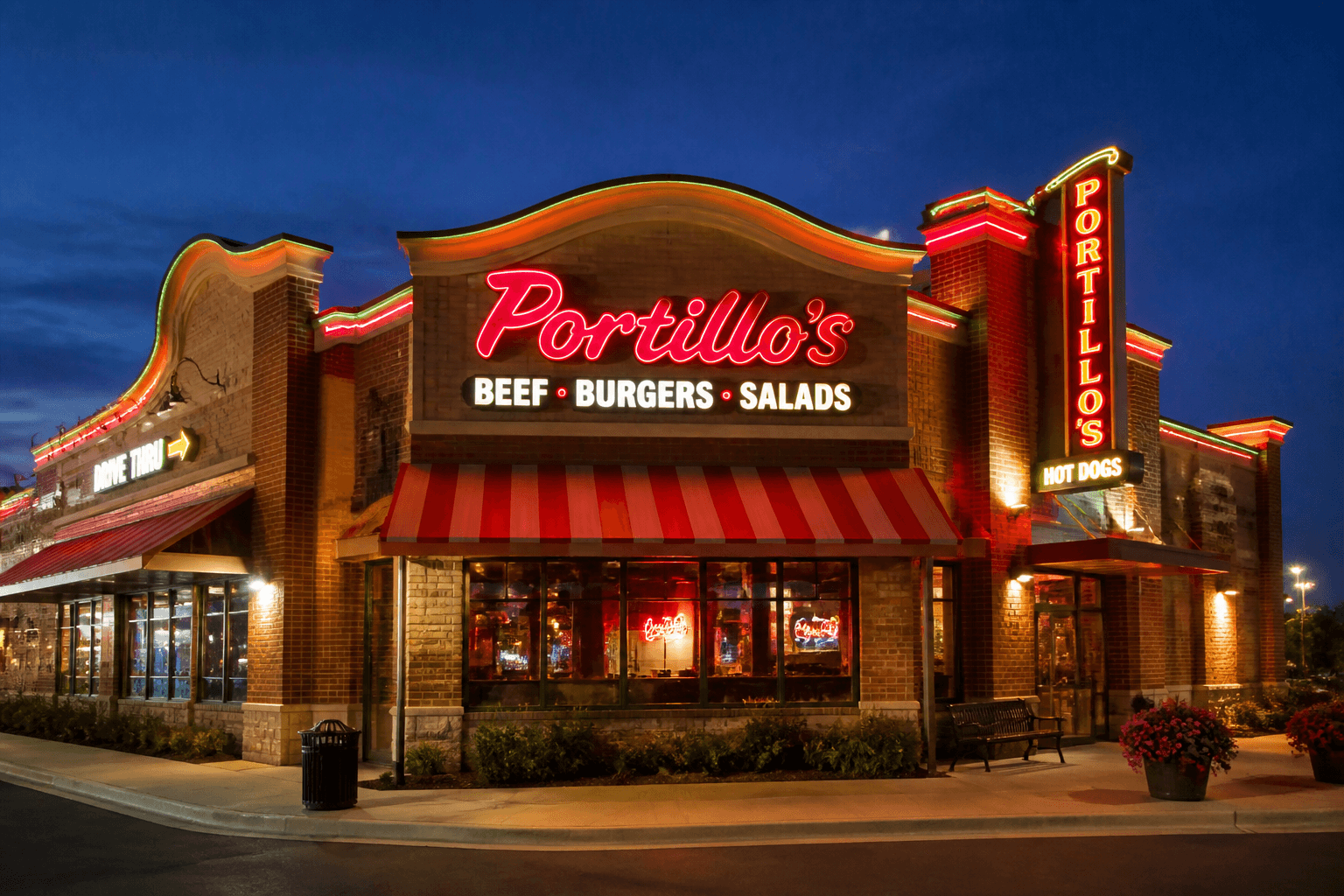
Portillo's Loses Culture Chief Amid Turnaround
Portillo's chief people officer Jill Waite departs as new CEO Brett Patterson reshapes leadership with layoffs and fresh executive hires.
Workforce
Oct 6, 2026
Portillo's chief people officer Jill Waite departs as new CEO Brett Patterson reshapes leadership with layoffs and fresh executive hires.
Oct 6, 2026
Uber is paying $2.3 billion to acquire ezCater, merging its catering network into Uber Eats and Uber for Business to enter workplace catering.
Oct 6, 2026
A new lawsuit claims McDonald's pricing tool pressures franchisees into algorithmic price-fixing, raising fresh antitrust questions for the chain.
Oct 6, 2026

True Food Kitchen filed for Chapter 11 bankruptcy, closing 12 locations and shrinking to 34 restaurants across 14 states amid $42.1 million in debt.
Oct 5, 2026

Snooze Eatery names industry veteran Amy Hom as COO, starting Sept. 28, to strengthen hospitality and operations ahead of its next growth phase.
Oct 5, 2026
Improve restaurant visibility with local SEO by optimizing Google Business Profile, targeting local keywords, managing reviews, and maintaining accurate online information.
Oct 5, 2026
Restaurants can control operating costs by tracking food, labor, rent, utilities, technology, marketing, and other expenses against sales.
Oct 5, 2026
Opening a second restaurant location requires readiness, clear goals, financial planning, funding, smart strategy, standardized operations, strong teams, and careful launch monitoring for sustainable growth.
Sep 30, 2026
Evaluate restaurant industry performance in Q3 2026 through key trends affecting restaurant sales, traffic, consumer spending, labor, costs, and technology.
Oct 2, 2026
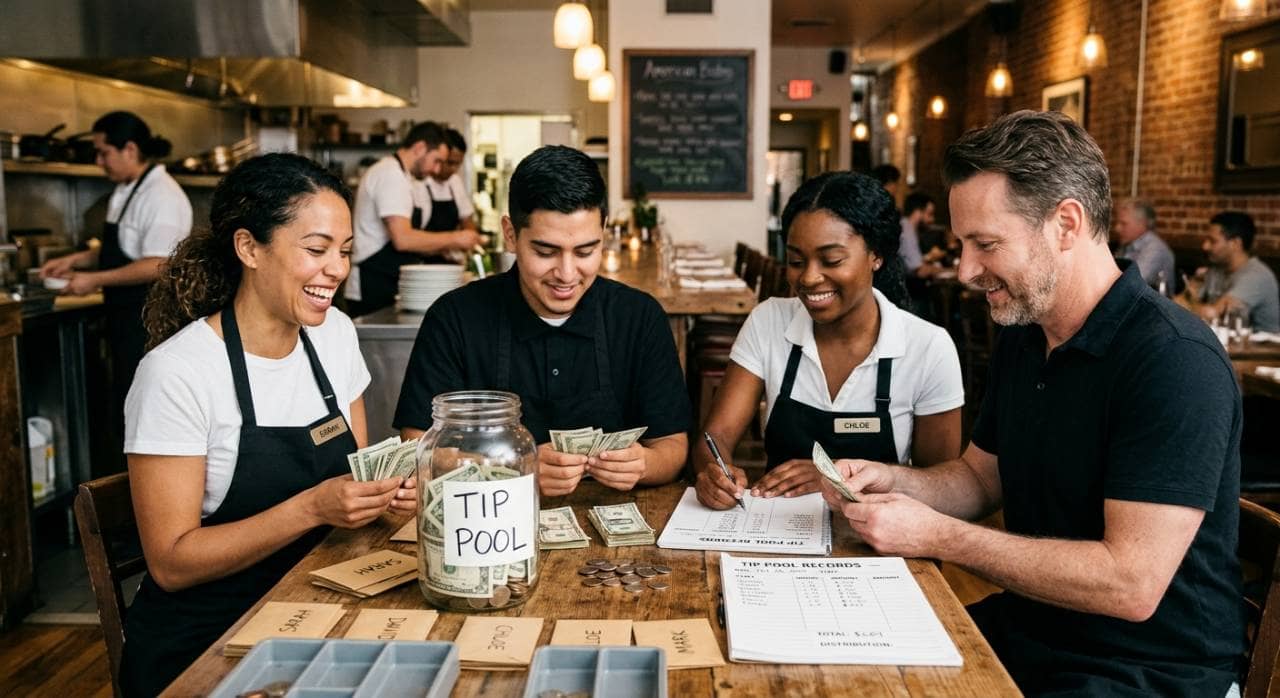
Understand tip pooling rules, employee eligibility, distribution methods, compliance requirements, recordkeeping practices, and policies restaurant owners need for proper tip management.
Oct 2, 2026

Unlock Exclusive Access To Webinars, Events, And The Latest News For Free!
Learn how social media marketing helps restaurants share food, promote offers, build engagement, measure performance, and turn followers into customers.

Restaurant owners need a clear social media strategy because posting without a plan often leads to inconsistent results. Many restaurants post only when they have time, launch a new menu item, or need more customers during a slow period. While these posts may help in the moment, they do not create a reliable marketing system. A strong strategy gives owners a simple plan for what to post, when to post, who they want to reach, and what action customers should take. For example, a restaurant that wants more lunch traffic may post weekday specials, quick meals, and takeout options. A restaurant focused on catering may share party trays, group packages, ordering deadlines, and event setup photos. A strategy also helps restaurants stay consistent. When customers regularly see posts about food, offers, events, and customer experiences, the restaurant stays top-of-mind when they are deciding where to eat.
Restaurant owners do not need to be active on every social media platform. The better approach is to choose platforms based on customer behavior, content type, and business goals. A restaurant with limited time should focus on the channels most likely to help people discover the brand, view menu items, engage with offers, and take action. 1. Use Instagram for food visuals and brand discovery. Instagram is one of the most useful platforms for restaurants because it is highly visual. Owners can post menu photos, Reels, Stories, customer tags, behind-the-scenes clips, limited-time offers, and event reminders. Pew Research Center data shows that 50% of U.S. adults use Instagram, and usage rises to 80% among adults ages 18 to 29. This makes Instagram especially valuable for restaurants targeting younger diners, brunch crowds, casual dining customers, and local food discovery. 2. Use Facebook for local reach and community engagement. Facebook is still important for restaurants because it reaches a broad age range and supports local updates, events, groups, reviews, and paid boosts. Pew data shows that 71% of U.S. adults use Facebook, and daily use is especially strong among adults ages 30 to 64. For restaurant owners, this makes Facebook useful for promoting family meals, catering, community events, holiday hours, live music, and neighborhood specials. 3. Use TikTok for short-form video and younger audiences. TikTok works well for restaurants that can create quick, casual videos. This may include food preparation, kitchen moments, menu reveals, staff personality, reactions, trending sounds, and "what to order" videos. Pew data shows that 37% of U.S. adults use TikTok, but the number is much higher among younger adults, with 63% of adults ages 18 to 29 using the platform. This makes TikTok useful for restaurants that want to increase awareness, especially among students, young professionals, and trend-driven diners. 4. Use YouTube Shorts for longer-lasting video visibility. YouTube has the broadest reach of the major platforms. Pew reports that 84% of U.S. adults use YouTube, and it is used by a majority of every adult age group. For restaurants, YouTube Shorts can be used for menu videos, chef tips, catering previews, local event promotions, and "best dish" clips. The advantage is that YouTube content can continue to appear through search and recommendations after the original posting date. 5. Use Google Business Profile posts for high-intent customers. Google Business Profile is not a traditional social media platform, but it is important for restaurant marketing because customers often find restaurants through Search and Maps when they are ready to visit, order, or call. Google allows restaurants to create posts for updates, offers, announcements, and events directly on their Business Profile. This makes it a strong channel for daily specials, limited-time promotions, holiday hours, menu updates, and events. The most efficient starting point is to choose two or three core platforms instead of trying to manage all of them. For many restaurant owners, a simple mix could be Instagram for visuals, Facebook for local community updates, and Google Business Profile for high-intent search traffic. Restaurants with strong video content can add TikTok or YouTube Shorts after they have a consistent posting routine.
A restaurant's social media profile should make it easy for customers to answer three questions quickly - What does this restaurant offer, where is it located, and how can I order or visit? Before posting daily content, restaurant owners should make sure each profile is complete, accurate, and built to support customer action. 1. Complete 100% of the basic business information. Every restaurant profile should include the restaurant name, address, phone number, website, hours, menu link, online ordering link, reservation link, and location. Google recommends that restaurants manage core business information, set special hours for holidays or events, and help customers get food directly from the Business Profile. 2. Add menu details, not just a menu link. Customers often check menus before deciding where to eat. Restaurant owners should upload a menu, add item names, descriptions, prices, and update menu information when dishes, specials, or pricing changes. Google's menu editor allows restaurants to add menu sections, dishes, descriptions, prices, menu photos, or a menu file. 3. Use photos as conversion assets. Strong profiles should include food photos, dining room photos, exterior photos, staff photos, and event photos. Google specifically recommends that restaurants upload photos and videos of the interior, exterior, and overall dining experience. For restaurant owners, this matters because customers are not only choosing food. They are also judging atmosphere, cleanliness, portion size, presentation, and whether the restaurant fits the occasion. 4. Add action buttons where available. A social media profile should not only attract attention. It should move customers toward a next step. Instagram business accounts can add action buttons such as Reserve and Order food, which help customers make reservations or place takeout and delivery orders directly from the profile. 5. Use profile posts for timely promotions. Restaurant owners should use profile updates to promote daily specials, events, limited-time offers, holiday hours, catering menus, and new menu items. Google Business Profile posts can include updates, offers, events, photos, videos, and action buttons that link customers to actions such as booking, ordering online, or learning more. 6. Keep branding consistent across every platform. The restaurant name, logo, colors, food photography style, tone of voice, and key links should match across Instagram, Facebook, TikTok, YouTube, and Google Business Profile. This makes the restaurant easier to recognize and reduces confusion when customers move from one platform to another. A strong restaurant profile works like a digital front door. If the information is missing, outdated, or unclear, customers may leave before they ever view a post. If the profile is complete, visual, and action-focused, every social media visit has a better chance of becoming a phone call, reservation, online order, catering inquiry, or in-person visit.
Restaurant owners should post content that helps customers decide what to eat, when to visit, and why the restaurant is worth choosing. 1. Post menu items that customers can understand quickly. Food content should be clear, close-up, and easy to connect to a purchase. Restaurant owners should post signature dishes, best sellers, new menu items, combo meals, desserts, drinks, family meals, and catering trays. Each post should include the item name, key ingredients, price when useful, and a simple action such as "order online," "try it today," or "available this weekend." 2. Share short videos for higher attention. Short-form video is one of the most useful formats for restaurant social media because it can show movement, texture, portion size, preparation, and atmosphere. Restaurants can film a burger being assembled, pasta being plated, coffee being poured, pizza coming out of the oven, or a catering order being packed. Since platforms like Instagram, TikTok, and YouTube all support short-form video, one video can often be repurposed across multiple channels. 3. Promote offers, events, and limited-time updates. Restaurants should post timely content when there is a reason for customers to act soon. This includes happy hour, lunch specials, seasonal menus, live music, game-day offers, holiday hours, private dining, catering deadlines, and limited-time dishes. Google Business Profile also allows businesses to post updates, offers, and events directly on Search and Maps, which can help customers decide to visit when they are already looking for restaurant options. 4. Use customer reviews and user-generated content. Customer photos, tagged posts, testimonials, and review snippets can help build trust because they show real customer experiences. Restaurant owners can reshare customer posts, thank guests for visiting, highlight positive review quotes, and encourage customers to tag the restaurant. Google also encourages businesses to respond to public customer reviews, which can help build trust with both new and returning customers. 5. Show behind-the-scenes operations. Behind-the-scenes content helps customers see the work behind the food. This may include prep work, kitchen organization, fresh ingredients, staff preparing for service, morning opening routines, catering setup, or how a popular item is made. This type of content makes the restaurant feel more transparent and personal without requiring a large production budget. 6. Highlight the restaurant experience, not only the food. Customers also choose restaurants based on atmosphere. Owners should post dining room photos, patio seating, bar areas, table settings, events, staff interactions, and busy service moments. Restaurant-focused Instagram guidance often recommends showing both food and interiors because the full dining experience influences customer interest. 7. Create posts for direct sales actions. Some posts should clearly move customers toward revenue. These can promote online ordering, reservations, gift cards, catering, private events, delivery, loyalty programs, and group meals. Instagram business profiles can support action buttons such as Reserve and Order food, making it easier for customers to take the next step from the profile. A simple content mix can help owners stay consistent, 40% food and menu posts, 20% short videos, 15% offers and events, 10% customer reviews, 10% behind-the-scenes content, and 5% direct sales posts. This keeps the page active, useful, and balanced while giving customers multiple reasons to visit, order, reserve, or share the restaurant with others.
A restaurant social media schedule should help owners stay consistent without turning marketing into a full-time job. The goal is to build a repeatable weekly system that keeps the restaurant visible, promotes the right offers, and gives customers clear reasons to visit, order, reserve, or share. 1. Start with 5 weekly content slots. A beginner-friendly schedule can include 2 menu posts, 1 short video, 1 offer or event post, and 1 customer or behind-the-scenes post each week. This gives the restaurant a balanced mix of food promotion, engagement, trust-building, and sales-focused content. For busy owners, this is more realistic than trying to post every day with no plan. 2. Match posts to customer buying moments. Restaurant content should be planned around when customers make decisions. Lunch specials should be posted before lunch traffic starts. Dinner promotions should go live before the evening decision window. Weekend events should be promoted several days in advance, not the same day. The schedule should support real sales windows, not just random posting times. 3. Batch content once or twice per week. Instead of creating content every day, owners can set aside one short block of time to capture photos and videos. A single prep session can produce several posts - one dish photo, one short kitchen video, one staff photo, one special offer, and one Story. This reduces daily pressure and helps the restaurant keep content ready before busy shifts. 4. Use scheduling tools to stay consistent. Meta Business Suite allows businesses to plan, schedule, and publish posts, Stories, and Reels across Facebook and Instagram from one place. This helps restaurant owners prepare content ahead of time instead of posting manually during service hours. Instagram also allows professional accounts to schedule posts and Reels in advance, with limits of up to 25 posts per day and up to 30 days in advance. 5. Build the schedule around weekly restaurant priorities. Each week, owners should choose the main business goal before posting. For example, if weekday lunch traffic is slow, the schedule should include lunch specials, quick-service meals, and office-friendly takeout posts. If catering is the goal, posts should show trays, group meals, order deadlines, and event setup. If reservations are the goal, posts should focus on atmosphere, dining room photos, date-night offers, and booking reminders. 6. Include Google Business Profile updates for high-intent customers. Social media planning should not stop with Instagram, Facebook, or TikTok. Google Business Profile posts can promote announcements, offers, updates, and event details directly on Search and Maps, where customers may already be looking for places to eat. This makes it useful for daily specials, holiday hours, limited-time menus, and local events. 7. Review performance every 7 days. A simple weekly review should track reach, engagement, profile visits, website clicks, online orders, reservations, calls, direct messages, and saves. Restaurant owners do not need to measure everything at once. They should focus on the numbers connected to their goal. If the goal is more online orders, link clicks and order activity matter more than likes. If the goal is awareness, reach, shares, and profile visits matter more. A simple posting schedule makes social media easier to manage because the owner is no longer starting from zero every day. With a clear weekly plan, the restaurant can stay visible, promote the right offers, and turn content into measurable customer action.
Social media engagement only matters if it helps customers take the next step. Likes, comments, shares, and views can create visibility, but restaurant owners should connect that attention to measurable actions such as orders, reservations, phone calls, catering inquiries, gift card purchases, and in-person visits. 1. Use one clear call to action per post. Every sales-focused post should tell customers what to do next. Examples include "Order online," "Reserve your table," "Call to book catering," "Visit us for lunch," "Try it this weekend," or "Send us a message to learn more." A post with no call to action may get attention, but it may not move customers closer to buying. 2. Match the call to action to the customer goal. If the goal is more takeout orders, the post should include an online ordering link, menu item photo, pickup details, and ordering deadline. If the goal is more reservations, the post should show the dining room, event details, date, time, and reservation link. If the goal is catering, the post should show trays, group portions, lead time, and contact information. 3. Track link clicks, not only likes. Likes can show interest, but clicks show stronger buying intent. Restaurant owners should track profile visits, website clicks, order link clicks, reservation link clicks, phone taps, direction requests, and direct messages. These numbers help owners understand whether social media is creating real customer movement. 4. Use promo codes to measure social sales. A restaurant can create simple codes such as "INSTAGRAM10," "FACEBOOKLUNCH," or "TIKTOKSPECIAL" to track which platform drives orders. Even a small number of redemptions can show which posts, offers, and channels are turning views into revenue. 5. Turn comments and messages into customer conversations. When customers ask about hours, menu items, pricing, reservations, allergens, catering, or delivery, the restaurant should respond quickly and clearly. A fast response can turn a simple question into an order or visit. Owners should also use saved replies for common questions so staff can answer faster without writing from scratch each time. 6. Promote high-value offers, not only discounts. Social media does not always need to rely on price cuts. Restaurants can promote family meals, catering packages, limited-time menu items, seasonal drinks, private events, loyalty rewards, bundles, and chef specials. These offers can increase order value while still giving customers a reason to act. 7. Use a simple conversion scorecard. Restaurant owners can review social media performance weekly using a basic scorecard - Reach - How many people saw the content Engagement - How many liked, commented, shared, or saved it Traffic - How many clicked the website, menu, order, or reservation link Leads - How many messages, calls, or catering inquiries came in Sales actions - How many orders, reservations, promo code redemptions, or event bookings were connected to the post The goal is to move customers through a simple path - see the post, understand the offer, click or message, and take action. When restaurant owners connect posts to measurable sales steps, social media becomes more than a branding tool. It becomes a practical marketing channel that can support daily revenue, repeat visits, and long-term customer growth.
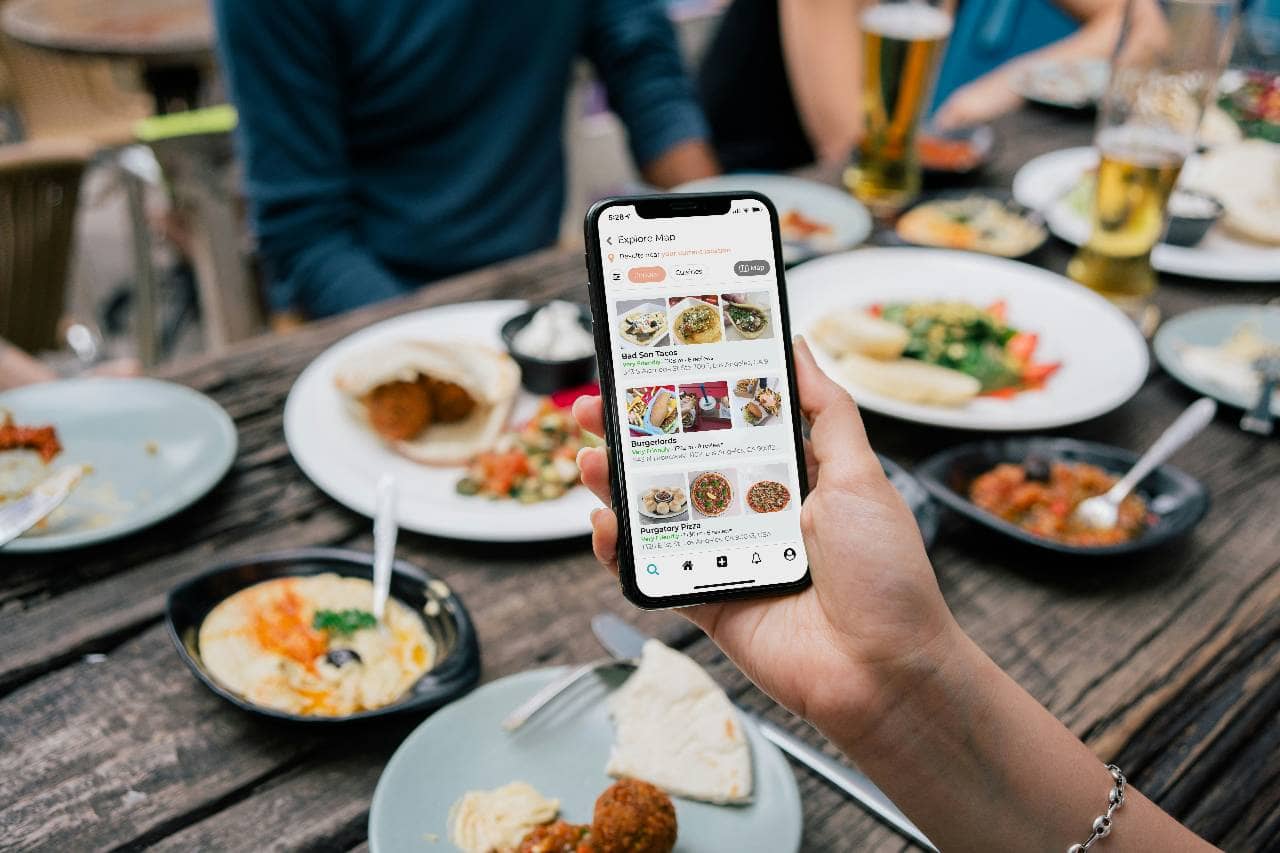
Restaurant owners should track social media results because posting alone does not show whether marketing is working. A post may get likes, but that does not always mean it is driving orders, reservations, calls, or visits. The goal is to connect social media activity to business outcomes, then use the data to improve what gets posted next. 1. Track reach to measure visibility. Reach shows how many people are seeing the restaurant's content. If reach is low, the restaurant may need better photos, stronger videos, more consistent posting, local hashtags, location tags, or more shareable content. Instagram Insights helps professional accounts review content performance and audience trends, while Facebook Page Insights helps businesses understand how people engage with their Page. 2. Track engagement to measure customer interest. Engagement includes likes, comments, shares, saves, replies, and sticker taps. For restaurants, saves and shares can be especially useful because they show that customers may want to remember a dish, send it to a friend, or plan a future visit. If food photos get likes but few saves or comments, owners may need stronger captions, clearer menu details, or more direct questions. 3. Track profile actions to measure buying intent. Restaurant owners should review profile visits, website clicks, direction requests, calls, messages, reservation clicks, and online ordering clicks. Google Business Profile performance reports show views, clicks, and other customer interactions from Search and Maps, which helps owners understand how people interact with the restaurant when they are already searching locally. 4. Track video performance separately. Short videos should be measured differently from static posts. Owners should review views, watch time, average view duration, shares, comments, and completion signals. YouTube Analytics, for example, includes reach, engagement, watch time, average view duration, and engaged views for Shorts. TikTok also provides business tools that allow account owners to access content and insights from a Business Account dashboard. 5. Track sales-related actions weekly. A simple restaurant scorecard should include - - Online order clicks - Reservation clicks - Phone calls - Direction requests - Direct messages - Promo code redemptions - Catering inquiries - Gift card purchases - Event bookings These numbers matter more than likes because they show whether social media is helping customers take action. 6. Compare content types every 30 days. Restaurant owners should review which posts performed best by category. For example, compare menu photos, Reels, customer reviews, staff posts, catering posts, event posts, and limited-time offers. If short videos drive more profile visits, create more videos. If catering posts drive more messages, post catering content more often. If happy hour posts get reach but no clicks, adjust the offer, timing, or call to action. 7. Use a simple improvement rule. Each month, owners can choose the top 3 posts and bottom 3 posts. For each one, review the topic, image or video quality, caption, posting time, offer, and call to action. The goal is to repeat what worked and fix what did not. This keeps social media marketing practical instead of emotional. 8. Connect social media data to restaurant goals. If the goal is more dine-in traffic, track direction requests, reservations, calls, and event interest. If the goal is more takeout, track online order clicks and promo code use. If the goal is catering, track messages, form submissions, and phone inquiries. If the goal is brand awareness, track reach, shares, profile visits, and follower growth. Social media marketing improves when owners treat it like a business system. The restaurant should post, measure, learn, and adjust. Over time, this helps owners spend less time guessing and more time creating content that brings customers closer to ordering, reserving, visiting, or sharing the restaurant with someone else.
