Starbucks Denies $50 Billion Chipotle Acquisition Rumor
Starbucks firmly denies rumors of a $50 billion Chipotle acquisition, shifting focus to its turnaround plan and upcoming Q4 earnings report.
News
Oct 12, 2026
Starbucks firmly denies rumors of a $50 billion Chipotle acquisition, shifting focus to its turnaround plan and upcoming Q4 earnings report.
Oct 12, 2026
Learn how to calculate restaurant labor costs, determine labor cost percentages, account for payroll expenses, track spending, and improve profitability through smarter staffing decisions.
Oct 9, 2026

September 2026 restaurant leadership changes highlight executive priorities around expansion, operations, franchising, technology, financial performance, customer engagement, and sustainable growth.
Oct 12, 2026

A cloud-based POS system helps restaurant owners streamline transactions, access real-time sales data, improve operational efficiency, manage costs, and support business growth.
Oct 12, 2026

Workforce management software helps restaurant owners streamline scheduling, time tracking, attendance, and labor costs, improve compliance, choose the right platform, and implement it effectively to save time and boost efficiency.
Oct 9, 2026
SignalFlare AI hires restaurant tech veteran Robert Peterson as CRO to drive adoption of its Navigator decision intelligence platform.
Oct 9, 2026
Reports of a Starbucks takeover bid for Chipotle sent shares in opposite directions, raising big questions about strategy, cost, and Brian Niccol's role.
Oct 9, 2026

CKE Restaurants names marketing veteran Alisa Gmelich President of Hardee's, tasking her with rebuilding franchisee trust and driving growth.
Oct 7, 2026

Understand overtime rules for restaurant employees, including eligibility, pay calculations, hours worked, compliance requirements, timekeeping, and overtime management.
Oct 7, 2026
POS data helps restaurant owners control food costs by improving purchasing, reducing waste, optimizing portions, analyzing profitability, and managing inventory.
Oct 7, 2026

Unlock Exclusive Access To Webinars, Events, And The Latest News For Free!
A cloud-based POS system helps restaurant owners streamline transactions, access real-time sales data, improve operational efficiency, manage costs, and support business growth.
A cloud-based POS (point-of-sale) system is a software solution that allows restaurants to process transactions, manage orders, and track sales data using internet-connected devices. Unlike traditional POS systems that rely heavily on local servers or computers, cloud-based POS systems store and manage much of their data through remote servers that authorized users can access online. For restaurant owners, this technology provides a centralized way to manage daily transactions and access important business information without being physically present at the restaurant. How Does a Cloud-Based POS System Work? A cloud-based POS system connects restaurant hardware, such as terminals, tablets, receipt printers, and payment devices, with software hosted on cloud servers. When an employee enters an order or processes a payment, the system records the transaction and synchronizes relevant information with the cloud. This process allows restaurant owners and managers to review sales reports, monitor business performance, and access available operational data from compatible devices. Depending on the software, information can also synchronize across multiple terminals and restaurant locations. For example, a restaurant owner managing three locations can use a centralized dashboard to compare sales, review transaction activity, and monitor performance without collecting separate reports from each restaurant. What Makes a Cloud-Based POS Different? The main difference is how the software is hosted and how users access their information. Traditional POS systems often depend on locally installed software and on-site infrastructure, while cloud-based systems rely on internet-connected services to store, process, and synchronize data. Cloud-based POS systems commonly offer - 1. Remote access - View sales reports and business information from authorized devices outside the restaurant. 2. Centralized data Access synchronized information across compatible terminals and locations. 3. Automatic updates Receive software improvements and security updates managed by the provider. 4. Third-party integrations - Connect POS data with accounting, inventory, online ordering, and workforce management tools. 5. Flexible expansion - Add terminals or locations without necessarily building a separate on-site server infrastructure. However, cloud-based POS systems still depend on compatible hardware, reliable connectivity, and the provider's service availability. Some systems offer offline functionality, but the available features vary by provider. Ultimately, a cloud-based POS is more than a tool for accepting payments. It can serve as a central source of sales and transaction data, helping restaurant owners monitor operations, evaluate performance, and make better-informed business decisions.
A cloud-based POS system connects the devices employees use to take orders and process payments with software hosted on cloud servers. It records transactions, synchronizes information, and organizes sales data so restaurant owners and managers can access it through authorized devices. Understanding how this process works helps restaurant owners determine which features they need and how a cloud-based POS can fit into their daily operations. Step 1. Enter Orders and Process Transactions The process begins when an employee enters a customer's order into a POS terminal, tablet, or other compatible device. The system records the items, quantities, prices, and applicable modifiers before calculating the total. When the customer pays, the POS works with the payment processor to complete the transaction. Depending on the restaurant's setup, the order may also be sent to a kitchen display system or printer so kitchen staff can begin preparing the food. Step 2. Synchronize Data With the Cloud The system sends relevant transaction information to its cloud infrastructure, where it can be stored and processed according to the provider's design. This information may include sales totals, payment records, menu data, and transaction timestamps. Cloud synchronization helps keep information consistent across connected devices. For example, when an authorized manager updates a menu price, that change can be distributed to compatible terminals without requiring each device to be updated separately. The exact synchronization process depends on the POS provider and the restaurant's internet connection. Step 3. Access Sales Reports and Business Information Once transaction data is available, the POS system organizes it into reports and dashboards. Restaurant owners can use these tools to review revenue, transaction counts, popular menu items, and sales trends over selected periods. Some systems also provide reporting by location, employee, service period, or payment type. These capabilities help owners identify changes in demand, evaluate menu performance, and investigate unexpected differences in sales. Step 4. Connect the POS With Other Restaurant Systems Many cloud-based POS platforms integrate with other business applications. Depending on the available integrations, sales data can flow into accounting software, inventory tools, online ordering platforms, and workforce management systems. These connections reduce the need to transfer information manually between separate applications. They can also give restaurant owners a more complete view of sales, labor, and inventory performance. What Happens When the Internet Goes Down? Internet connectivity is an important consideration because cloud-based POS systems rely on online services for many functions. If the connection fails, some systems can continue processing selected transactions through an offline mode, while others may lose access to important features. Before choosing a provider, restaurant owners should confirm which transactions work offline, how payments are handled, whether menu and order data remain available, and how information synchronizes after connectivity returns.
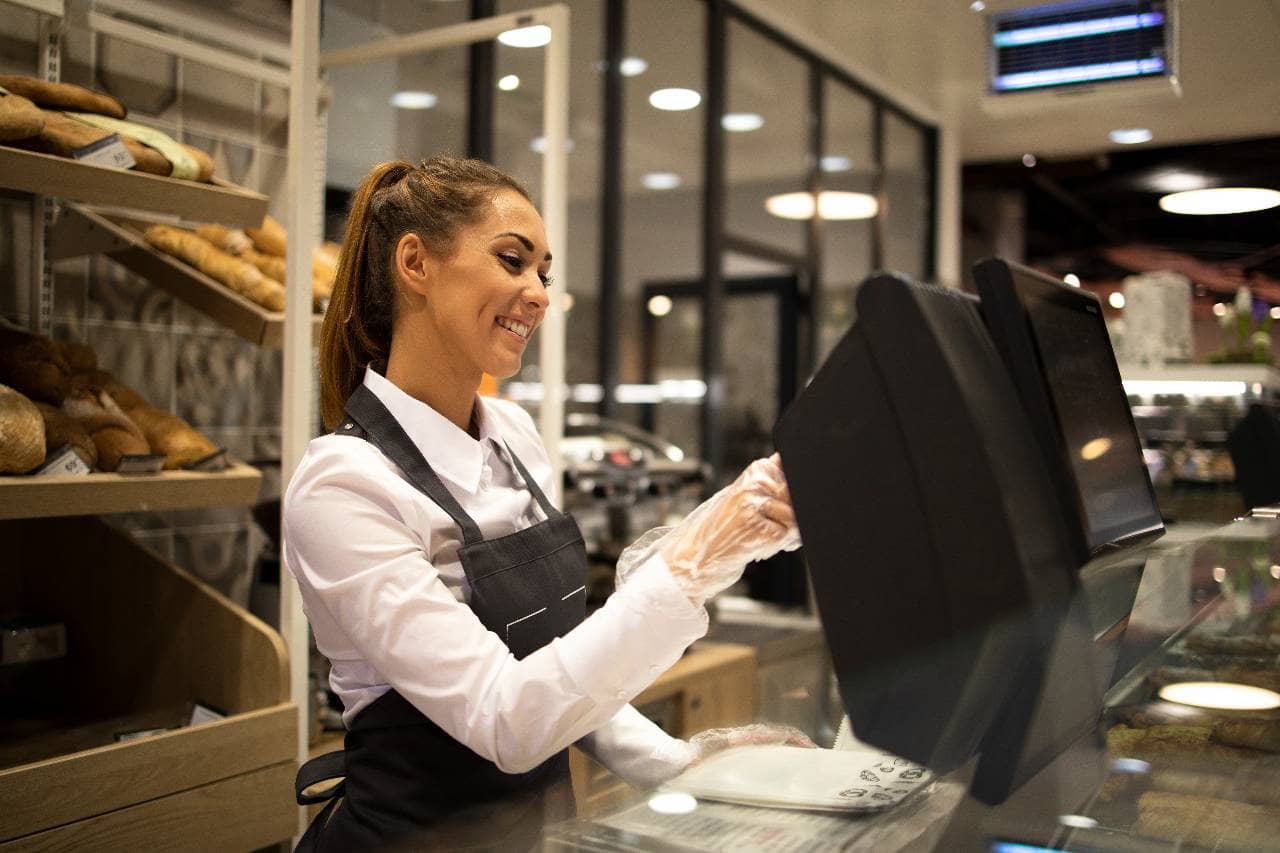
A cloud-based POS system does more than process customer payments. It can provide restaurant owners with tools to manage orders, track sales, update menus, and connect different parts of the business. The available features depend on the provider and subscription plan, so understanding the core capabilities helps owners choose a system that fits their operational needs. 1. Order Management Order management allows employees to enter, modify, and track customer orders through a centralized interface. Depending on the system, restaurants can manage dine-in, takeout, delivery, and online orders from connected channels. Features such as table management, order modifiers, split checks, and kitchen display integrations help staff coordinate service and reduce manual entry errors. 2. Payment Processing A cloud-based POS can work with compatible payment terminals to accept credit cards, debit cards, contactless payments, and other supported payment methods. Restaurant owners should review supported payment types, transaction fees, refund procedures, and settlement reporting. Some providers require specific payment processors or hardware, while others offer more flexibility. 3. Sales Reporting and Analytics Sales reporting organizes transaction data into useful business metrics. Restaurant owners can review revenue, average transaction values, menu item performance, and sales patterns by day or service period. Multi-location reporting may also allow owners to compare performance across restaurants. These insights can support decisions about menu pricing, staffing levels, promotions, and purchasing. 4. Menu Management Menu management tools allow authorized users to update item descriptions, prices, modifiers, and availability. Depending on the platform, changes can be distributed across compatible terminals and connected ordering channels. Centralized menu management is particularly useful for restaurants with seasonal menus, frequent price changes, or multiple locations. Access permissions can also help prevent unauthorized changes. 5. Inventory Management Some cloud-based POS systems include inventory features, while others connect with dedicated inventory management software. These tools can use sales data to help restaurants track ingredient usage, monitor stock levels, and identify products that need replenishment. When properly configured, inventory integrations can help restaurant owners compare actual usage with expected usage and investigate potential waste or discrepancies. 6. Employee Management Depending on the platform and integrations, a cloud-based POS can provide employee-specific sales reports, user permissions, and shift-related information. Some systems also support employee clock-ins or labor reporting through built-in tools or connected workforce management software. These capabilities help managers review employee activity and protect sensitive functions, such as refunds, discounts, and cash adjustments, with role-based access. 7. Third-Party Integrations Integrations connect the POS with other restaurant applications, including accounting, payroll, loyalty programs, online ordering, and workforce management software. For example, a POS integration with accounting software can reduce manual sales-data entry, while a connection with workforce management software can help managers compare sales and labor information. Before selecting a system, restaurant owners should confirm that the required integrations are available, compatible with their existing tools, and included in the expected subscription cost.
A cloud-based POS system can help restaurant owners improve operational visibility, simplify daily tasks, and make decisions using more accessible business data. By connecting transactions, reporting, and compatible restaurant applications, these systems can reduce manual work and give managers greater control over their operations. The benefits depend on the system's capabilities, how well it integrates with existing tools, and how effectively the restaurant uses the available data. 1. Access Restaurant Data Remotely Cloud-based POS systems allow authorized users to access sales reports and other available business information through compatible devices. Restaurant owners can review performance without being physically present at a register or accessing an on-site computer. Remote access is particularly useful for owners who oversee multiple locations or need to monitor business activity outside operating hours. Instead of waiting for employees to prepare reports, owners can review available information through a centralized dashboard. 2. Monitor Sales Performance in Real Time Many cloud-based POS systems update dashboards as transactions are processed and synchronized. Restaurant owners can use these reports to monitor revenue, transaction volume, average check size, and menu item performance throughout the day. Access to timely sales data can help managers recognize changes in customer demand and adjust operational decisions. For example, reviewing sales by service period can help identify when additional staffing or inventory may be needed. Actual reporting speed depends on connectivity, synchronization settings, and the provider's capabilities. 3. Reduce Manual Administrative Work Restaurant employees often spend time compiling sales reports, transferring transaction data, and updating information across different applications. A cloud-based POS with appropriate integrations can automate some of these tasks. For example, connecting the POS to accounting software can reduce manual entry of sales records. Integrating it with inventory software can also help transfer sales information for ingredient tracking and purchasing decisions. Automation does not eliminate every administrative task, but it can reduce repetitive work and help employees focus on higher-priority responsibilities. 4. Simplify Software Updates and Maintenance Traditional POS installations may require more hands-on maintenance, depending on their architecture. Cloud-based platforms generally allow providers to manage software updates centrally, reducing the need for restaurant staff to install every update manually. Updates can introduce new features, improve performance, and address security issues. Restaurant owners should still confirm how updates are scheduled, whether advance notice is provided, and whether any changes require staff training or hardware upgrades. 5. Improve Multi-Location Management Restaurants operating multiple locations need consistent menus, reporting standards, pricing controls, and user permissions. A cloud-based POS can centralize these functions when the platform supports multi-location management. Owners may be able to compare sales across locations, distribute menu updates, and review performance using the same reporting structure. This can make it easier to identify differences between restaurants and maintain consistent operating procedures. 6. Connect Restaurant Operations Integrating the POS with accounting, inventory, online ordering, and workforce management tools can create a more connected operating environment. When systems share accurate and timely information, managers can spend less time reconciling separate records. They may also be able to compare sales, inventory usage, and labor data to understand how different operational factors affect restaurant performance. 7. Support Business Growth Cloud-based POS platforms can offer a flexible way to add users, terminals, and locations as a restaurant expands. Depending on the provider, new locations may be managed through the existing platform without requiring a separate on-site server installation. However, expansion can still involve additional subscription fees, hardware purchases, integration work, and staff training. Restaurant owners should evaluate these costs before assuming that a cloud-based system will automatically be less expensive as the business grows.
Choosing between a cloud-based POS and a traditional POS system depends on a restaurant's budget, infrastructure, operational requirements, and plans for growth. Both systems can process transactions and manage sales, but they differ in how software is hosted, how data is accessed, and how updates and maintenance are handled. Understanding these differences helps restaurant owners evaluate which option offers the right balance of functionality, reliability, and cost. 1. Data Storage and Accessibility Traditional POS systems often rely on locally installed software and on-site servers or computers to store and manage data. Depending on the setup, accessing reports from outside the restaurant may require a separate remote-access solution. Cloud-based POS systems use cloud infrastructure to store, process, and synchronize data. Authorized users can typically access available reports and management tools through an internet-connected device. For restaurant owners overseeing multiple locations, centralized access can simplify reporting and make it easier to compare performance across the business. 2. Upfront and Ongoing Costs Traditional POS systems may require a larger initial investment in software licenses, servers, and specialized hardware. Maintenance, upgrades, and technical support can add to the total cost over time. Cloud-based POS systems commonly use subscription pricing, creating recurring software expenses rather than relying entirely on a large upfront software purchase. Hardware, payment processing, installation, and premium features may still involve additional costs. Restaurant owners should compare the total cost of ownership over several years instead of assuming that either model is automatically cheaper. 3. Software Updates and Maintenance With traditional POS systems, updates may require manual installation, on-site technical assistance, or coordination with the software provider. The amount of maintenance depends on the system's age, architecture, and support arrangements. Cloud-based systems generally allow providers to deploy updates centrally. This can simplify maintenance, although restaurants may still need to update compatible devices, review new features, or address hardware problems. Owners should confirm whether updates happen automatically, whether they can be scheduled, and what support is available if an update disrupts operations. 4. Internet Connectivity and Offline Operations Internet dependency is one of the most important differences to evaluate. A traditional POS system designed to operate locally may continue processing certain transactions during an internet outage, depending on its payment setup and integrations. Cloud-based POS systems may also offer offline modes, allowing selected functions to continue when connectivity is interrupted. However, offline capabilities vary significantly between providers. Some features, such as centralized reporting or synchronization across locations, may become temporarily unavailable. Before purchasing a system, restaurant owners should determine whether orders can still be entered, payments accepted, and receipts printed during an outage. 5. Integrations and Scalability Cloud-based POS systems often support integrations with online ordering platforms, accounting applications, inventory tools, and workforce management software. Their centralized architecture can also simplify the management of multiple locations. Traditional systems may offer integrations and expansion options as well, but compatibility can depend on the software version, hardware, and available technical support. Restaurant owners planning to expand should verify that the POS can accommodate additional locations, users, terminals, and third-party applications without requiring a costly replacement. Which POS System Is Better for Your Restaurant? A cloud-based POS may be a strong option for restaurants that need remote access, centralized reporting, frequent software updates, and connections with other business applications. A traditional or locally operated POS may suit restaurants that prioritize local infrastructure or have specific requirements for operating independently of internet-based services.
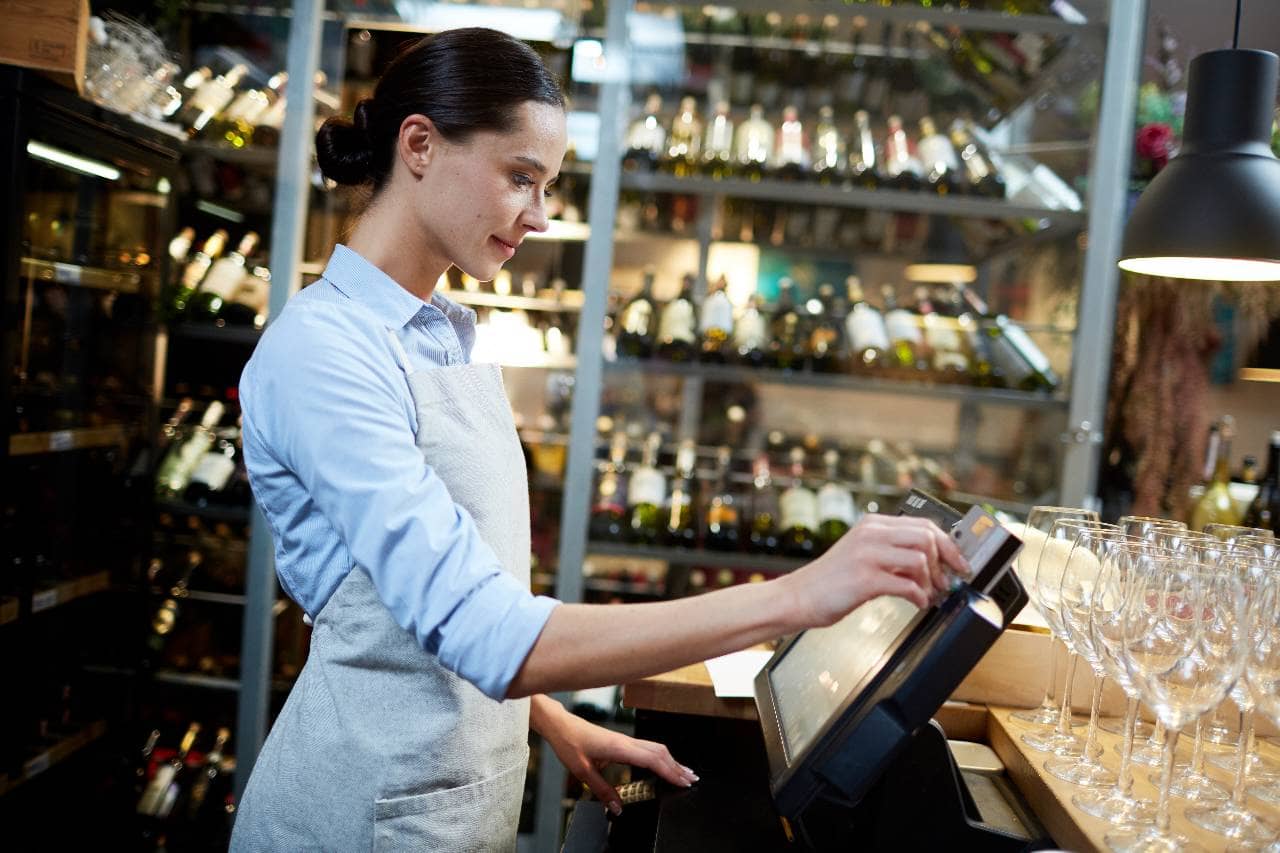
The cost of a cloud-based POS system depends on the restaurant's size, number of terminals, required features, payment processing arrangements, and subscription plan. While cloud-based systems can reduce the need for certain on-site infrastructure, restaurant owners still need to account for software fees, hardware, installation, and ongoing operating expenses. Evaluating the full cost helps restaurants choose a system that fits their budget without sacrificing essential functionality. 1. Software Subscription Fees Most cloud-based POS providers charge recurring fees, typically monthly or annually. Pricing may be based on the number of terminals, locations, registers, or features included in the plan. Basic subscriptions may cover order entry, payment processing integration, and standard reporting. More advanced plans may include inventory management, customer loyalty tools, employee permissions, and multi-location reporting. Before committing to a subscription, restaurant owners should confirm which features are included and whether additional users, locations, or integrations require a higher-priced plan. 2. Hardware and Equipment Although cloud-based POS software is hosted remotely, restaurants still need compatible equipment to process transactions and manage orders. Depending on the setup, hardware expenses may include- POS terminals or tablets - Devices employees use to enter orders and access the software. Receipt printers - Equipment for printing customer receipts and other transaction records. Kitchen printers or display systems - Tools for communicating orders to kitchen staff. Payment terminals - Devices that accept card and contactless payments. Network equipment - Routers and other hardware needed to maintain reliable connectivity. Some providers offer hardware bundles, leasing options, or compatibility with existing equipment. Checking hardware requirements before purchasing can help prevent unnecessary expenses. 3. Payment Processing Fees Payment processing is an ongoing expense that can significantly affect the total cost of operating a POS system. Processing fees may include a percentage of each transaction, a fixed fee per transaction, or a combination of both. Rates depend on the payment processor, transaction type, card network, and contractual terms. Some POS providers require restaurants to use a specific payment processor, while others support multiple providers. Restaurant owners should compare processing rates, transaction fees, chargeback costs, settlement terms, and any additional service charges before signing an agreement. 4. Installation, Setup, and Training Implementing a cloud-based POS may involve configuration, menu setup, data migration, hardware installation, and employee training. Some providers include these services in their subscription packages, while others charge separate implementation fees. Training is particularly important because employees need to understand order entry, payment handling, refunds, discounts, and procedures for resolving common problems. Restaurants replacing an existing system should also account for the time required to transfer menu data, configure integrations, and test transactions before switching over. 5. Integration and Additional Service Fees Connecting a POS with accounting, inventory, payroll, online ordering, or workforce management software may require additional subscriptions or integration fees. Other potential expenses include premium reporting, advanced customer loyalty features, dedicated support, and additional data storage or services. Restaurant owners should review the entire technology setup rather than evaluating the POS subscription in isolation. A lower-priced plan may become more expensive if essential capabilities require several paid add-ons. 6. Evaluate the Total Cost of Ownership The total cost of ownership includes both the initial investment and the recurring expenses required to operate the system. To compare providers accurately, calculate the expected costs over a defined period, such as three years. Include software subscriptions, hardware, payment processing, setup, training, integrations, support, and potential replacement equipment. Also consider the operational value the system may provide. Automated reporting, fewer manual data-entry tasks, and better visibility into sales can offer financial benefits, but the actual savings depend on the restaurant's processes and how effectively the system is used.
Selecting a cloud-based POS system requires more than comparing prices or choosing a platform with the most features. Restaurant owners need a solution that fits their service model, supports daily operations, integrates with existing software, and accommodates future growth. Evaluating a few essential factors before purchasing can help prevent costly implementation problems and ensure the system meets the restaurant's needs. 1. Identify Your Restaurant's Operational Needs Start by identifying the problems the POS system needs to solve. A quick-service restaurant may prioritize fast order entry, kitchen communication, and takeout integration. A full-service restaurant may need table management, split checks, and flexible menu modifiers. Restaurants with multiple locations may require centralized reporting, consistent menu settings, and location-specific permissions. List the essential functions before comparing vendors. This helps narrow the options and prevents paying for features that provide little operational value. 2. Evaluate Essential Features Compare the capabilities of each platform against your restaurant's requirements. Important features may include - Order management - Support for dine-in, takeout, delivery, and online orders. Payment processing - Compatibility with preferred payment methods and processors. Sales reporting - Access to revenue, transaction, and menu performance data. Inventory management - Tools or integrations for tracking stock and ingredient usage. Employee management - User permissions and connections to timekeeping or workforce management software. Multi-location controls - Centralized reporting and menu management for restaurants with multiple sites. Prioritize features that directly support operational efficiency, financial visibility, and customer service. 3. Compare Pricing and Contract Terms Request a detailed breakdown of subscription fees, hardware expenses, payment processing charges, implementation costs, and optional integrations. Review the contract for minimum terms, automatic renewals, cancellation conditions, and additional charges for expanding the system. If the restaurant plans to open more locations, determine how pricing changes as the business grows. Comparing the total cost over several years provides a more useful picture than evaluating monthly subscription fees alone. 4. Check Integrations and Compatibility A cloud-based POS should work with the other applications the restaurant depends on. Depending on the business, these may include accounting software, inventory management, online ordering, payroll, and workforce management platforms. Confirm that the required integrations are supported and determine whether they are included in the subscription or require additional fees. Ask how frequently information synchronizes and what happens when an integration fails. Also verify that existing terminals, printers, payment devices, and network equipment are compatible before purchasing new hardware. 5. Test Ease of Use and Customer Support Employees need to learn the system quickly and use it reliably during busy service periods. A complicated interface can increase training time and create unnecessary order-entry mistakes. Request a demonstration and test common tasks, such as entering orders, modifying menu items, processing refunds, and generating sales reports. If possible, involve managers and employees who will use the system daily. Evaluate customer support availability, response times, training resources, and procedures for escalating urgent technical problems. 6. Verify Security and Offline Capabilities Ask vendors about data encryption, user permissions, backup procedures, account security, and payment protection. Confirm how the provider handles outages and whether the system can continue processing selected transactions without an internet connection. Review data export options and ownership terms so the restaurant can retain access to important records if it changes providers. These considerations are especially important for restaurants that cannot afford prolonged interruptions during operating hours. 7. Request a Demonstration Before Committing A product demonstration helps restaurant owners verify whether a platform meets their requirements in practice. Prepare a checklist of essential tasks and ask the vendor to demonstrate how each one works. Evaluate the system's interface, reporting capabilities, integration options, and administrative controls. Ask about implementation timelines, data migration, staff training, and the support available after launch. Before signing a contract, confirm that the features demonstrated are included in the proposed subscription and that any promised integrations or services are documented. Choosing the right cloud-based POS involves balancing functionality, cost, reliability, and ease of use. Restaurant owners who evaluate these factors carefully can select a system that supports current operations while providing the flexibility needed for future growth.
