How Workforce Management Software Works
Behind the scenes, workforce management software follows a simple cycle - you set up your team, build a schedule, track the hours people actually work, and turn that data into payroll and reports. Each step feeds the next, which is what keeps the system accurate and saves managers from re-entering the same information in multiple places.
Step 1. A Central Employee Database
Everything starts with a profile for each team member. This typically includes contact details, job roles (server, line cook, host, bartender), pay rates, certifications, and availability. Managers can also record preferences, such as maximum weekly hours or preferred shifts.
Because this information lives in one place, the software can use it to make scheduling smarter. For example, it can prevent you from assigning a dishwasher to a bartending shift, or flag a team member who is unavailable on a given day.
Step 2. Building and Publishing the Schedule
Managers create schedules using a drag-and-drop calendar, reusable templates, or automated suggestions based on availability and expected demand. As shifts are built, the software can display projected labor costs in real time, so you can see the financial impact of each decision before the schedule goes out.
Once published, employees are notified instantly through the mobile app, email, or text. They can confirm shifts, request swaps, or submit time-off requests directly in the platform, and managers can approve or decline with a tap.
Step 3. Clocking In and Tracking Time
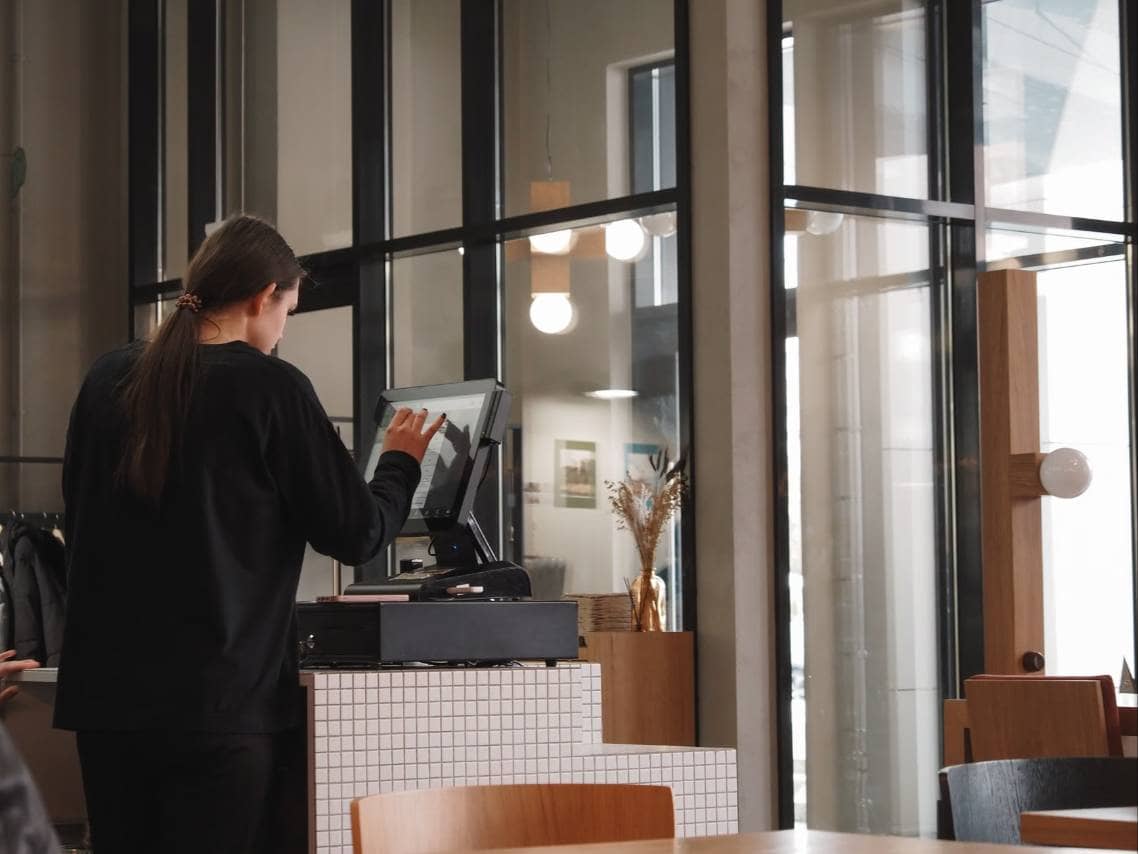
When it's time to work, employees clock in through the method your restaurant chooses. Common options include a mobile app, a tablet or terminal at the restaurant, a POS system login, or a PIN code. Some platforms add geofencing, which only allows clock-ins from within a set distance of the restaurant, or photo verification to reduce buddy punching.
Throughout the shift, the software records start times, breaks, and clock-out times, then compares them to the schedule. If someone clocks in early, runs long on a break, or is approaching overtime, managers can be alerted in real time rather than discovering it on payday.
Step 4. Turning Hours Into Payroll Data
At the end of a pay period, approved timesheets are compiled automatically. Hours are totaled, overtime is calculated according to the rules you've set, and the data is ready to be sent to your payroll provider. This removes much of the manual math and cuts down on transcription errors, which are a common source of payroll disputes.
Mobile Apps and Web Dashboards
Most platforms offer two main interfaces. The web dashboard is where owners and managers do the heavier work, such as building schedules, running reports, and adjusting settings. The mobile app is built for speed and convenience, letting employees check shifts or swap them on the go, and letting managers approve requests or respond to call-outs from anywhere.
Workforce management software becomes more powerful when it connects to the other tools you already use -
- POS systems share sales data, which allows the software to compare labor against revenue and forecast staffing needs.
- Payroll providers receive hours and pay data directly, reducing manual entry.
- Accounting software can receive labor cost information for cleaner financial records.
These connections mean data flows automatically instead of being copied from one system to another.
Real-Time Data and Reporting
Because every action, from publishing a schedule to clocking out, is captured as it happens, the software can produce up-to-date reports at any moment. Owners and managers can see who is on the clock right now, how today's labor cost compares to sales, and where overtime is building up. This visibility allows adjustments during a shift, such as sending someone home early during a slow stretch, instead of reviewing the damage after the fact.