





How to Rank Your Restaurant on Google Maps
Improve restaurant Google Maps rankings by optimizing your business profile, selecting accurate categories, gathering reviews, adding photos, and strengthening local relevance signals.

Understand How Google Maps Rankings Work
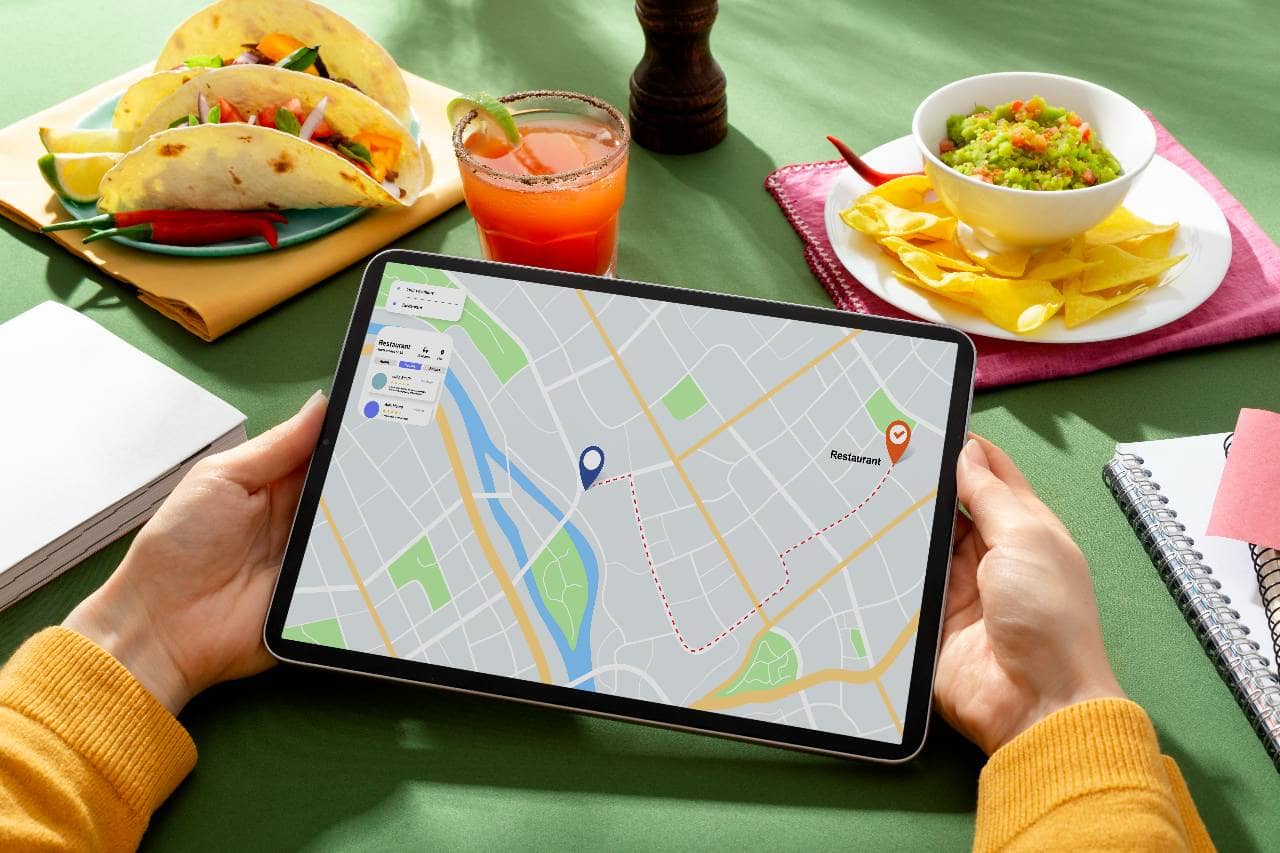
Before optimizing a restaurant for Google Maps, it is important to understand what influences where a business appears in local search results. Google considers several signals when determining which businesses to show for searches such as "restaurants near me," "Italian restaurant near me," or "best restaurants in [city]." Three primary factors are relevance, distance, and prominence. Relevance refers to how closely a restaurant matches what a customer is searching for. Google uses information from the restaurant's Google Business Profile and other online sources to understand what the business offers. Choosing accurate categories, providing complete business information, and clearly describing the restaurant can help establish this relevance. Distance refers to how close the restaurant is to the location associated with the search. A restaurant located closer to the searcher may be more relevant for a location-based query. Restaurant owners cannot control where customers search from, but they can make sure their address and location information are accurate. Prominence relates to how well-known and established a business appears to be online and in the real world. Factors such as customer reviews, links from other websites, and overall online presence can contribute to a restaurant's prominence. Google does not use a single optimization tactic to guarantee a higher Maps position. Instead, restaurants should build a complete and accurate local presence. A well-maintained Google Business Profile, consistent business information, relevant categories, quality photos, and genuine customer reviews all provide useful signals about the restaurant. Understanding these factors gives restaurant owners a foundation for improving their Google Maps visibility without relying on shortcuts or keyword stuffing.
Optimizing Your Google Business Profile
Before you can rank, you need a fully claimed and verified Google Business Profile (GBP) - the free listing that controls how your restaurant appears in Google Search and Maps. If you haven't claimed yours yet, this is the non-negotiable first step; everything else in this guide builds on top of it. Verify ownership and lock down your NAP Start by claiming your listing through Google Business Profile Manager and completing the verification process (usually by phone, email, or postcard). Once verified, double-check that your Name, Address, and Phone number (NAP) are entered exactly as they appear on your storefront, website, and any other online listings. Inconsistent NAP data across the web - even small differences like "St." vs. "Street" or an old phone number on a food delivery app - can confuse Google and weaken your local relevance signals. This consistency matters enough that it feeds directly into the local citation work covered later in this guide. Fill out every available field An incomplete profile is a weak profile. Google rewards listings that give it - and users - as much useful information as possible. Go through every section of your GBP and fill it in completely - 1. Hours of operation, including special holiday hours 2. Attributes (outdoor seating, wheelchair accessible, good for kids, accepts reservations, etc.) 3. Service options (dine-in, takeout, delivery, curbside pickup) 4. Price range ($, $$, $$$) 5. Menu link, or better yet, a fully built-out menu directly in the profile 6. Phone number and website URL Each of these fields does double duty - it helps Google match your listing to relevant searches (someone filtering for "outdoor seating" or "delivery"), and it reduces friction for a diner deciding whether to visit. Write a natural, keyword-aware business description Your business description is a chance to reinforce relevance without keyword-stuffing. Mention your cuisine type, neighborhood, and a few defining characteristics (family-owned, wood-fired oven, rooftop patio) in plain, conversational language. Avoid cramming in repetitive keywords like "best Italian restaurant downtown best Italian food" - Google's systems are sophisticated enough to penalize that approach, and it reads poorly to customers too. Aim for two to four sentences that sound like they were written by a person who genuinely knows the restaurant, because they will directly shape how both Google and diners understand what you offer. A fully completed, accurate, and verified profile is the foundation everything else rests on - categories, reviews, and photos all layer on top of this base.
Primary and Secondary Categories
Category selection is one of the most powerful - and most underestimated - relevance signals in Google's local ranking algorithm. It directly tells Google what kind of business you are and which searches you should show up for, so getting it right (or wrong) can make an outsized difference in your visibility. Why your primary category carries so much weight Your primary category is the single strongest signal Google uses to match your listing to a search query. A generic choice like "Restaurant" tells Google very little, while a specific one like "Italian Restaurant," "Sushi Restaurant," or "Steakhouse" immediately aligns you with the searches that matter most to your business. Before finalizing yours, think about how customers actually search. Someone looking for a quick lunch is far more likely to type "ramen near me" than "restaurant near me," and your primary category should reflect that specific intent whenever an accurate option exists. It's worth periodically checking what category your closest, best-ranking competitors are using. Google Business Profile offers thousands of category options, and many restaurant owners default to something broad simply because it was the first option that came up during setup. Taking a few extra minutes to find the most precise match available can meaningfully improve how often you appear in relevant searches. Layering in secondary categories Once your primary category is locked in, secondary categories let you capture additional relevant searches without diluting your core identity. A restaurant might reasonably add categories like "Caterer," "Wine Bar," "Breakfast Restaurant," or "Delivery Restaurant" if those genuinely reflect services offered. The key word is genuinely - every category should accurately describe something your business actually does. Adding secondary categories purely to appear in more searches (a category that doesn't reflect real services) risks confusing Google's algorithm and can even trigger a listing suspension if it's flagged as misleading. Revisit categories periodically Categories aren't a "set it and forget it" element. If you add a new service - say, you start offering catering or open a private event space - update your categories to reflect that shift. Similarly, if Google introduces new, more specific category options over time (which it periodically does), check whether a more precise fit has become available for your business. Getting categories right ensures that all the optimization work elsewhere in your profile - reviews, photos, posts - is being applied to a listing that's already correctly matched to the right audience.
Building a Steady Stream of Positive Reviews
Reviews are one of the clearest prominence signals Google uses to decide which restaurants deserve top placement - and they're just as influential with human diners, who often treat a listing's star rating and recent feedback as the deciding factor between two nearby options. For ranking purposes, three dimensions matter most - quantity (how many reviews you have), quality (your average rating), and recency (how consistently new reviews are coming in). A restaurant with 40 reviews and a steady trickle of new ones each week will typically outperform a competitor with 200 reviews that stopped coming in a year ago. Why recency matters as much as volume It's tempting to think of reviews as a one-time milestone to hit, but Google's algorithm favors businesses that show ongoing activity and relevance. A steady, natural flow of new reviews signals that a restaurant is currently operating, currently popular, and currently delivering a consistent experience - all things Google wants to confirm before recommending you to searchers. The most sustainable review strategy is simply making it easy for satisfied customers to leave feedback in the moment their experience is freshest. Effective, policy-compliant approaches include - 1. QR codes on receipts, table tents, or near the exit that link directly to your Google review page 2. Receipt prompts with a short, friendly note asking guests to share their experience 3. Follow-up texts or emails (for restaurants that collect contact info through reservations or loyalty programs) sent a few hours after the visit 4. Verbal requests from staff during natural moments, like when a guest compliments a dish Avoid anything that crosses into incentivized or filtered reviews - offering discounts in exchange for reviews, or only asking customers who seem happy while skipping over neutral or dissatisfied ones. Google's guidelines explicitly prohibit review gating, and violations can result in reviews being removed or, in more serious cases, the profile being suspended. Responding to every review Replying to reviews - both glowing and critical - shows Google (and future customers) that the business is actively managed and engaged. A short, genuine response to a five-star review reinforces good will, while a calm, professional reply to a negative review can actually build trust with people reading it later, since it demonstrates accountability. Aim to respond within a few days rather than letting reviews sit unanswered for weeks, and avoid generic copy-paste replies where possible; specific, personalized responses read as more authentic to both users and, likely, to Google's systems evaluating engagement quality. Consistent review activity, paired with thoughtful responses, builds the kind of prominence signal that compounds over time - each new review adds a small amount of trust that accumulates into stronger rankings.
Using Photos and Visual Content
Photos are one of the most immediate ways a restaurant listing communicates quality - often before a searcher reads a single review or menu item. Listings with a strong, current library of photos consistently see higher engagement - more clicks, more direction requests, and more calls, all of which feed back into Google's prominence signals as indicators that people find the listing useful and worth acting on. Why photo volume and freshness matter Google's own data has long shown that businesses with more photos tend to receive significantly more engagement than those with only a handful of stock or outdated images. But it's not just about quantity - freshness matters too. A profile that hasn't added a new photo in two years can read as inactive, even if the restaurant is thriving, while regular photo uploads signal an actively maintained, currently operating business. What to prioritize photographing A well-rounded photo library should cover more than just food, though food is naturally the centerpiece. Aim to include - - High-quality food shots of signature dishes and best-sellers, ideally shot in natural light - Interior photos that give diners a sense of ambiance - seating areas, bar, private rooms - Exterior photos that help people recognize the storefront when driving or walking by, which also supports "distance" relevance since it aids navigation and recognition - Team photos, showing chefs at work or staff in action, which add a human, trustworthy element - Event or special occasion photos, like a holiday menu setup or live music night Photos should be well-lit, in focus, and genuinely representative of the current dining experience - misleading or outdated images (like a discontinued dish or a renovated space that looks nothing like the photos) tend to generate frustration and can hurt reviews down the line. Encouraging user-generated photos Customer-uploaded photos carry particular weight because they read as organic, third-party validation rather than self-promotion. Encourage diners to snap and share photos naturally - a nicely plated dish or an inviting table setting tends to get photographed without much prompting, but a small sign near the register or a mention from staff ("tag us if you post a photo!") can nudge the habit along. Keeping visuals seasonally updated Menus change, seasons change, and decor sometimes changes too. Refreshing your photo library a few times a year - new seasonal dishes, holiday decor, a patio that's only open in summer - keeps the listing feeling current and gives both Google and potential customers an accurate, up-to-date picture of what to expect on a visit today.
Strengthening Local Relevance Signals
Beyond your Google Business Profile itself, Google looks at how consistently and accurately your restaurant is represented across the broader web to help confirm your location, legitimacy, and relevance to nearby searches. These external signals work alongside your GBP to reinforce the same core story - that your restaurant is a real, established, locally relevant business. Local citations and directory consistency A citation is any online mention of your restaurant's NAP (Name, Address, Phone number), typically found on directories like Yelp, TripAdvisor, Door Dash, Grubhub, and industry-specific food directories. Google cross-references these citations to validate the information on your Business Profile, so consistency across all of them is critical. Even small discrepancies - a suite number included on one directory but not another, or an old phone number lingering on a listing you forgot about - can create small doubts that add up. Start by searching for your restaurant name across major directories and auditing what's currently listed. Claim any unclaimed profiles, correct outdated information, and prioritize the platforms most relevant to restaurants specifically (reservation platforms and food-focused directories tend to carry more weight than generic business directories). Location-specific language across your listing Weaving natural, location-specific language into your Google Posts, business description, and Q&A responses reinforces exactly where you are and what neighborhood or area you serve. Mentioning your neighborhood, nearby landmarks, or the district you're part of (for example, referencing a downtown arts district or a specific street) helps Google associate your listing with hyper-local searches, not just broad city-wide ones. This should always read naturally - written for a real customer first, with location context woven in rather than forced. Connecting your website back to your location Embedding a Google Map on your website's contact or location page creates another consistency signal between your website and your Business Profile. Pair this with locally relevant content on your site itself - a blog post about a neighborhood food festival you participated in, or a page describing your location's history - which can reinforce local relevance without feeling like an artificial SEO tactic. These signals are quieter than reviews or photos, but they contribute to the overall picture of legitimacy and local rootedness that Google's algorithm is trying to assess. Taken together, these off-profile signals act as a support system for everything happening on your Google Business Profile itself - each accurate, consistent mention of your restaurant elsewhere on the web adds a small amount of confirming evidence to what Google already sees on your listing.
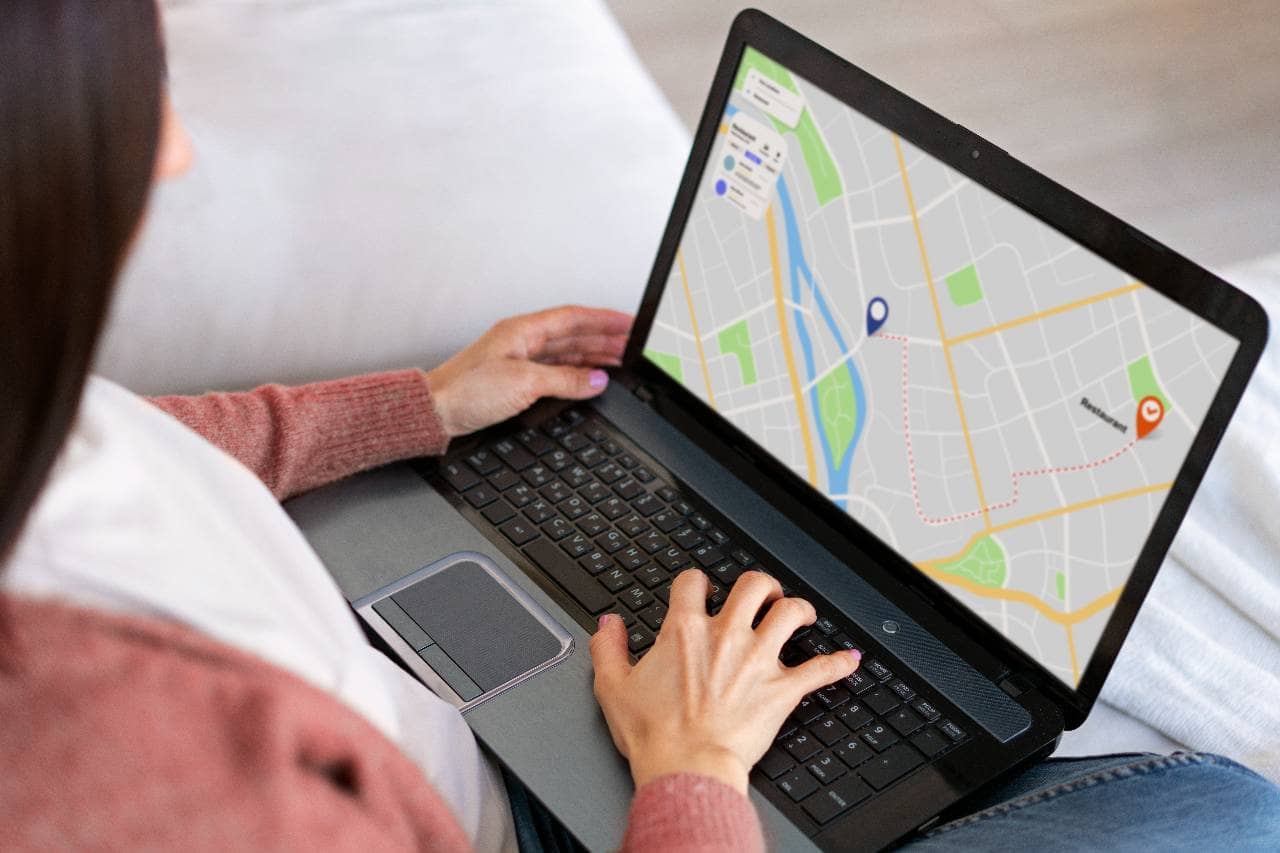
Google Posts, Q&A, and Menu Updates
Beyond the core profile setup, Google gives restaurant owners several tools to keep a listing active and informative on an ongoing basis. These features don't just add polish - they signal to Google that the business is currently operating and engaged, while giving potential customers the specific, timely details that often tip a decision in your favor. Using Google Posts for promotions, events, and specials Google Posts function similarly to a short social media update, appearing directly on your Business Profile. They're a low-effort, high-value way to highlight what's new - a weekend brunch special, a live music night, a seasonal menu launch, or a holiday closure notice. Posting regularly (weekly or biweekly is a reasonable cadence) keeps your listing looking active, which supports the same "recency" signal that fresh reviews and photos contribute to. Each post should include a clear, short description, a strong photo, and where relevant, a call-to-action button (like "Book" or "Order Online"). Posts typically expire after seven days, so treat them as an ongoing habit rather than a one-time task - building a simple recurring reminder into your week or month can keep this from falling off the priority list. Proactively filling out the Q&A section The Q&A section allows anyone - not just the business owner - to ask and answer questions about a listing. Left unmanaged, this section can accumulate outdated or inaccurate answers from random users, which can mislead potential customers. Take control of it by seeding the section yourself with the questions you know customers frequently ask - Do you take reservations? Is there parking nearby? Do you have vegan options? Answering these directly, as the business owner, ensures accurate information stays front and center rather than leaving it to chance. Monitor the section periodically (monthly is usually sufficient) to answer any new questions that come in and to correct or downvote any inaccurate user-submitted answers you spot. Keeping menu items, prices, and specials current An outdated menu is one of the most common sources of customer frustration - and it undermines the accuracy Google is trying to reward. Whenever prices change, items are discontinued, or new dishes are added, update the menu section of your Business Profile promptly. If you use a menu link to an external page instead of building it out natively, make sure that page itself stays current, since a broken or stale menu link creates the same negative impression as no menu at all. Together, these three tools - Posts, Q&A, and an accurate menu - keep your listing feeling like a living, actively managed profile rather than a static page set up once and forgotten, which is exactly the kind of business Google's algorithm is designed to favor.
Monitoring Performance
Ranking on Google Maps isn't a one-time project - it's an ongoing process of small adjustments informed by real data. Google Business Profile provides built-in analytics that reveal exactly how customers are finding and interacting with your listing, and reviewing this information regularly turns guesswork into an informed strategy. Using Google Business Profile Insights Within your Business Profile dashboard, the Insights (sometimes labeled Performance) section shows a range of useful metrics, including - - How customers search for your business, split between direct searches (people searching your restaurant by name) and discovery searches (people searching a category or product that led them to you) - Where customers view your business, whether through Google Search or Google Maps - Customer actions, including website visits, direction requests, and phone calls generated directly from your listing - Photo views, compared against similar businesses in your category This data helps you understand not just whether people are finding you, but how - which shapes where to focus your ongoing effort. Identifying what's actually working Look for patterns over time rather than reacting to single-week fluctuations. If discovery searches are climbing, it's a sign your category and description optimization are paying off. If direction requests spike after you upload new photos, that's a signal to keep investing in visual content. If a particular Google Post drove a noticeable bump in website clicks, consider replicating that type of content going forward. Insights won't hand you a strategy outright, but consistently reviewing it helps you understand which actions are actually moving the needle for your specific restaurant, rather than applying generic best practices blindly. Building a regular maintenance routine Because ranking factors like recency and activity carry real weight, treat Google Business Profile management as an ongoing routine rather than a checklist you complete once. A simple, sustainable cadence might look like - 1. Weekly - Post an update, respond to any new reviews, check for new Q&A submissions 2. Monthly - Review Insights data, add a handful of new photos, confirm menu and hours accuracy 3. Quarterly - Audit citations across directories for consistency, reassess category selection, refresh the business description if needed This kind of steady, low-effort maintenance compounds over time. Each review response, fresh photo, and accurate update reinforces the same signals Google is already looking for - relevance, distance, and prominence - keeping your restaurant visible to the diners searching for exactly what you offer.